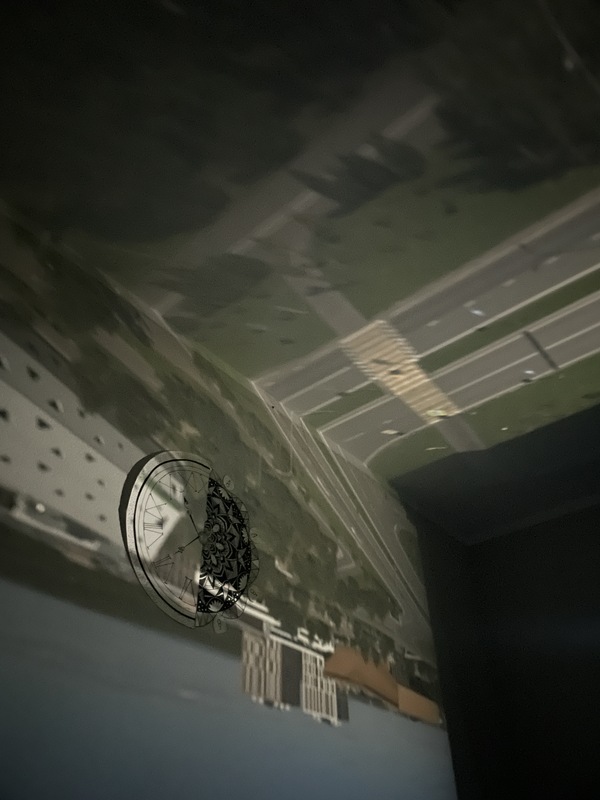
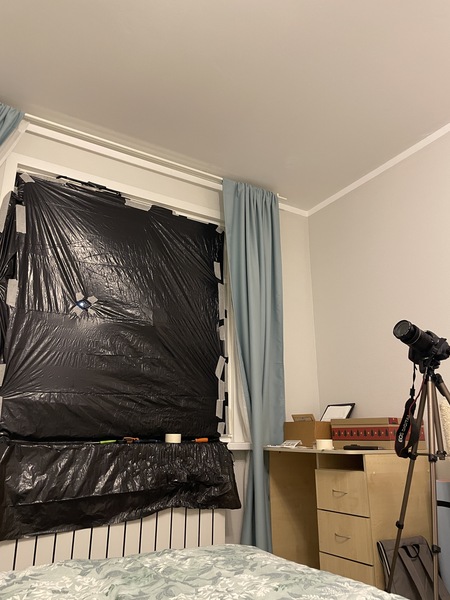
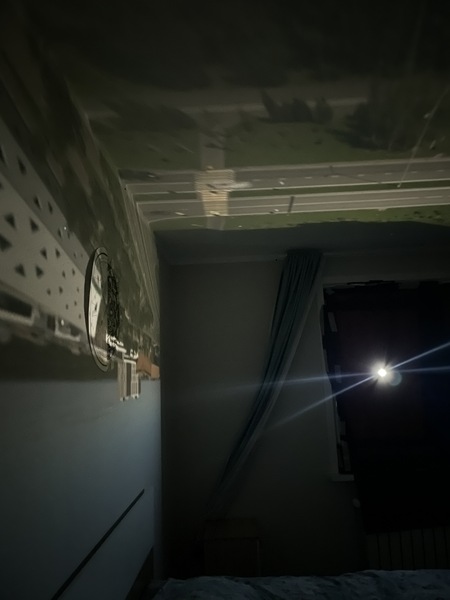
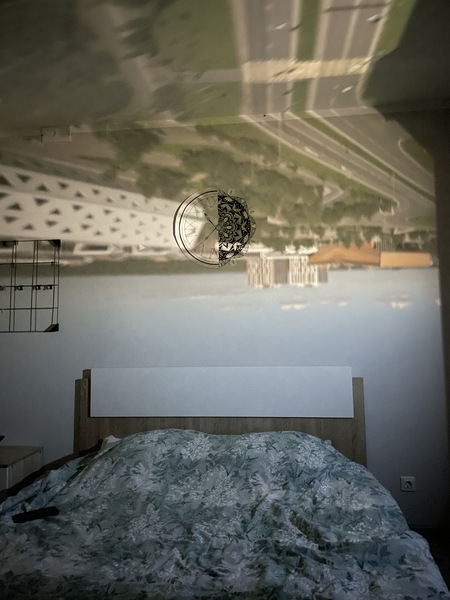
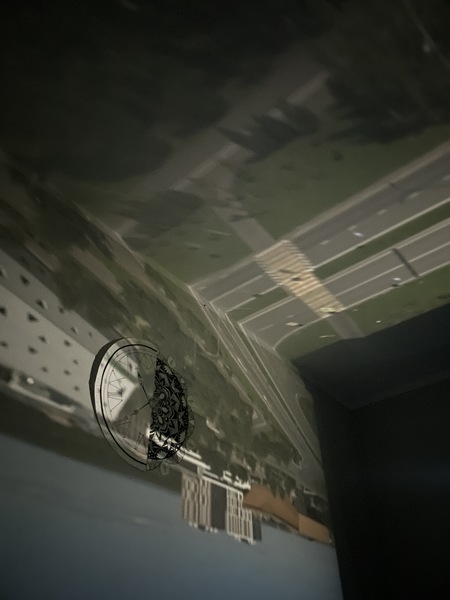
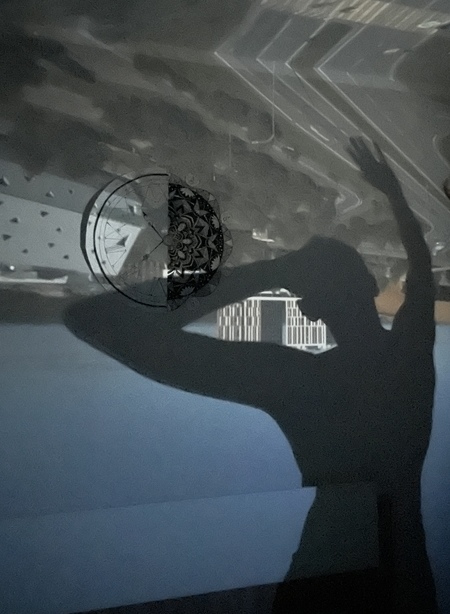
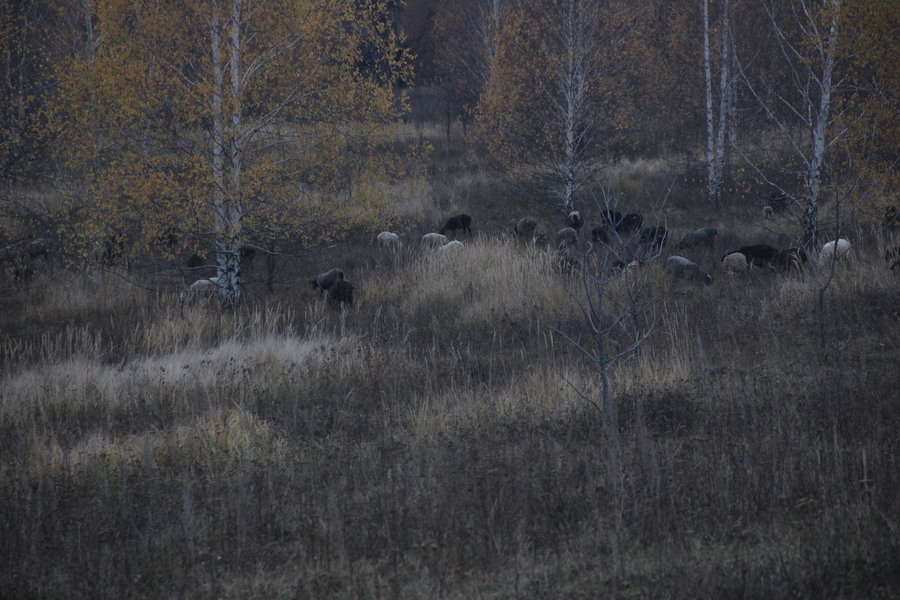
Первое домашнее задание было сделать камеру-обскура. Я решила сделать её из окна своей комнаты. Окна обтянуты черными полиэтиленовыми пакетами, для проникновения света сделано небольшое отверстие и закреплено клейкой черной лентой.
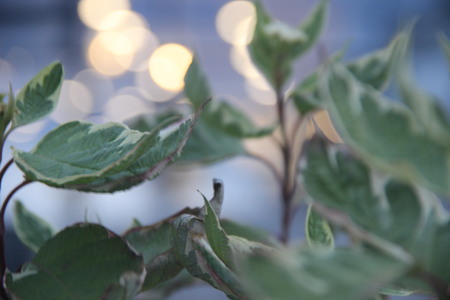
Глубина резкости
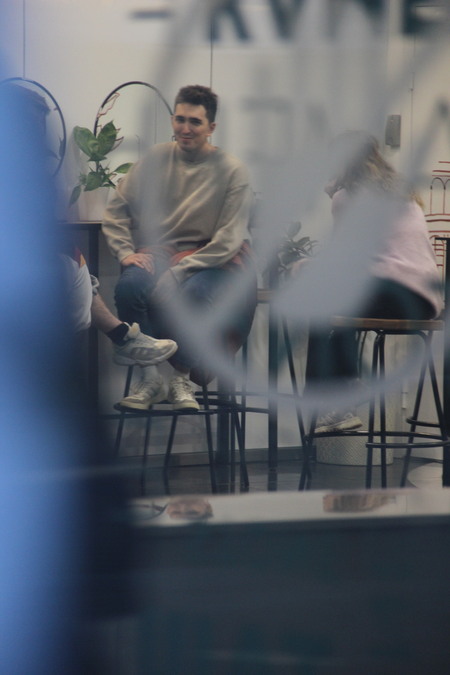
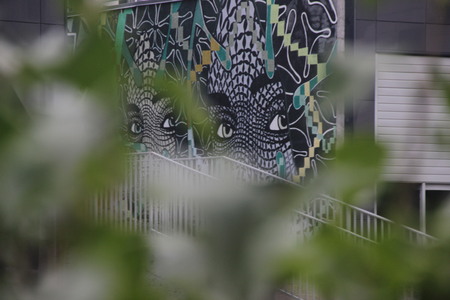
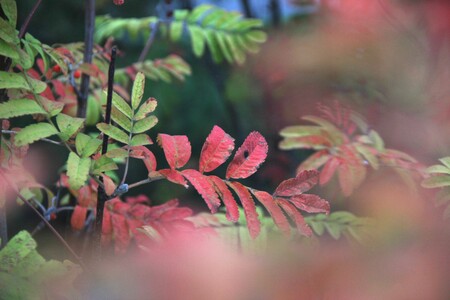
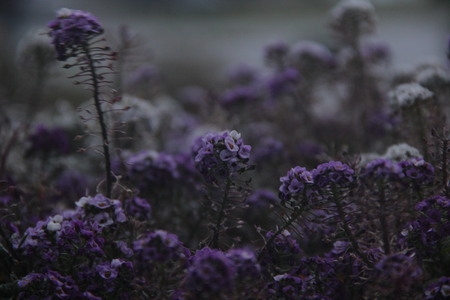
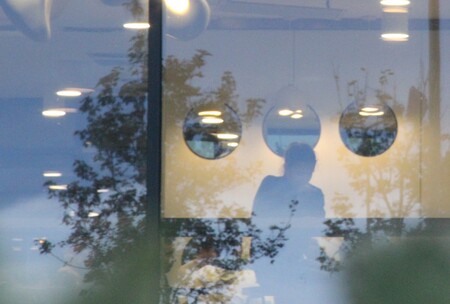
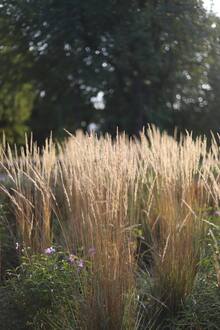
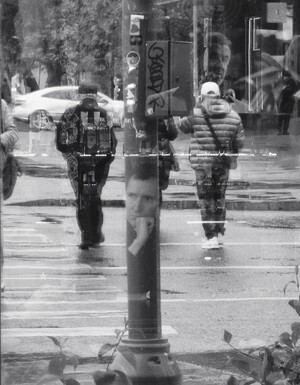
По теме «Глубина резкости» мне очень понравились работы фотографа Saul Leiter, постаралась сделать несколько снимков в похожем стиле.
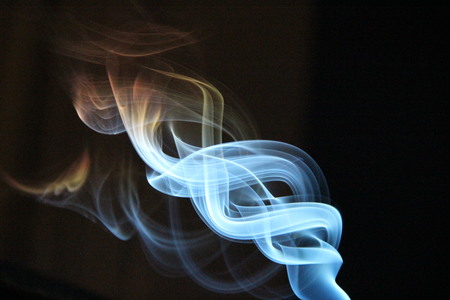
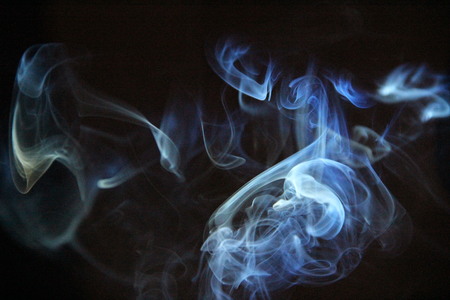
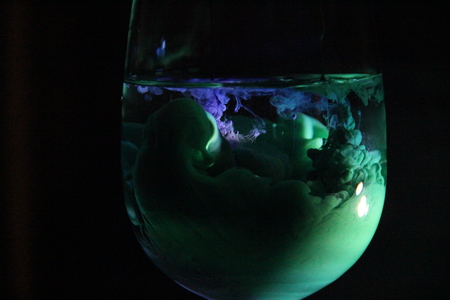
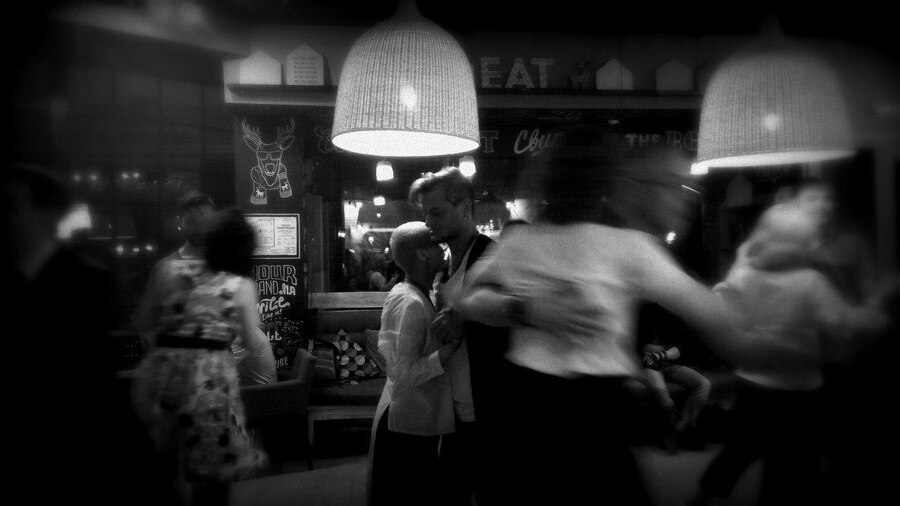
Короткая выдержка
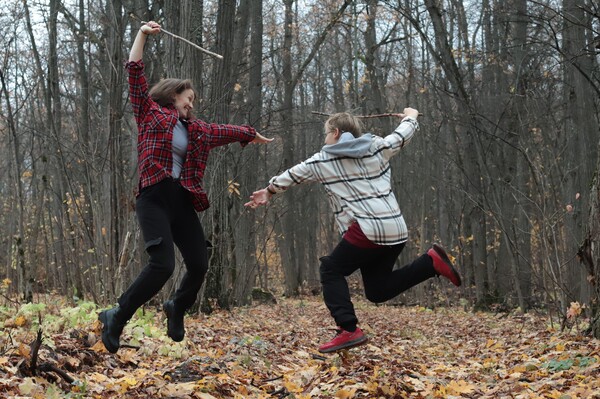
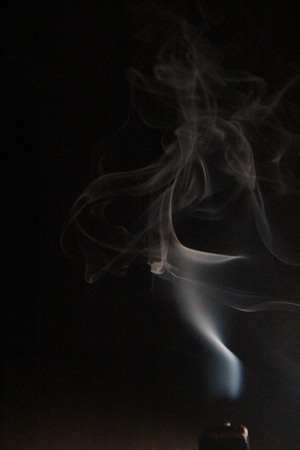
Для выполнения домашнего задания по теме «Короткая выдержка» я использовала боковое цветное освещение для дыма. Также фотографировала краски в воде и людей в движении.
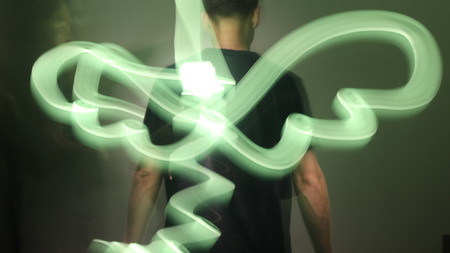
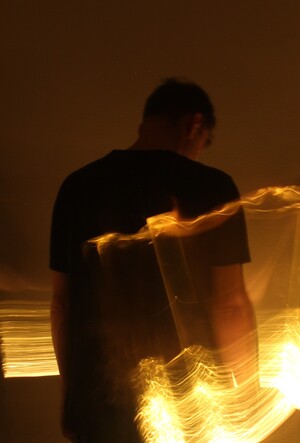
Длинная выдержка
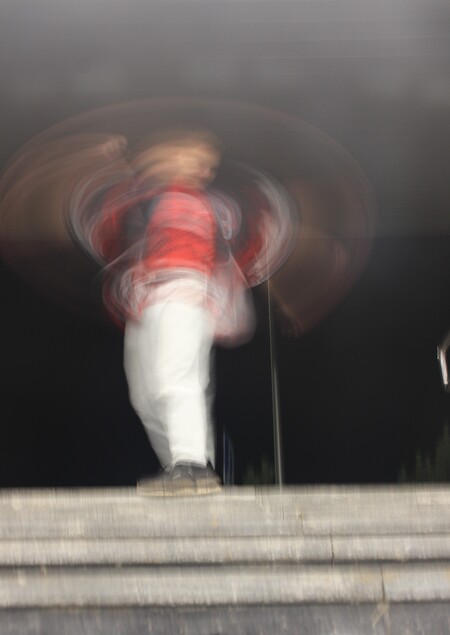
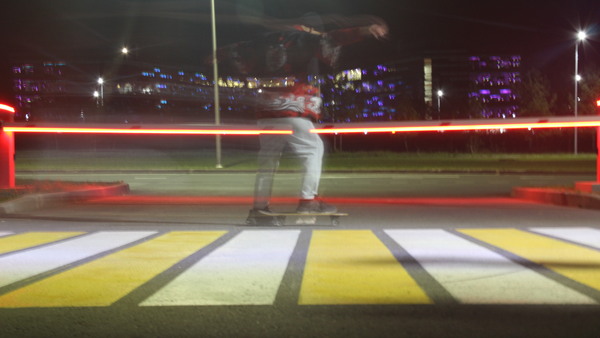
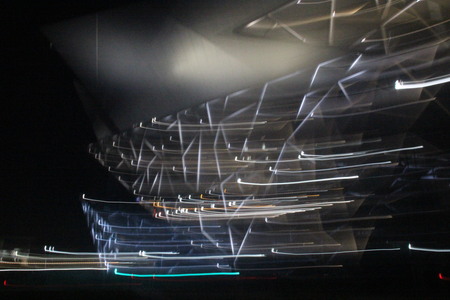
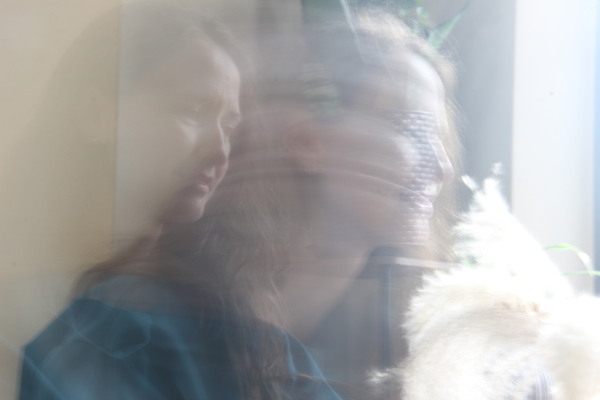
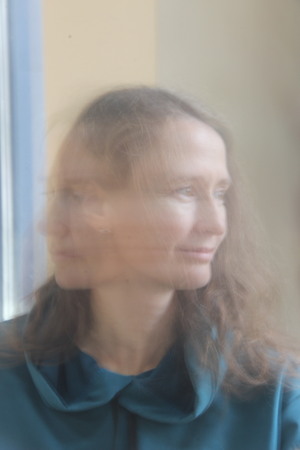
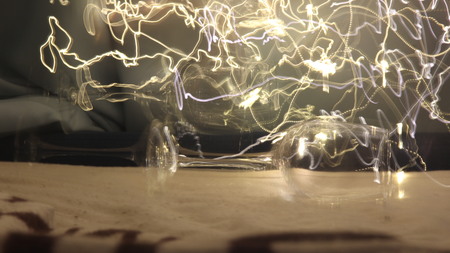
По теме «Длинная выдержка» я работала со светом, людьми и также использовала движение камерой для съемки архитектурных объектов.
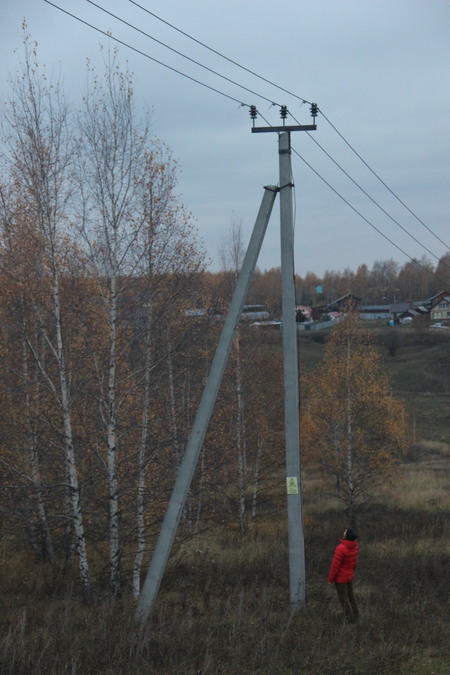
Композиция
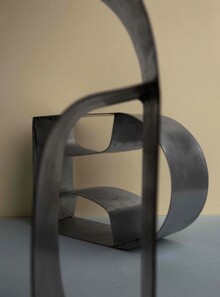
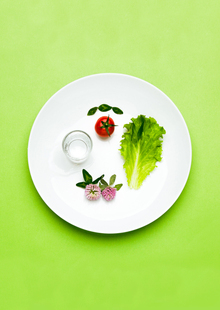
Тема «Большое и маленькое» в композиции далась мне тяжело. Я пыталась найти сюжеты по своему небольшому городу, но удалось совсем немного. Надеюсь в дальнейшем собрать больше работ по данной теме.
Автор Ульяна Лавор создала книжку, основанную на фотографиях, о городе, заполненном преградами и свободе в нем. Проект включает в себя тексты, описывающие жизнь в городе, разделенном на линии и окошки, где люди и птицы ищут счастье и свободу.
dafes
DAFES — платформа, объединяющая лучшие проекты и продукты экосистемы по направлениям design, art, fashion, education и startup. Внутри неё действует сообщество Deziiign, которое объединяет дизайнеров, художников, иллюстраторов и фотографов — профессионалов всех творческих направлений. Это пространство для демонстрации работ, обмена идеями и неординарными подходами, а также встреч с потенциальными заказчиками, исполнителями и па... Показать больше
design
art
fashion
education
startups
Мы используем файлы cookies для улучшения работы сайта и большего удобства его использования. Более подробную информац...
Показать больше
Press space bar to start a drag.
When dragging you can use the arrow keys to move the item around and escape to cancel.
Some screen readers may require you to be in focus mode or to use your pass through key
Press space bar to start a drag.
When dragging you can use the arrow keys to move the item around and escape to cancel.
Some screen readers may require you to be in focus mode or to use your pass through key
Press space bar to start a drag.
When dragging you can use the arrow keys to move the item around and escape to cancel.
Some screen readers may require you to be in focus mode or to use your pass through key
Press space bar to start a drag.
When dragging you can use the arrow keys to move the item around and escape to cancel.
Some screen readers may require you to be in focus mode or to use your pass through key
Press space bar to start a drag.
When dragging you can use the arrow keys to move the item around and escape to cancel.
Some screen readers may require you to be in focus mode or to use your pass through key
Press space bar to start a drag.
When dragging you can use the arrow keys to move the item around and escape to cancel.
Some screen readers may require you to be in focus mode or to use your pass through key
Press space bar to start a drag.
When dragging you can use the arrow keys to move the item around and escape to cancel.
Some screen readers may require you to be in focus mode or to use your pass through key
Press space bar to start a drag.
When dragging you can use the arrow keys to move the item around and escape to cancel.
Some screen readers may require you to be in focus mode or to use your pass through key
Press space bar to start a drag.
When dragging you can use the arrow keys to move the item around and escape to cancel.
Some screen readers may require you to be in focus mode or to use your pass through key
Press space bar to start a drag.
When dragging you can use the arrow keys to move the item around and escape to cancel.
Some screen readers may require you to be in focus mode or to use your pass through key
Press space bar to start a drag.
When dragging you can use the arrow keys to move the item around and escape to cancel.
Some screen readers may require you to be in focus mode or to use your pass through key