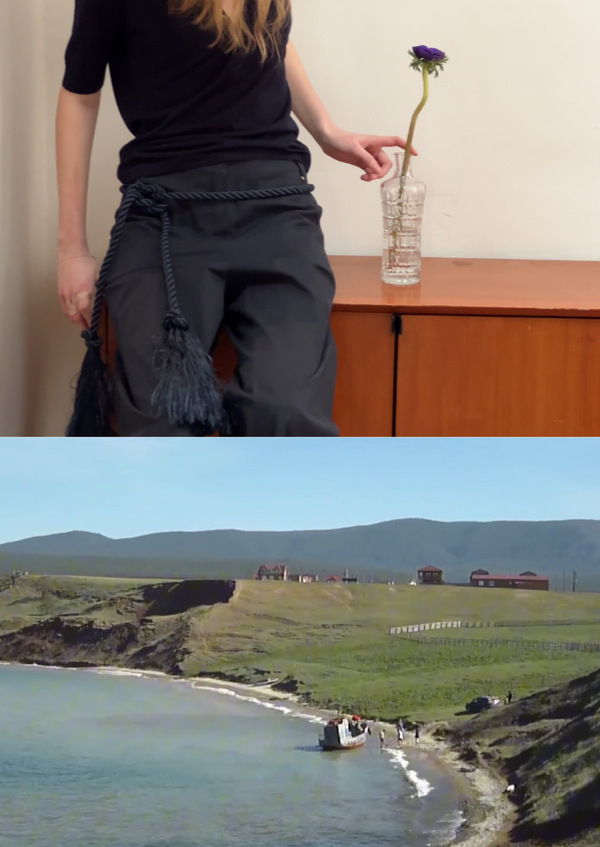
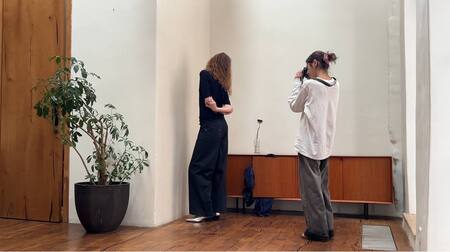
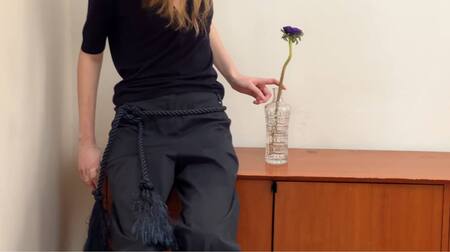
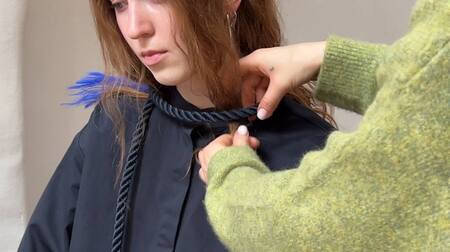
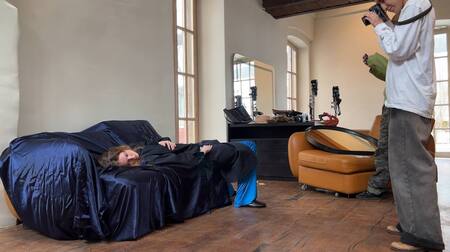
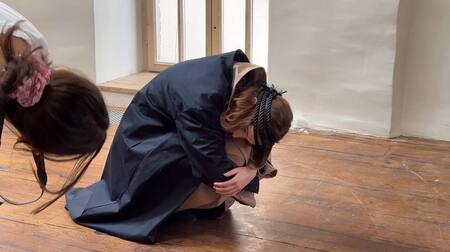
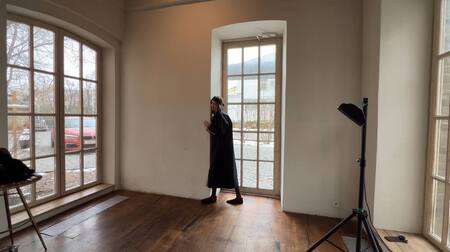
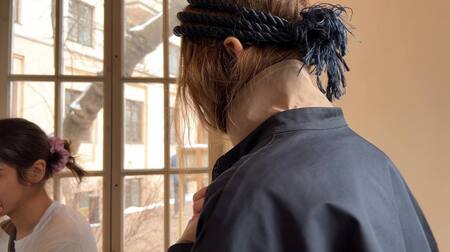
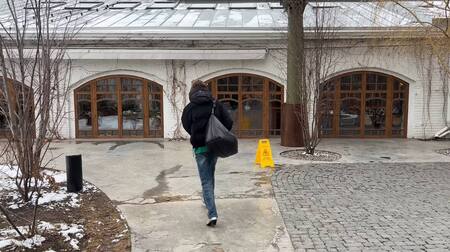
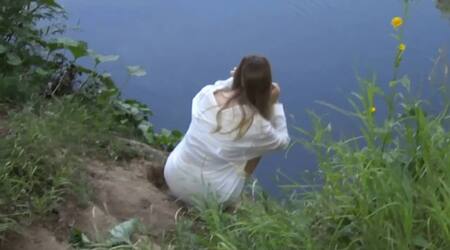
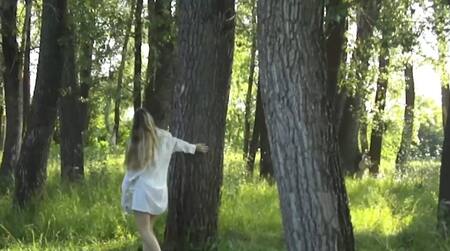
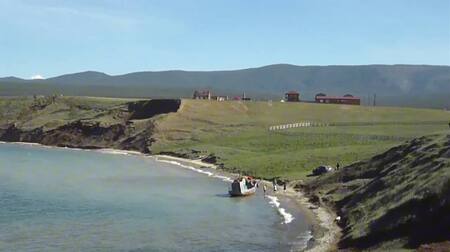
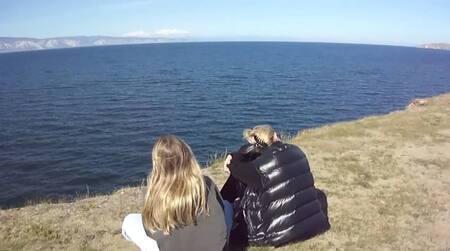
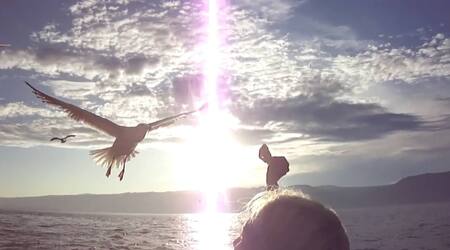
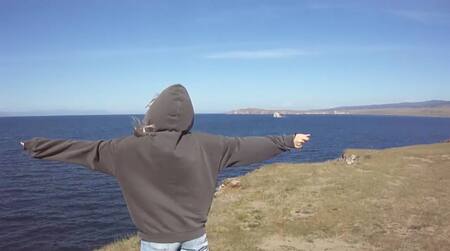
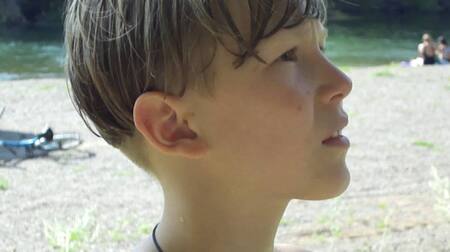
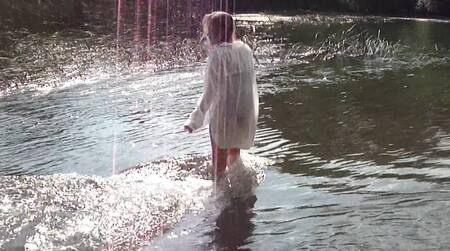
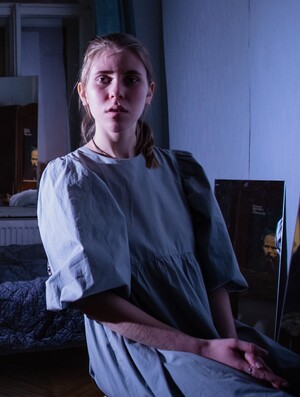
документация фэшн-съемки совместно созданной студентами разных направлений школы дизайна.
кадры
Loading...
ВРЕМЯ
работа является личным переживанием о важности прошлого и его неизбежной связи с настоящим.
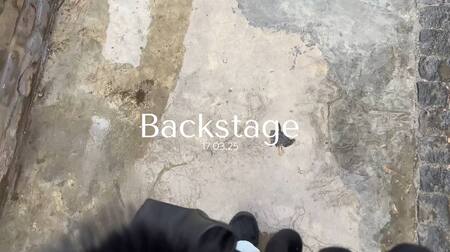
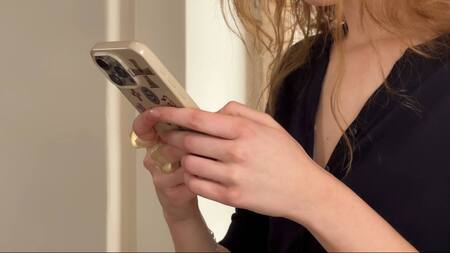
это архивные кадры объединенные одним временным отрезком и переживаниями героя.
Анастасия Пальчикова создала документальную работу «Backstage// ВРЕМЯ», объединяющую архивные кадры фэшн-съёмок студентов школы дизайна. Проект представляет собой личное переживание, связывающее прошлое и настоящее через временные отрезки и эмоции героя.
DAFES — платформа, объединяющая лучшие проекты и продукты экосистемы по направлениям design, art, fashion, education и startup. Внутри неё действует сообщество Deziiign, которое объединяет дизайнеров, художников, иллюстраторов и фотографов — профессионалов всех творческих направлений. Это пространство для демонстрации работ, обмена идеями и неординарными подходами, а также встреч с потенциальными заказчиками, исполнителями и па... Показать больше
design
art
fashion
education
startups
Мы используем файлы cookies для улучшения работы сайта и большего удобства его использования. Более подробную информац...
Показать больше
Press space bar to start a drag.
When dragging you can use the arrow keys to move the item around and escape to cancel.
Some screen readers may require you to be in focus mode or to use your pass through key
Press space bar to start a drag.
When dragging you can use the arrow keys to move the item around and escape to cancel.
Some screen readers may require you to be in focus mode or to use your pass through key
Press space bar to start a drag.
When dragging you can use the arrow keys to move the item around and escape to cancel.
Some screen readers may require you to be in focus mode or to use your pass through key
Press space bar to start a drag.
When dragging you can use the arrow keys to move the item around and escape to cancel.
Some screen readers may require you to be in focus mode or to use your pass through key
Press space bar to start a drag.
When dragging you can use the arrow keys to move the item around and escape to cancel.
Some screen readers may require you to be in focus mode or to use your pass through key
Press space bar to start a drag.
When dragging you can use the arrow keys to move the item around and escape to cancel.
Some screen readers may require you to be in focus mode or to use your pass through key
Press space bar to start a drag.
When dragging you can use the arrow keys to move the item around and escape to cancel.
Some screen readers may require you to be in focus mode or to use your pass through key
Press space bar to start a drag.
When dragging you can use the arrow keys to move the item around and escape to cancel.
Some screen readers may require you to be in focus mode or to use your pass through key
Press space bar to start a drag.
When dragging you can use the arrow keys to move the item around and escape to cancel.
Some screen readers may require you to be in focus mode or to use your pass through key
Press space bar to start a drag.
When dragging you can use the arrow keys to move the item around and escape to cancel.
Some screen readers may require you to be in focus mode or to use your pass through key