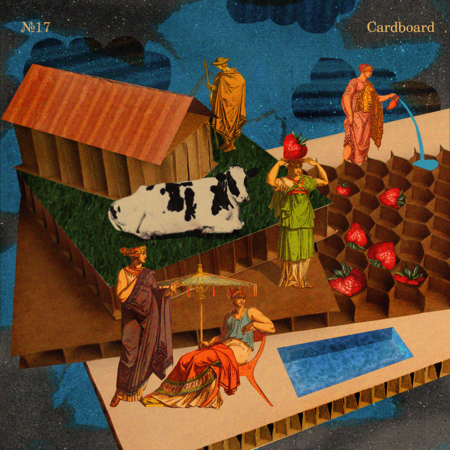
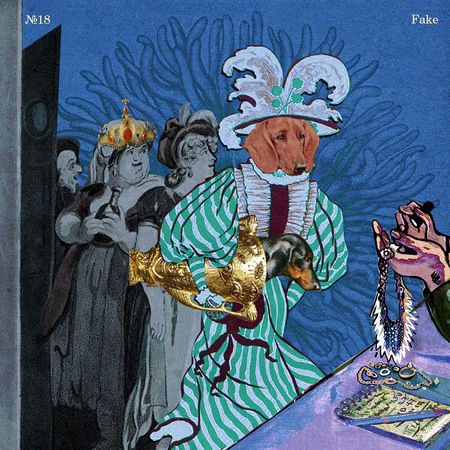
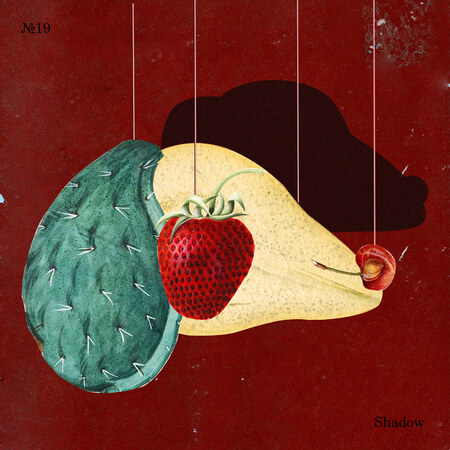
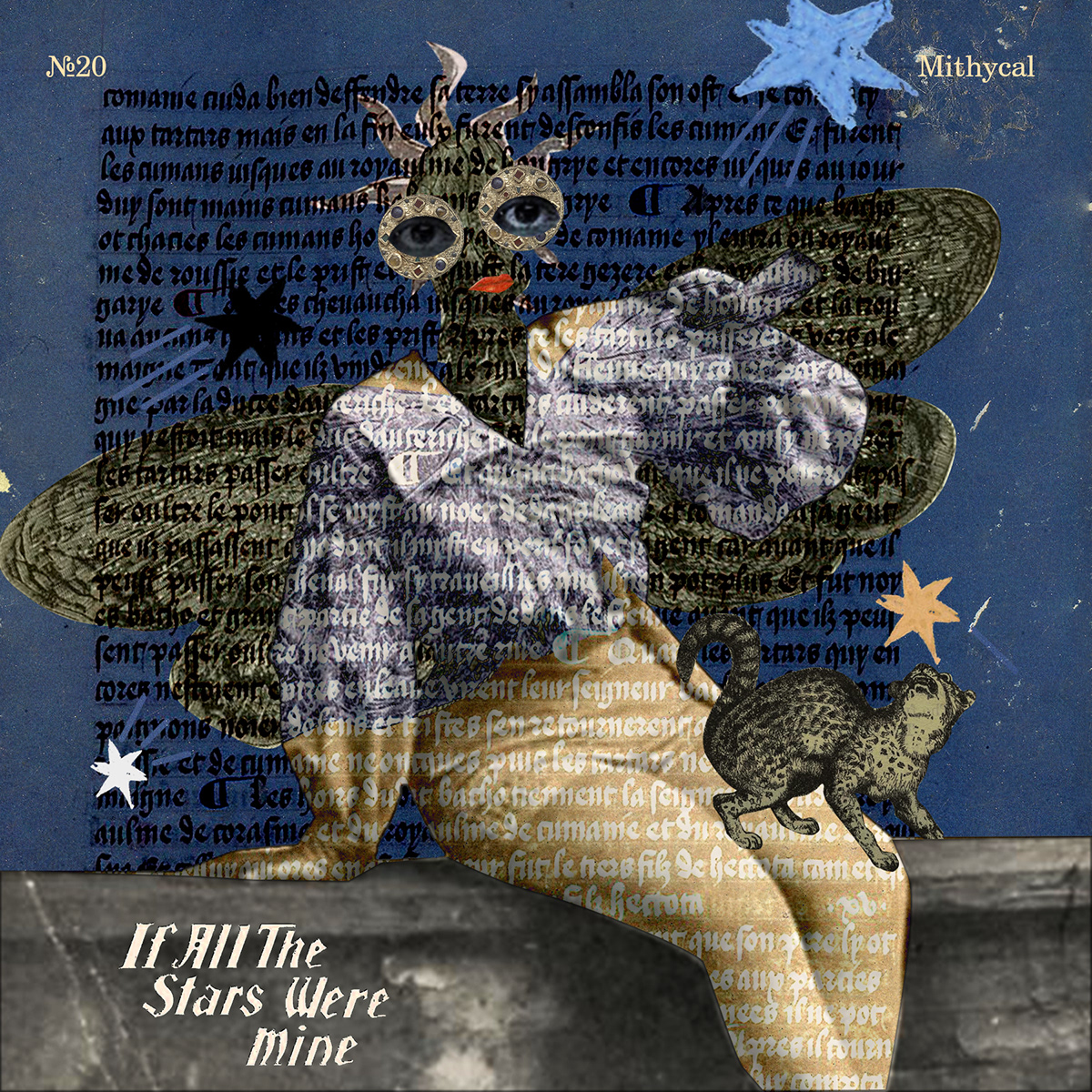
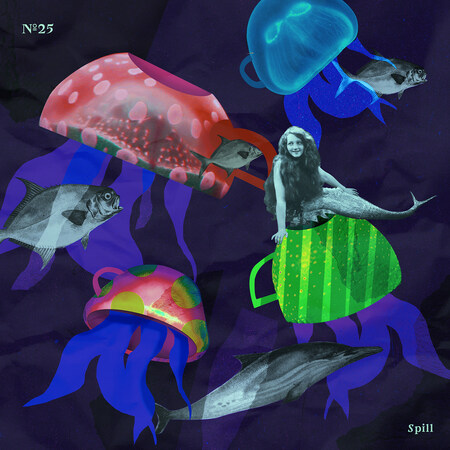
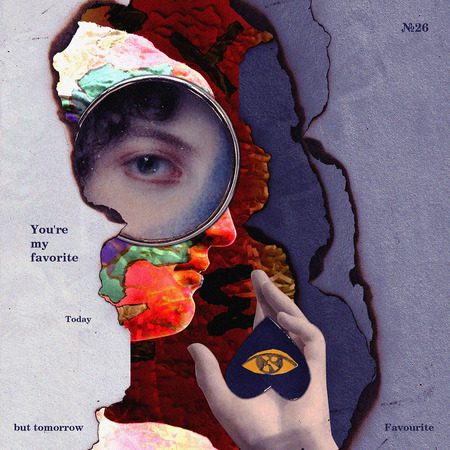
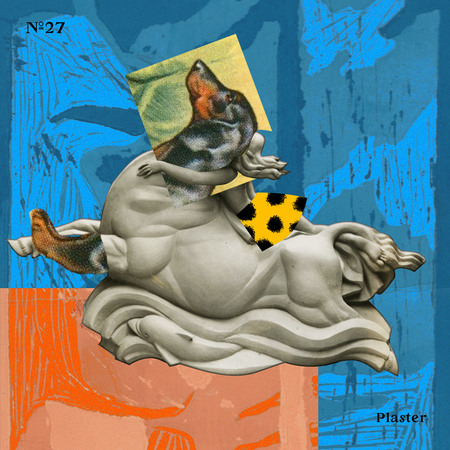
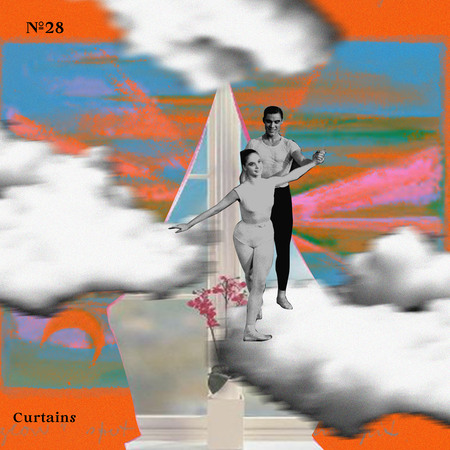
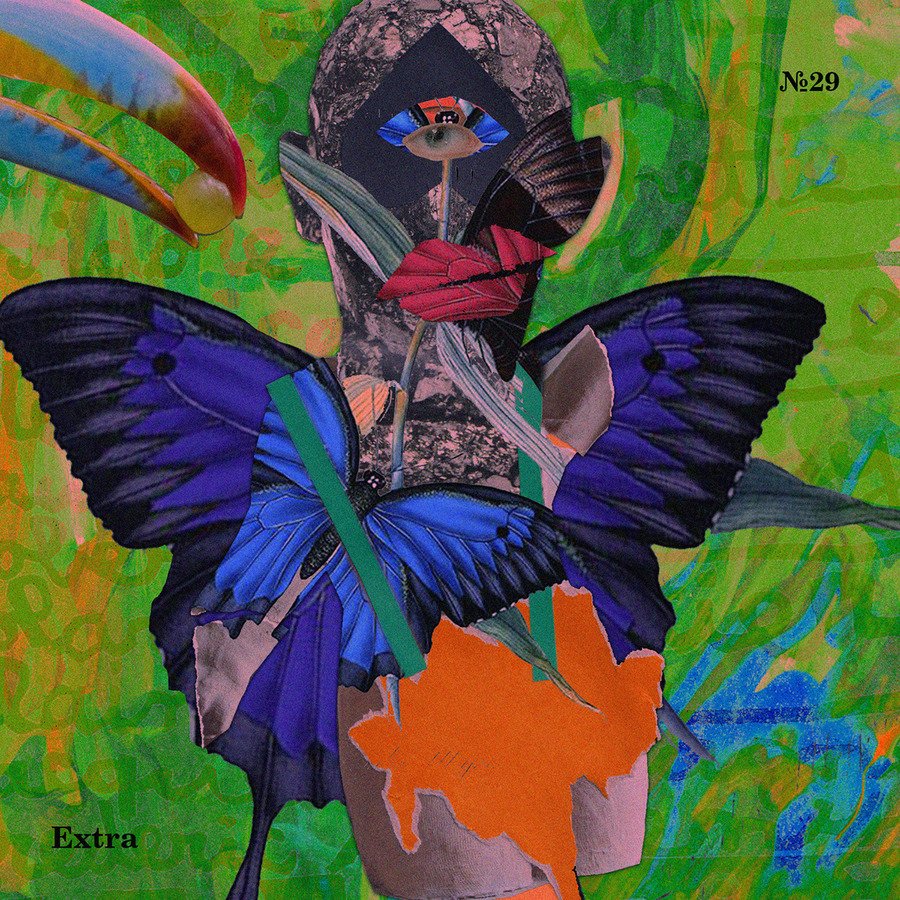
Фебруллаж — ежегодный челлендж для коллажистов, графических дизайнеров и просто творческих людей, проводящийся с 2020 года.
В начале февраля дается список тем — нужно делать по одному коллажу каждодневно на заданное слово.
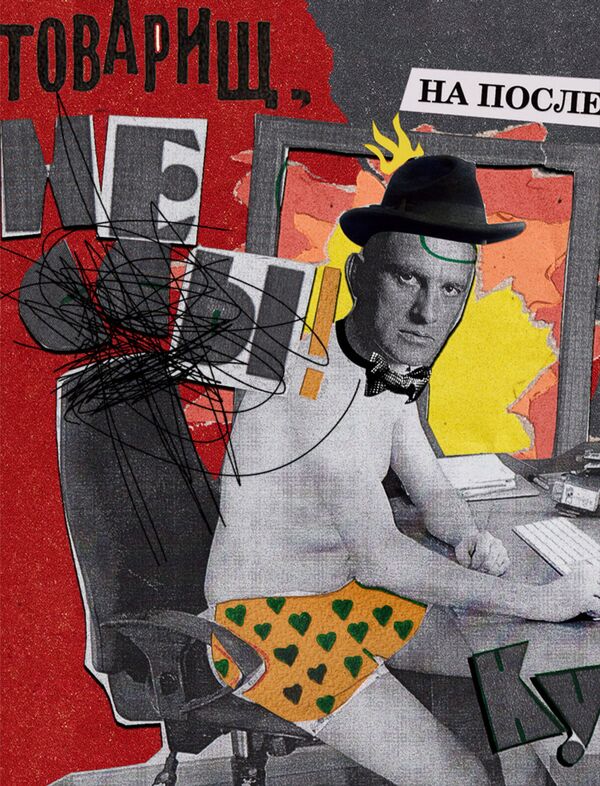
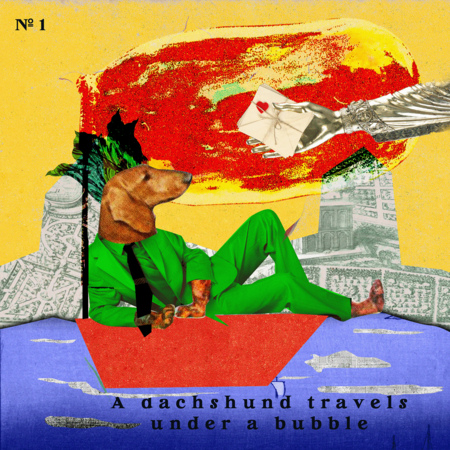
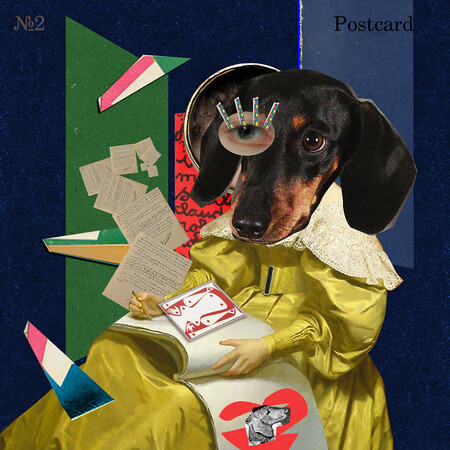
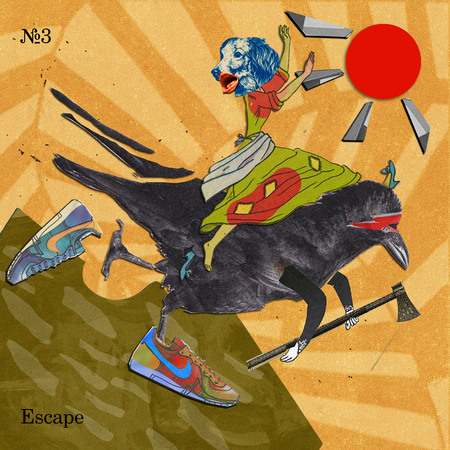
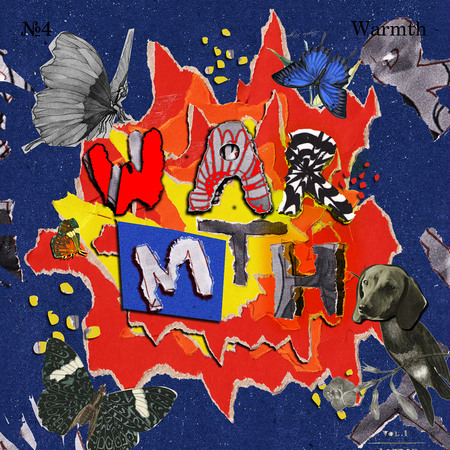
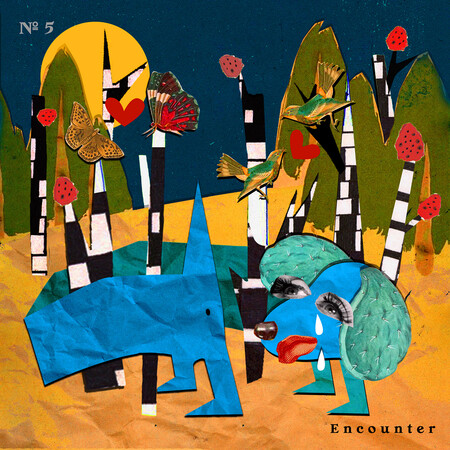
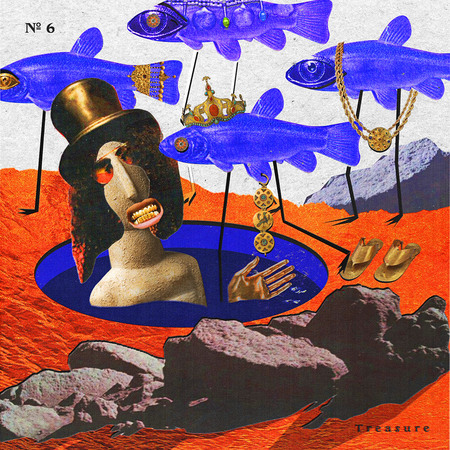
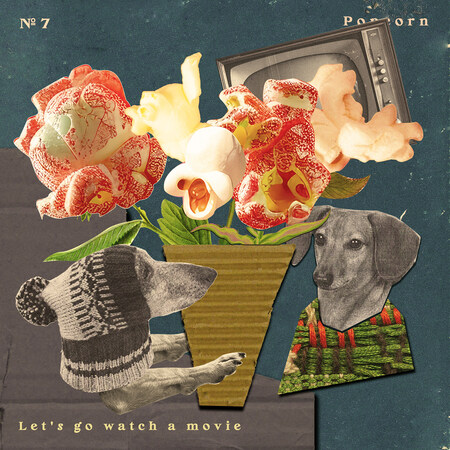
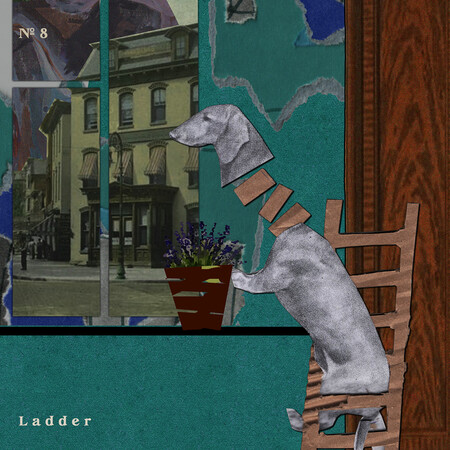
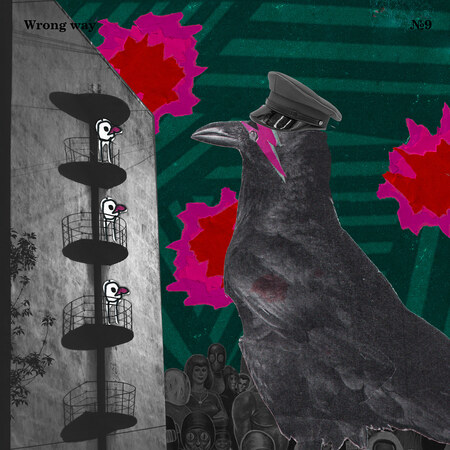
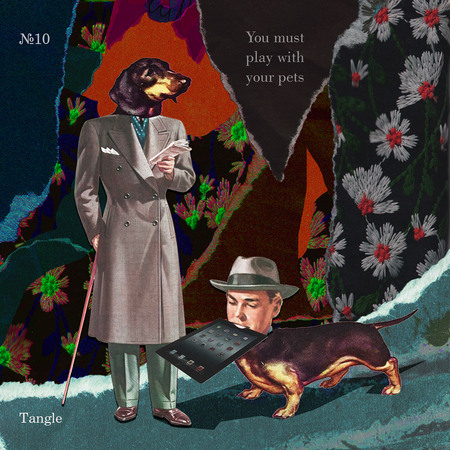
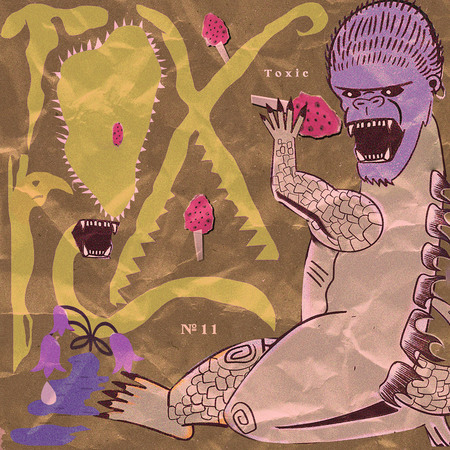
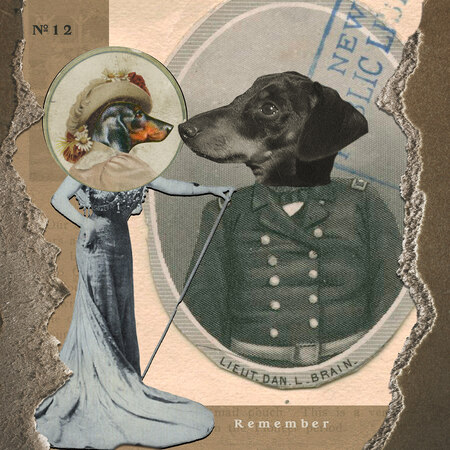
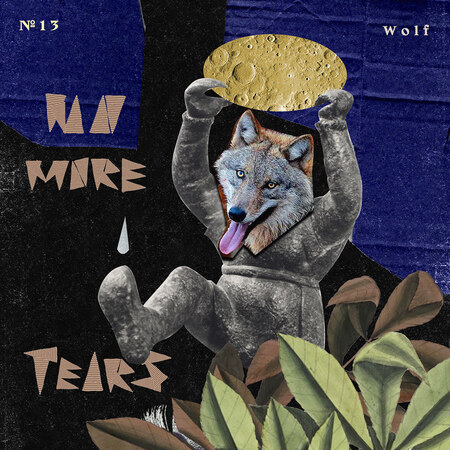
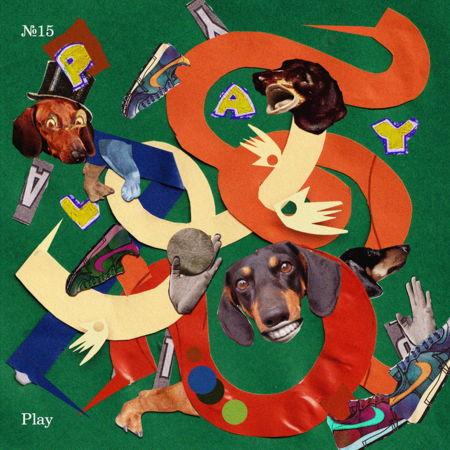
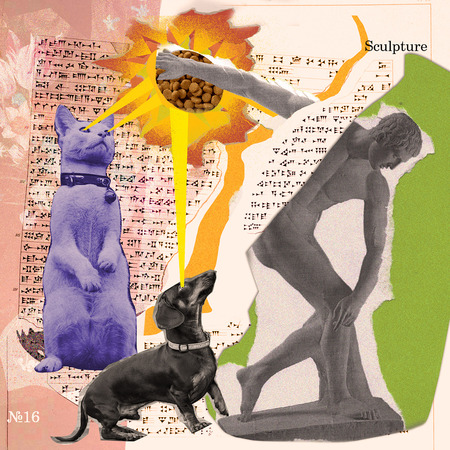
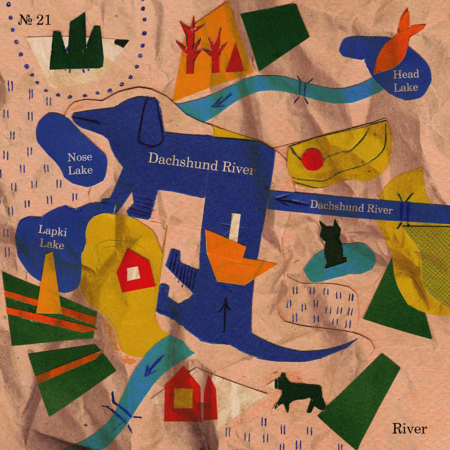
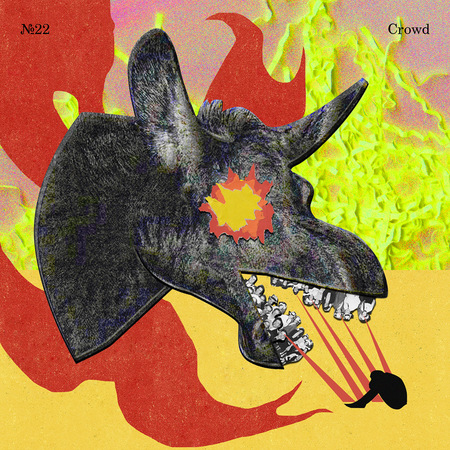
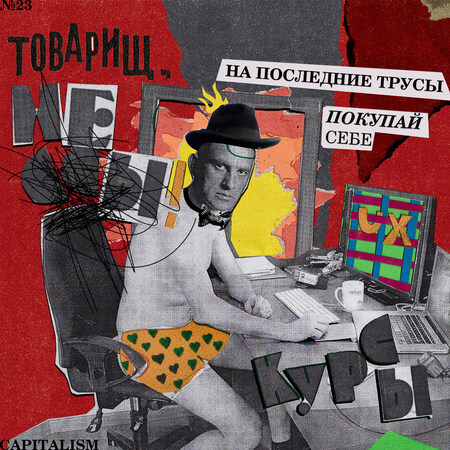
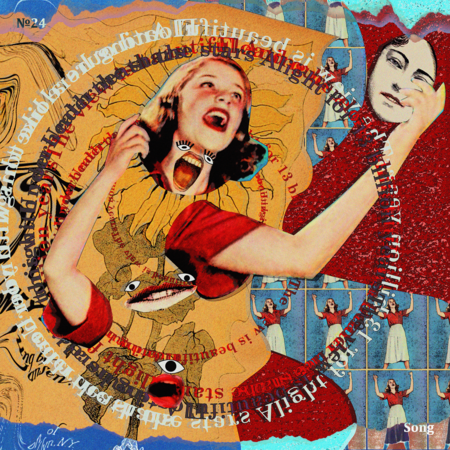
Основным героем своих коллажей я выбрала таксу — просто потому, что люблю эту породу собак. Но в целом, каждый коллаж делался под настроение, с использованием разных техник.
Основная техника — диджитал, с дорисовкой дополнительных элементов вручную и сканированием всего в финальный результат.
Каждая тема подписана на коллаже.
Номер на работе — дата определенного дня февраля.
Приятного просмотра!
Anastasia Kasyanova создала серию коллажей для ежегодного челленджа FEBRULLAGE 2024. Каждый коллаж был выполнен в диджитал-технике с ручной доработкой и включал тему и номер по дате февраля.
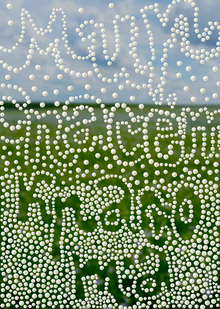
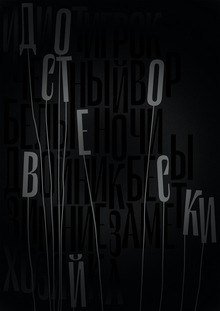
Александра Шушина создала плакат, вдохновлённый произведениями Достоевского. Плакат передаёт таинственность и загадочность через образ театра теней с перетекающими смыслами.
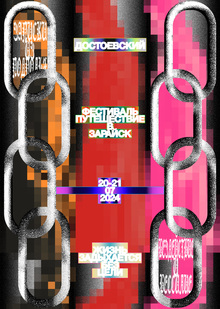
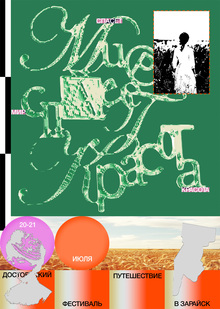
Глеб Потрясаев создал плакаты для фестиваля "Достоевский. Фестиваль путешествие в Зарайск". Плакаты представляют серию, посвящённую важным чертам личности главного героя из произведения "Записки из подполья".
dafes
DAFES — платформа, объединяющая лучшие проекты и продукты экосистемы по направлениям design, art, fashion, education и startup. Внутри неё действует сообщество Deziiign, которое объединяет дизайнеров, художников, иллюстраторов и фотографов — профессионалов всех творческих направлений. Это пространство для демонстрации работ, обмена идеями и неординарными подходами, а также встреч с потенциальными заказчиками, исполнителями и па... Показать больше
Мы используем файлы cookies для улучшения работы сайта и большего удобства его использования. Более подробную информац...
Показать больше
Press space bar to start a drag.
When dragging you can use the arrow keys to move the item around and escape to cancel.
Some screen readers may require you to be in focus mode or to use your pass through key
Press space bar to start a drag.
When dragging you can use the arrow keys to move the item around and escape to cancel.
Some screen readers may require you to be in focus mode or to use your pass through key
Press space bar to start a drag.
When dragging you can use the arrow keys to move the item around and escape to cancel.
Some screen readers may require you to be in focus mode or to use your pass through key
Press space bar to start a drag.
When dragging you can use the arrow keys to move the item around and escape to cancel.
Some screen readers may require you to be in focus mode or to use your pass through key
Press space bar to start a drag.
When dragging you can use the arrow keys to move the item around and escape to cancel.
Some screen readers may require you to be in focus mode or to use your pass through key
Press space bar to start a drag.
When dragging you can use the arrow keys to move the item around and escape to cancel.
Some screen readers may require you to be in focus mode or to use your pass through key
Press space bar to start a drag.
When dragging you can use the arrow keys to move the item around and escape to cancel.
Some screen readers may require you to be in focus mode or to use your pass through key
Press space bar to start a drag.
When dragging you can use the arrow keys to move the item around and escape to cancel.
Some screen readers may require you to be in focus mode or to use your pass through key
Press space bar to start a drag.
When dragging you can use the arrow keys to move the item around and escape to cancel.
Some screen readers may require you to be in focus mode or to use your pass through key
Press space bar to start a drag.
When dragging you can use the arrow keys to move the item around and escape to cancel.
Some screen readers may require you to be in focus mode or to use your pass through key
Press space bar to start a drag.
When dragging you can use the arrow keys to move the item around and escape to cancel.
Some screen readers may require you to be in focus mode or to use your pass through key
Press space bar to start a drag.
When dragging you can use the arrow keys to move the item around and escape to cancel.
Some screen readers may require you to be in focus mode or to use your pass through key
Press space bar to start a drag.
When dragging you can use the arrow keys to move the item around and escape to cancel.
Some screen readers may require you to be in focus mode or to use your pass through key
Press space bar to start a drag.
When dragging you can use the arrow keys to move the item around and escape to cancel.
Some screen readers may require you to be in focus mode or to use your pass through key