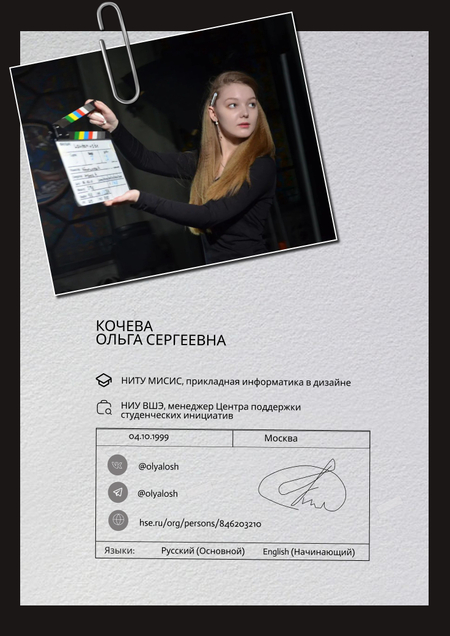
В 2021 году я закончила НИТУ МИСиС, кафедра автоматизированного проектирования и дизайна. Моя специальность по первому образованию — «Прикладная информатика в дизайне».
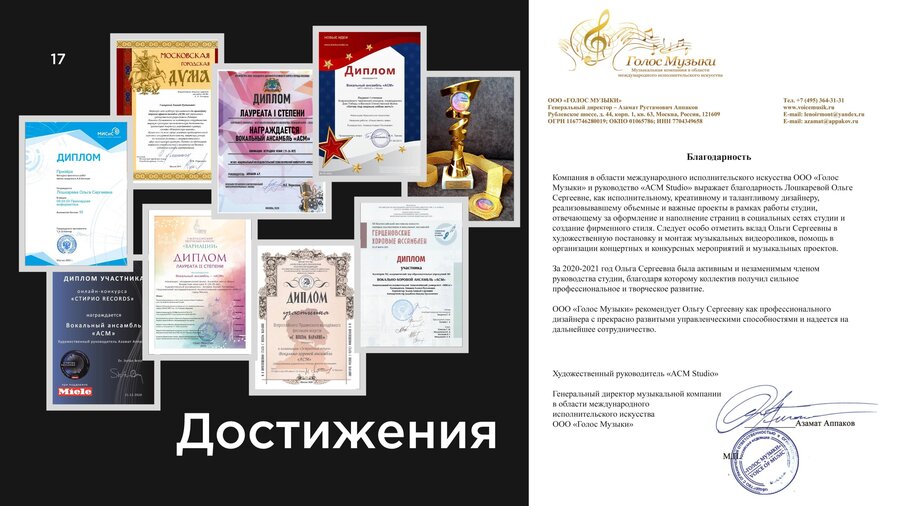
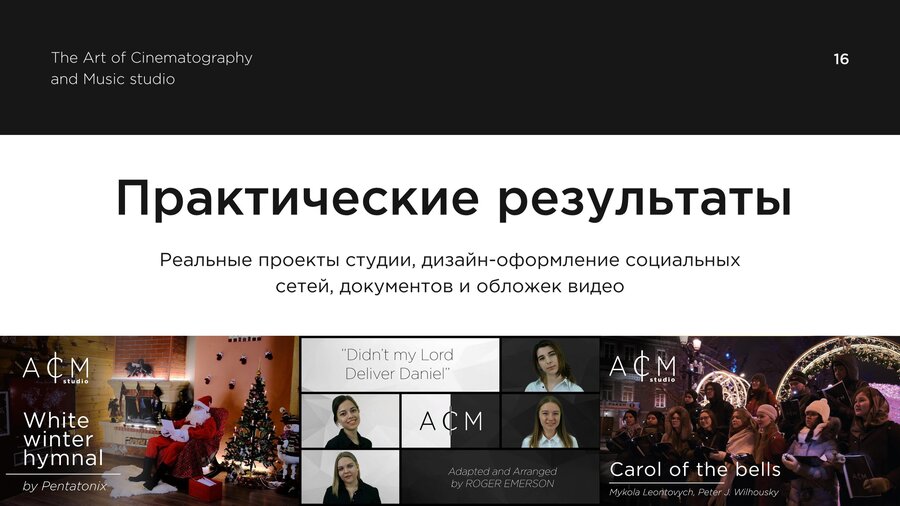
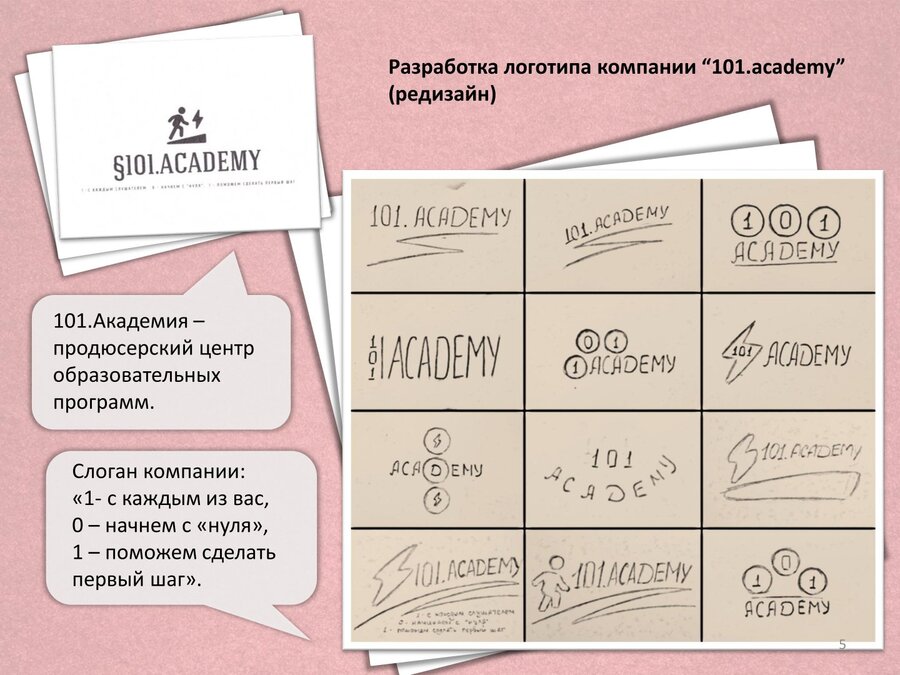
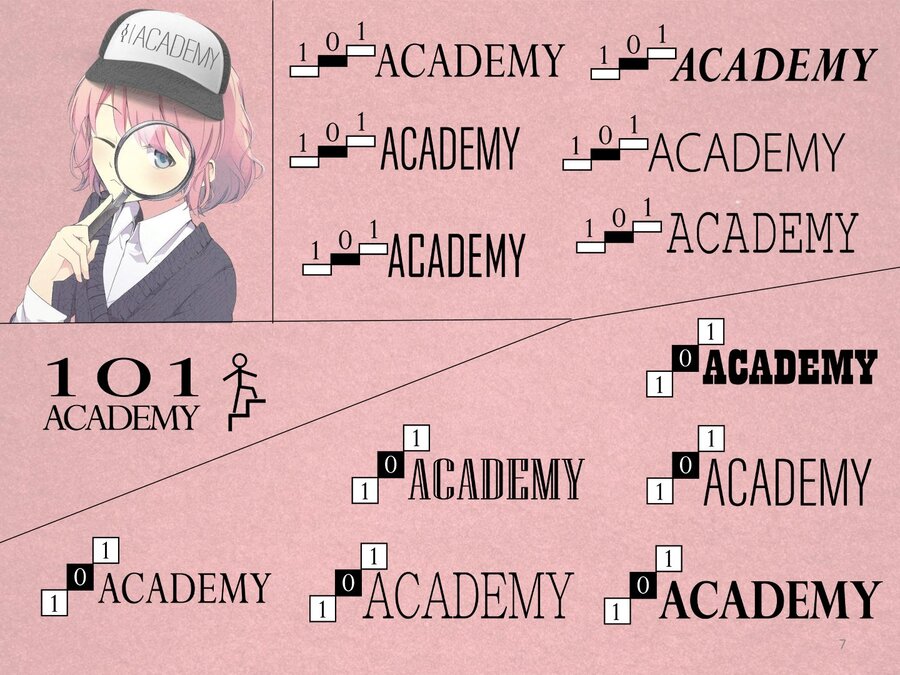
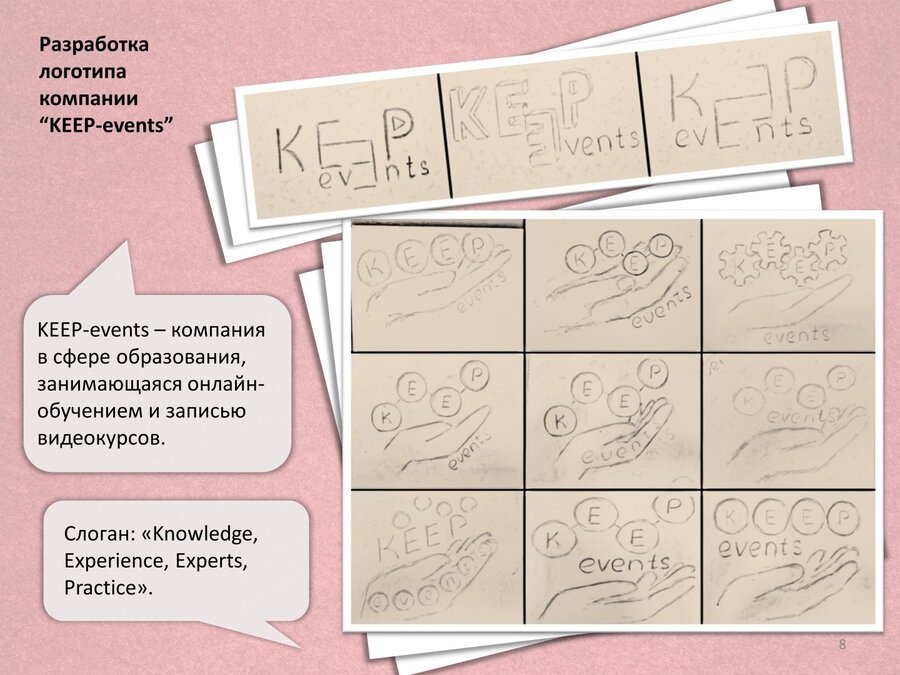
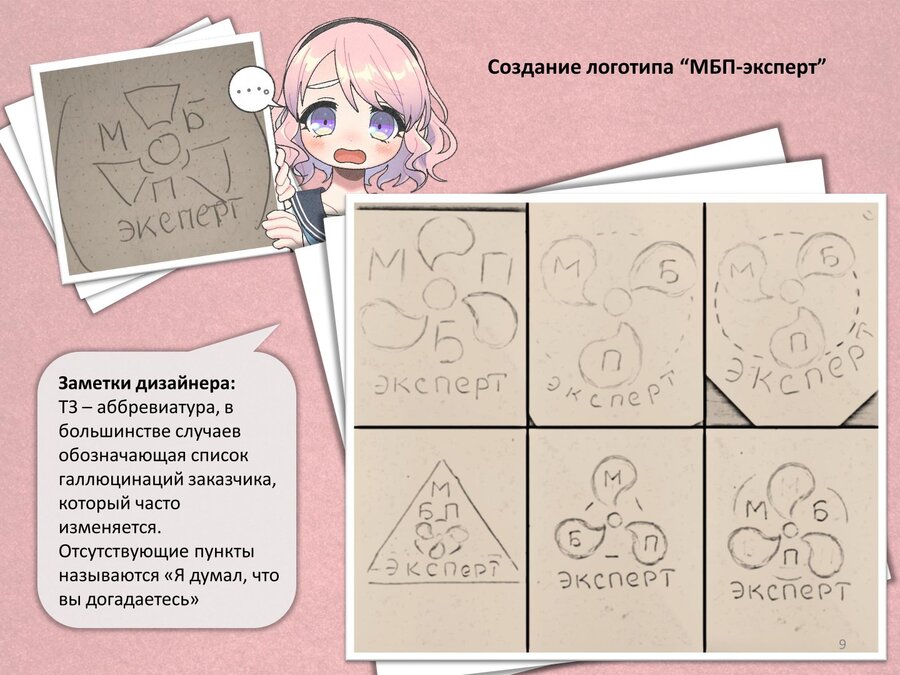
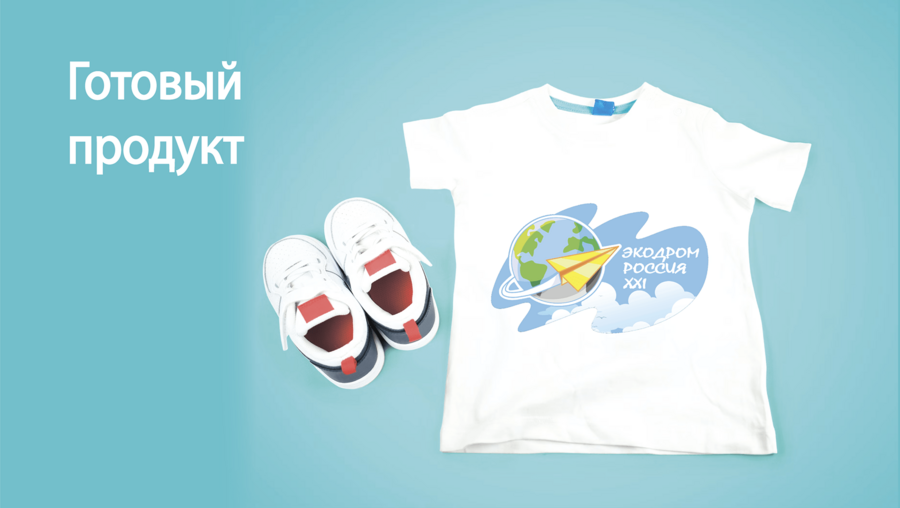
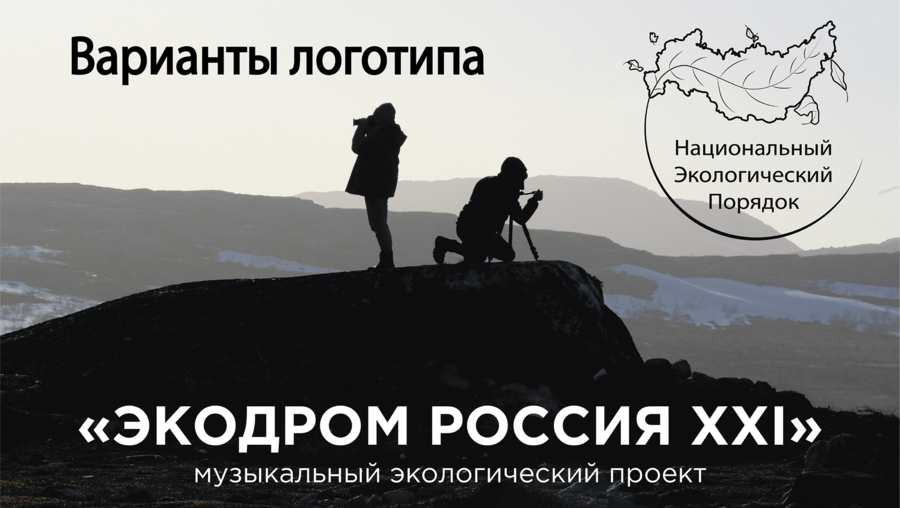
За время учебы попробовала себя в разных видах дизайнерского искусства — от графики до анимации, и творчества — от вышивки крестом до кинопроизводства. В итоге — диплом по фирменной стилистике и несколько разносторонних проектов в портфолио.
Сейчас работаю в НИУ ВШЭ на административной должности, но по-прежнему хочу быть связанной с искусством.
А теперь обо всем подробнее…
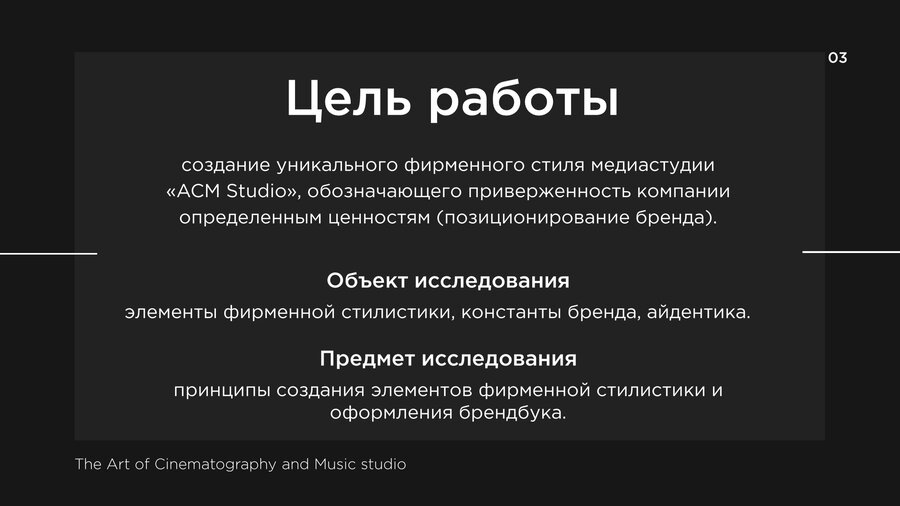
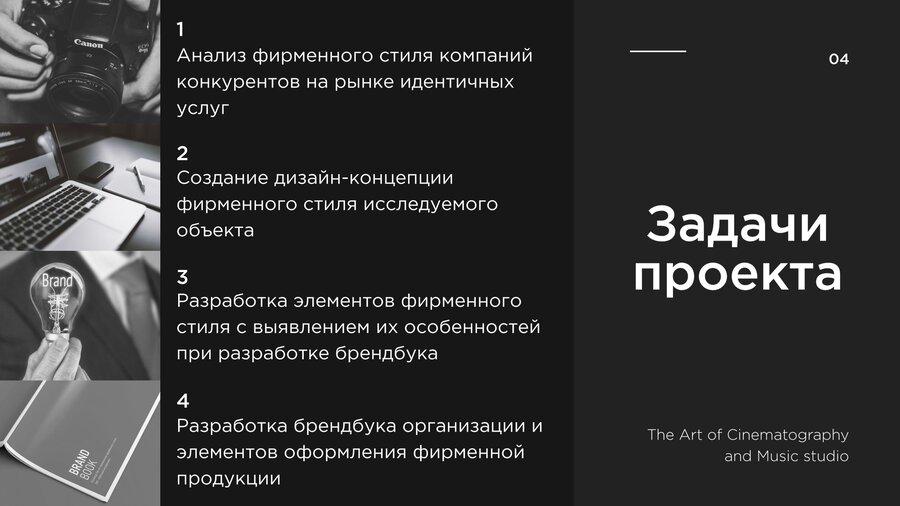
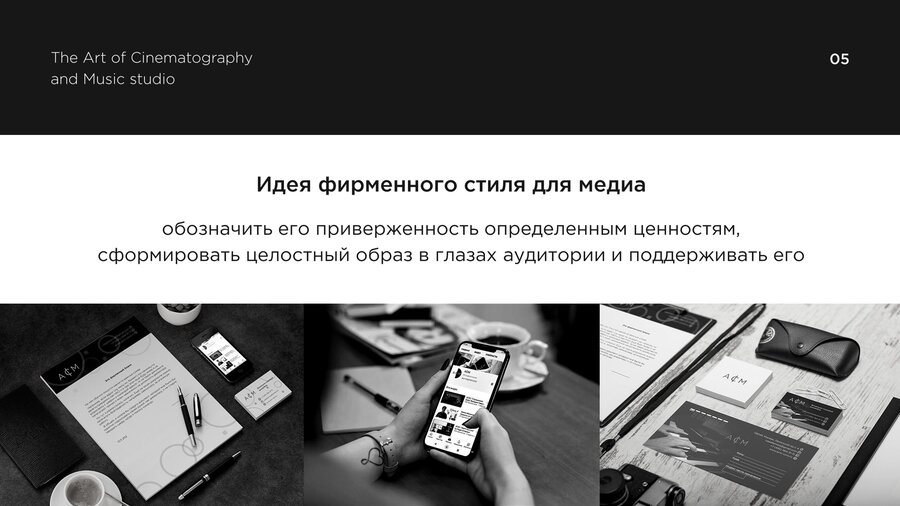
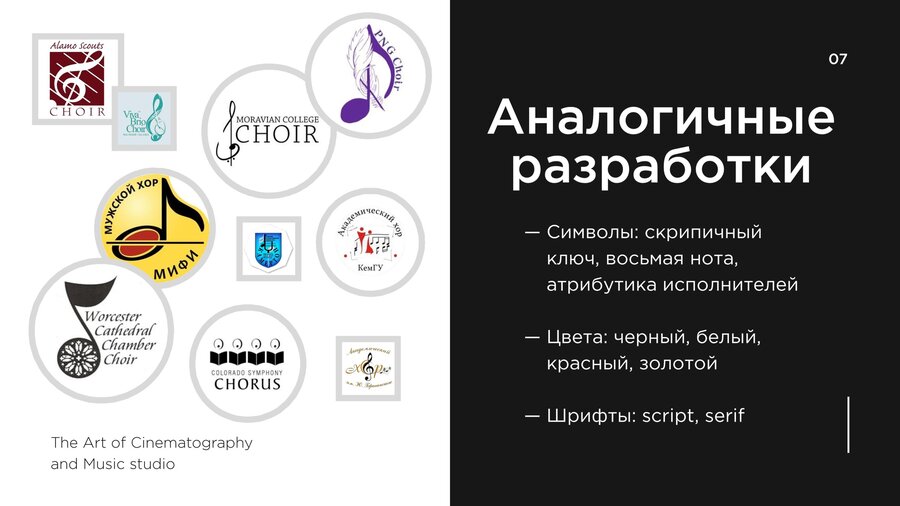
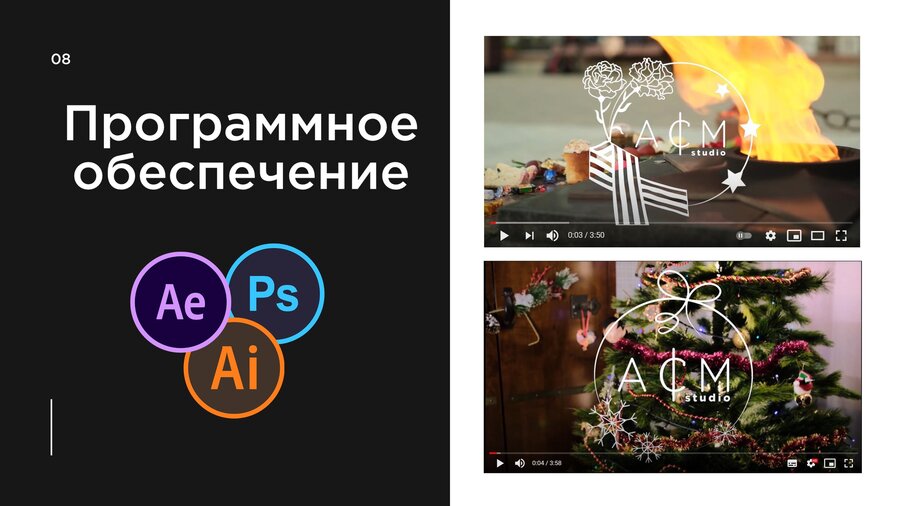
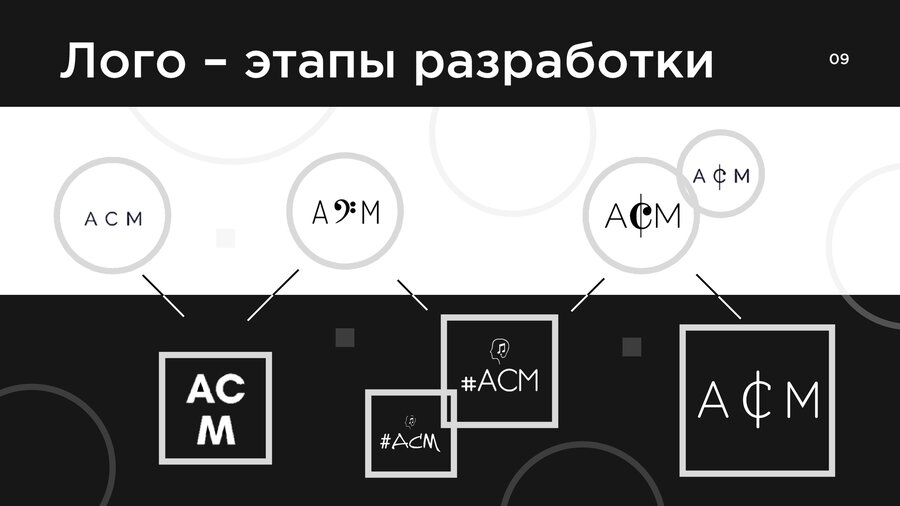
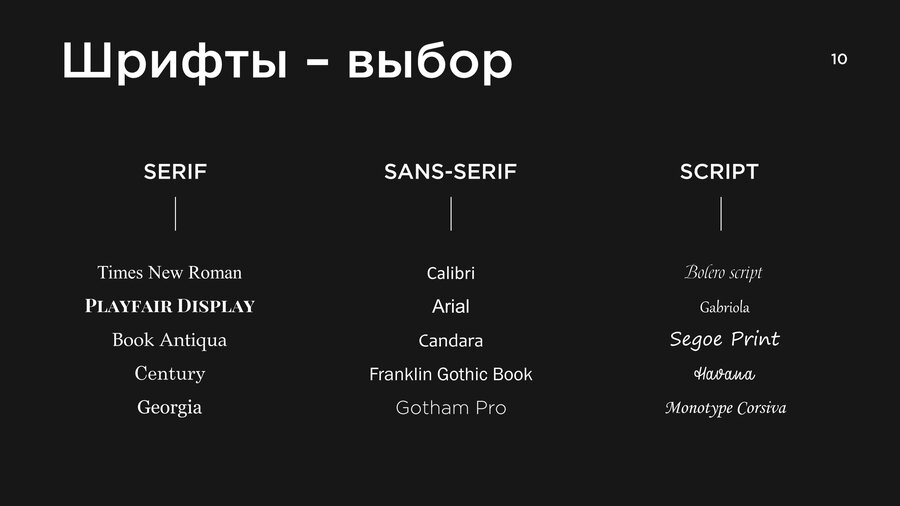
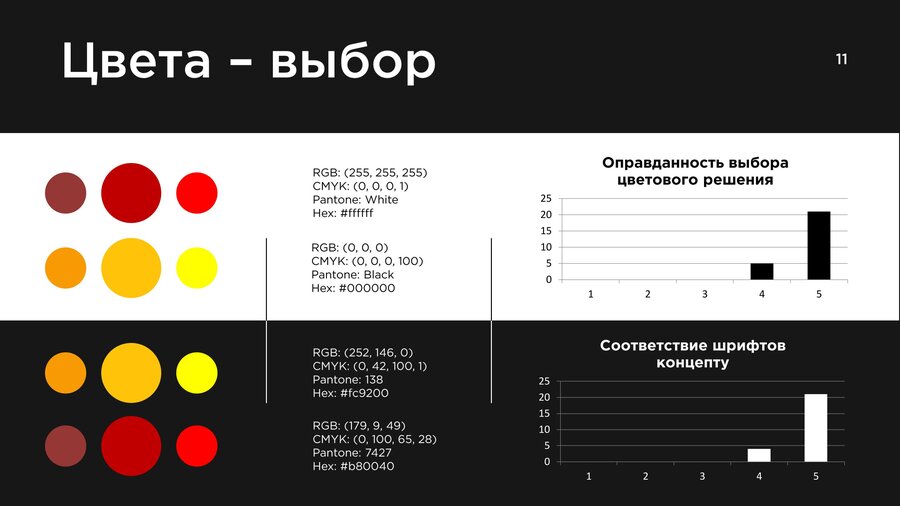
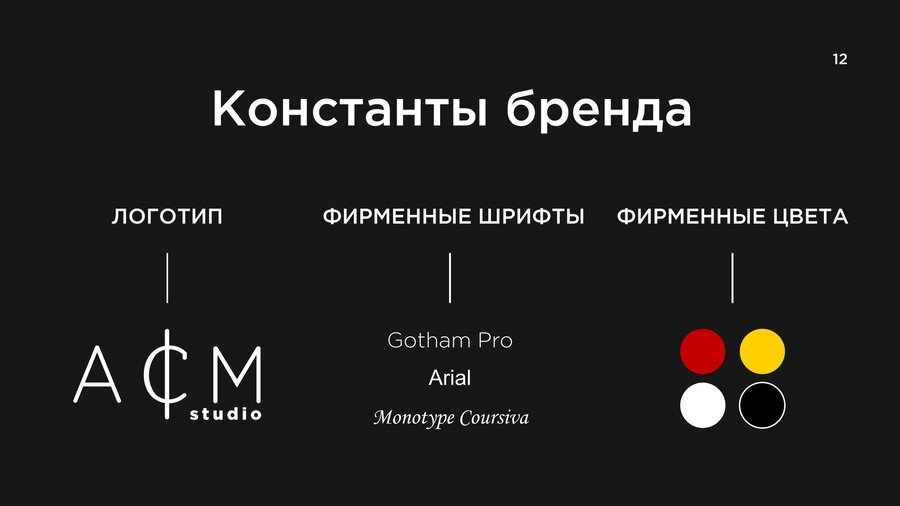
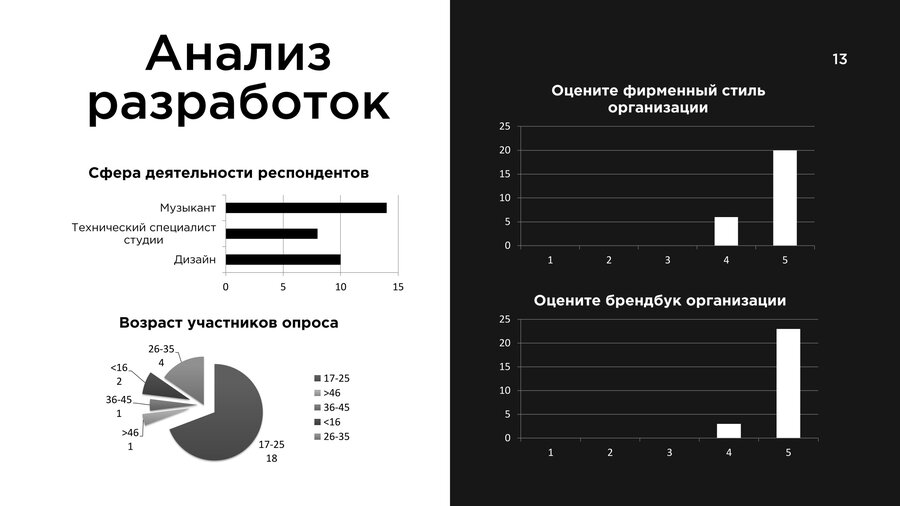
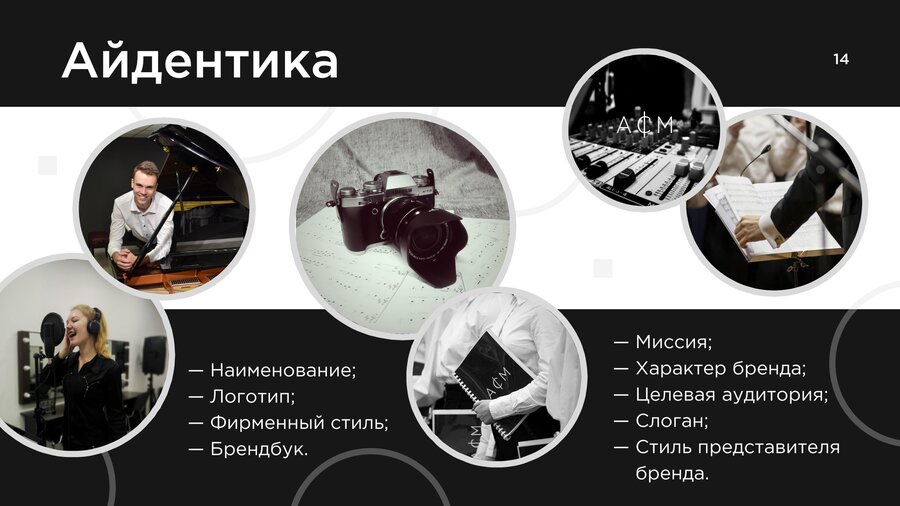
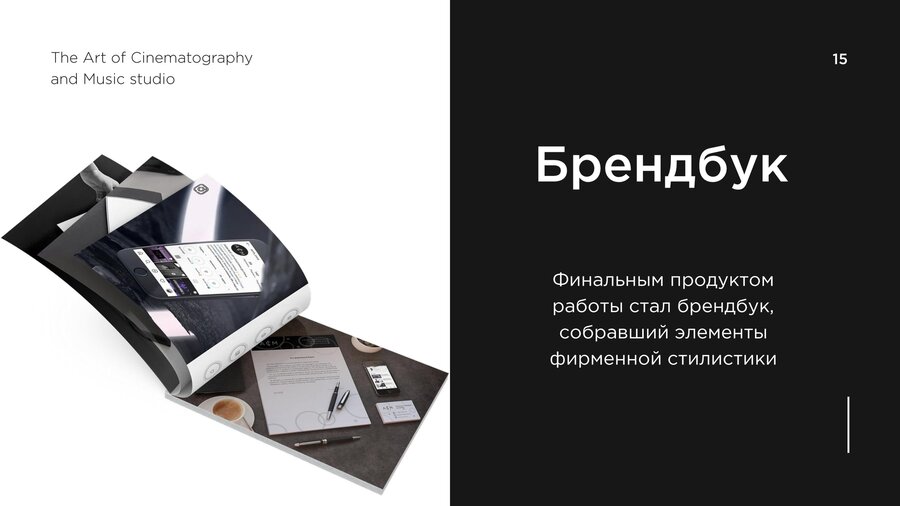
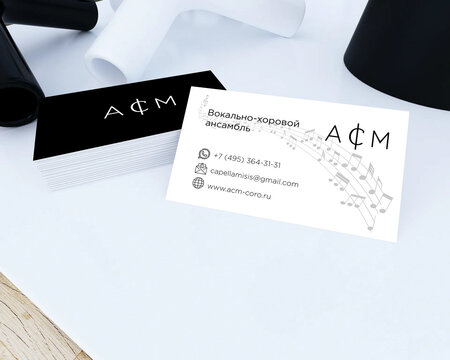
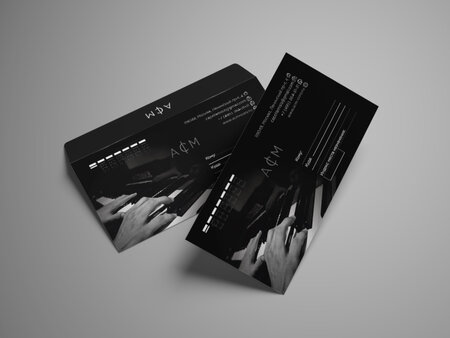
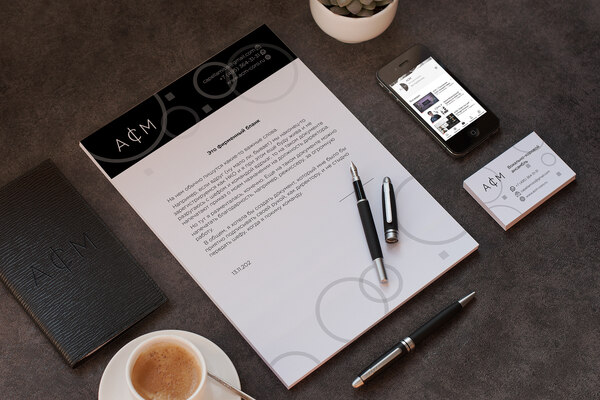
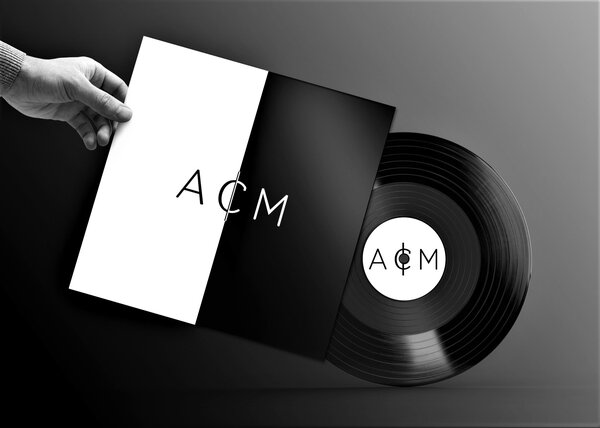
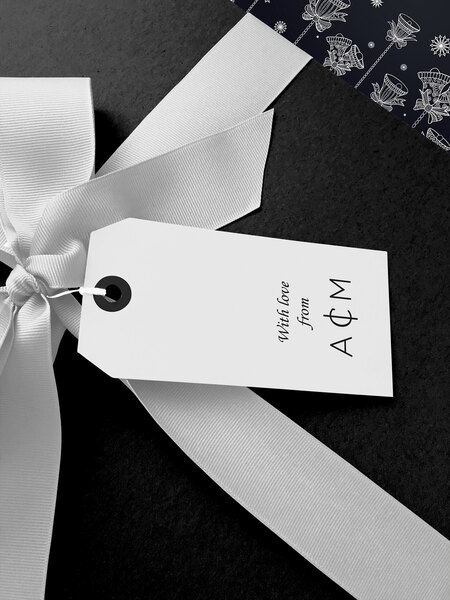
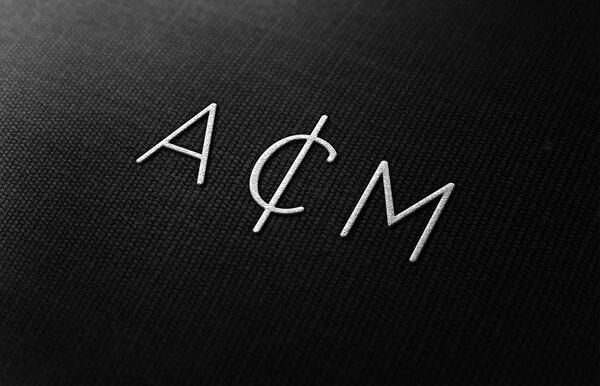
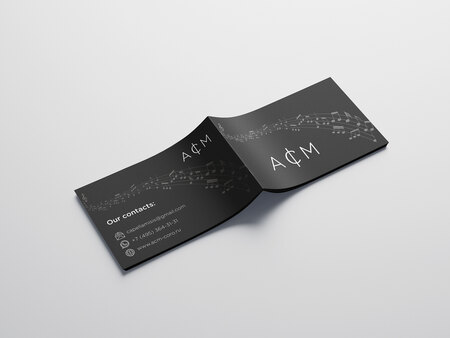
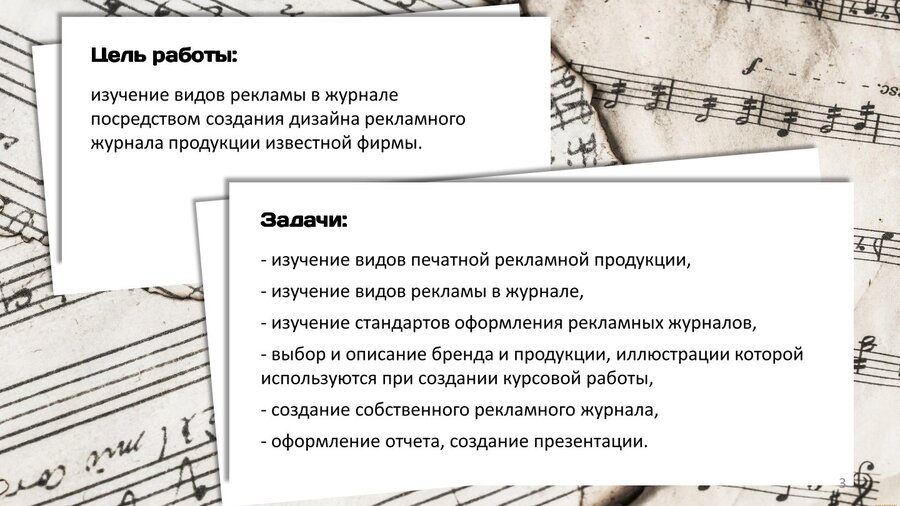
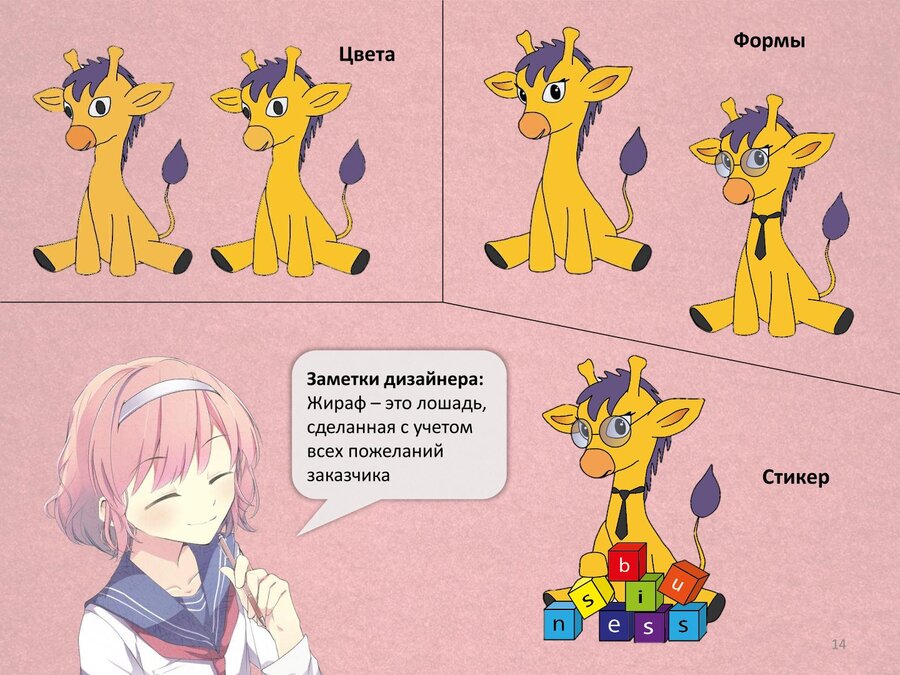
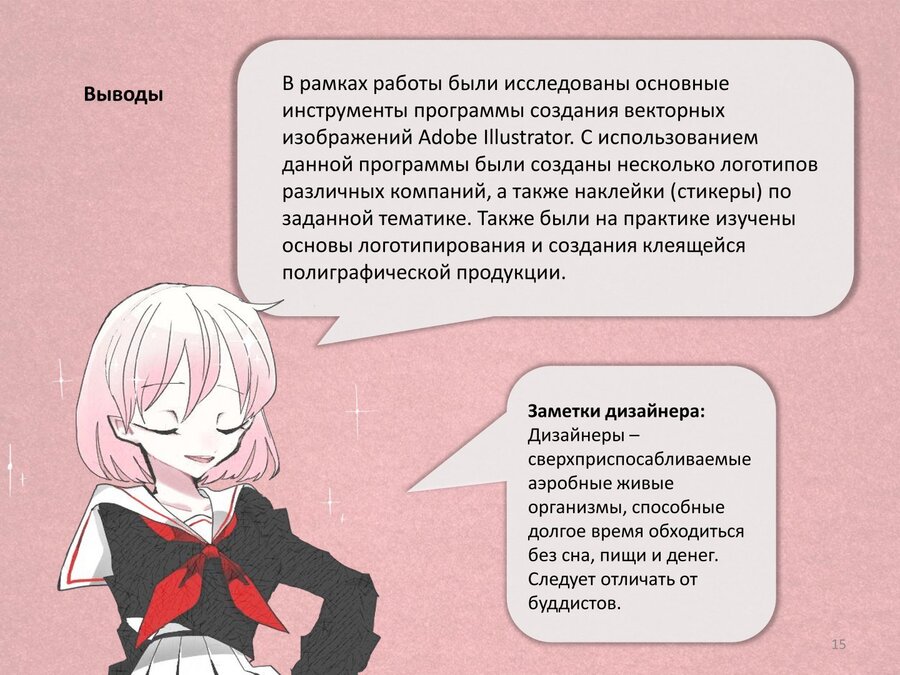
Дипломная работа: «Айдентика бренда компании медиаиндустрии»
Портфолио абитуриента | современные технологии преподавания дизайна
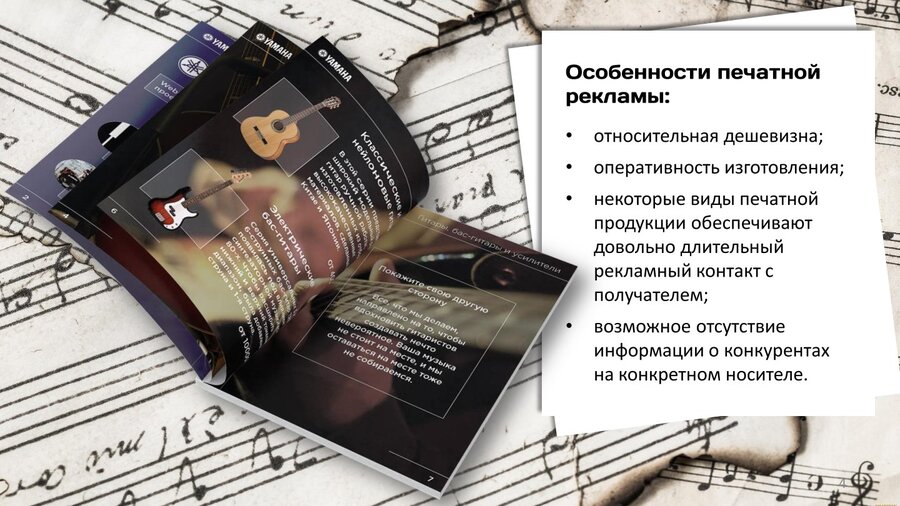
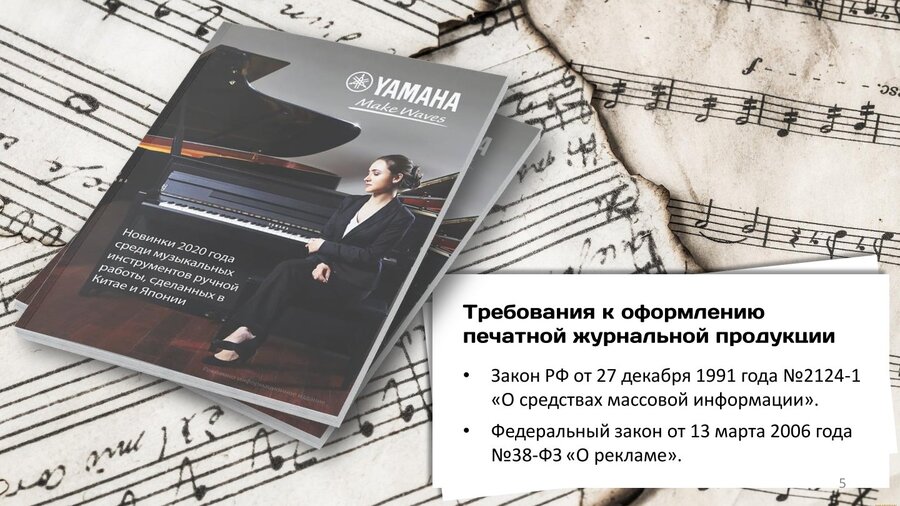
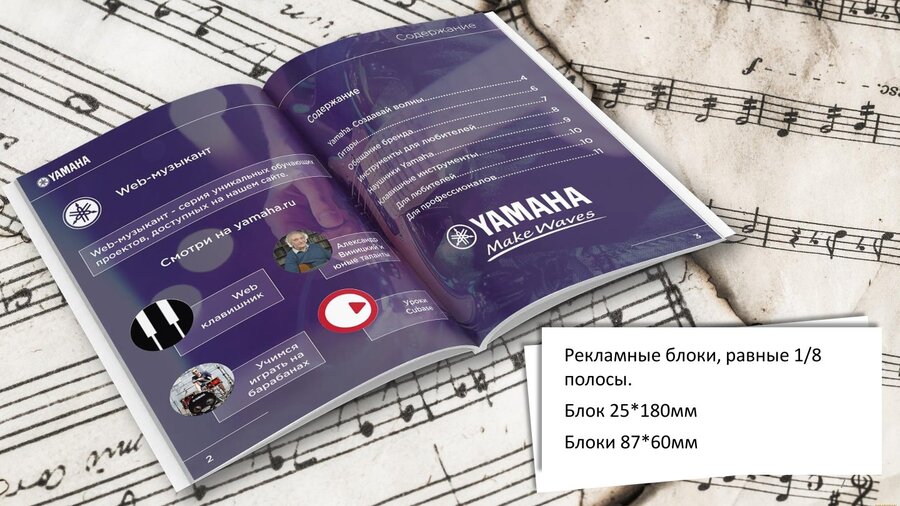
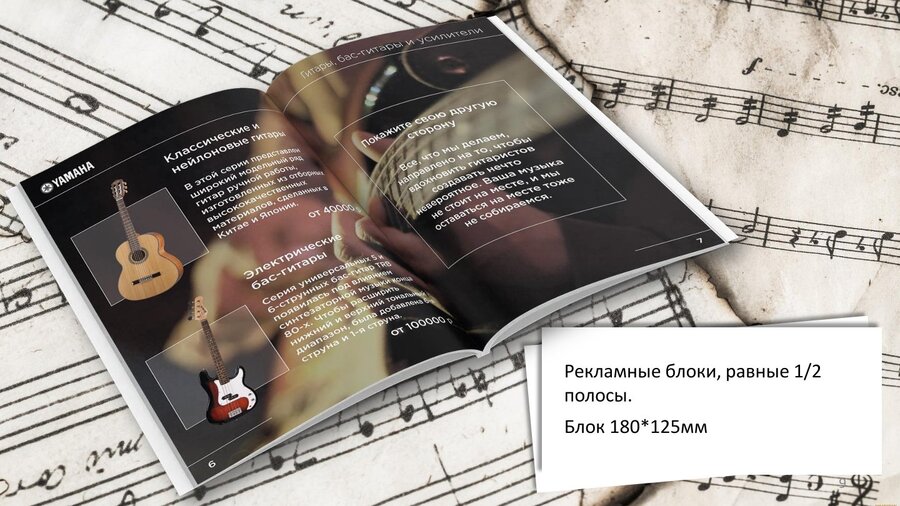
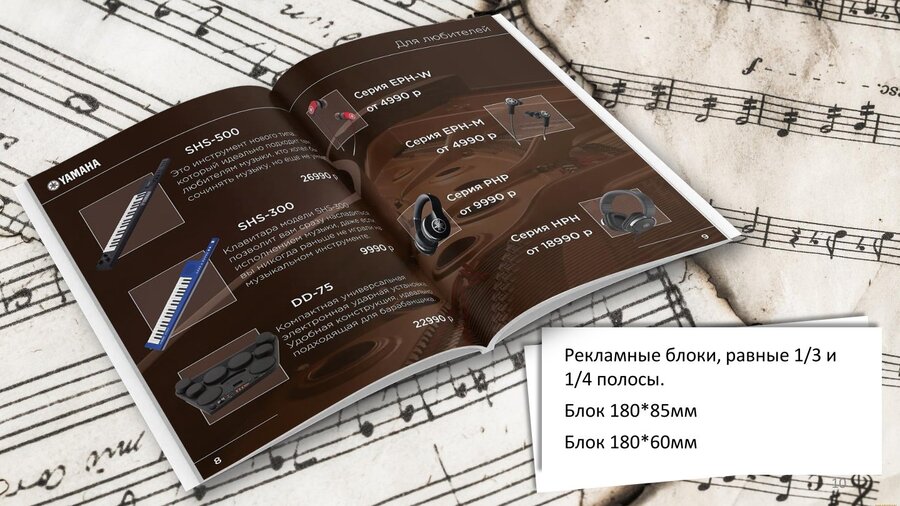
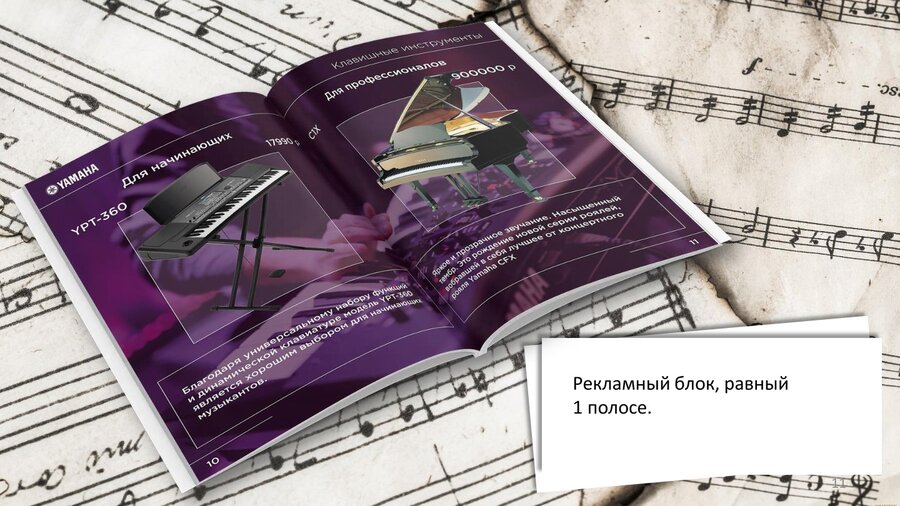
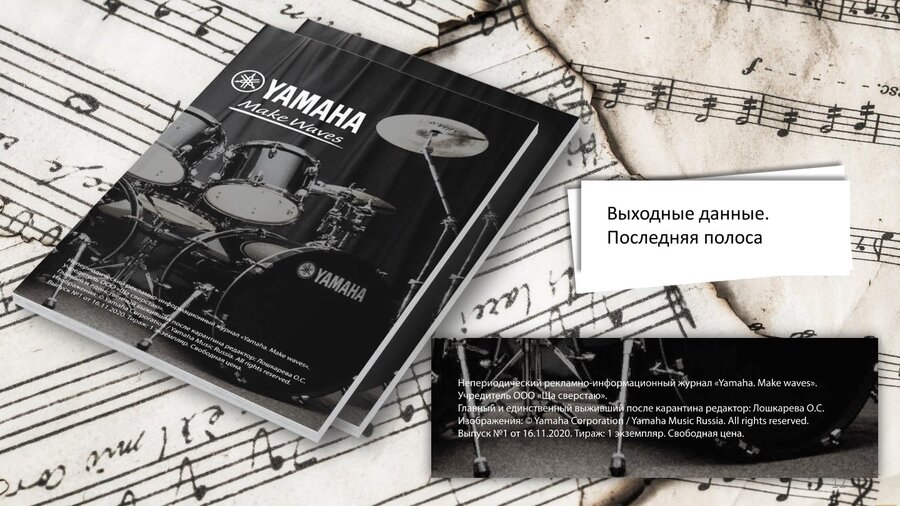
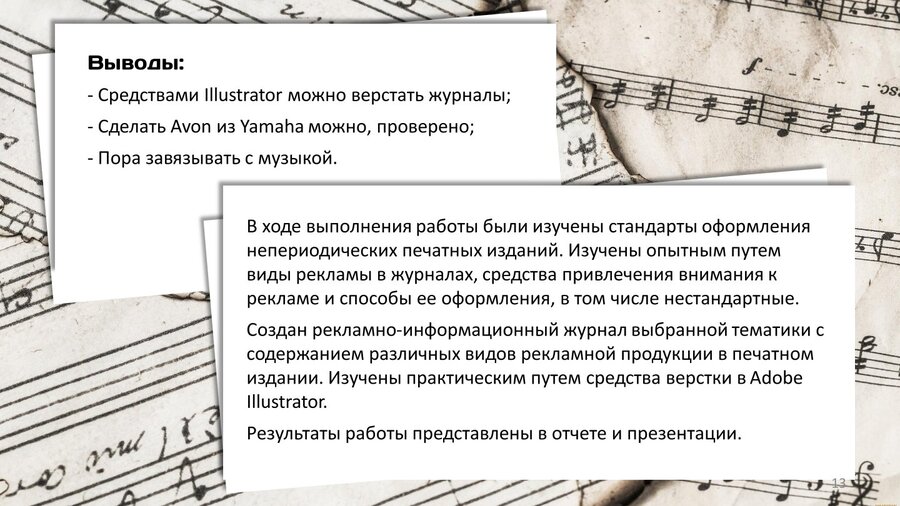
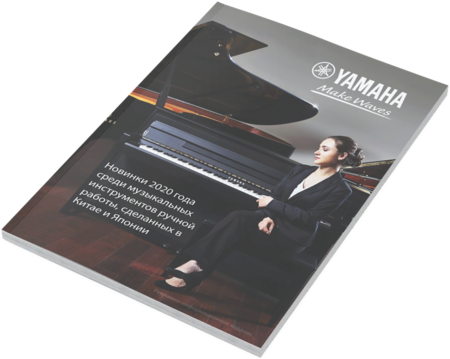
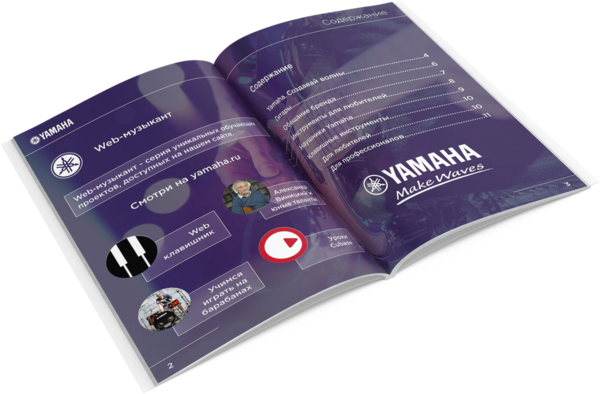
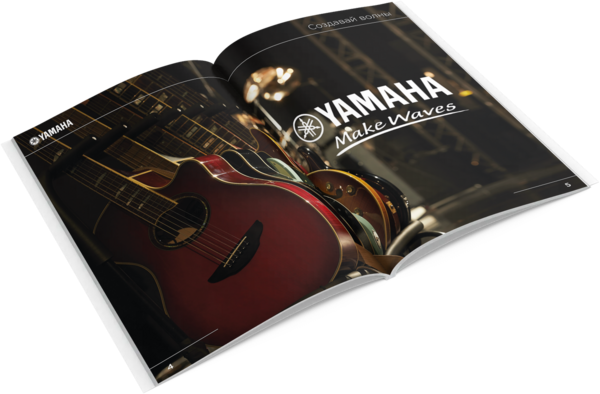
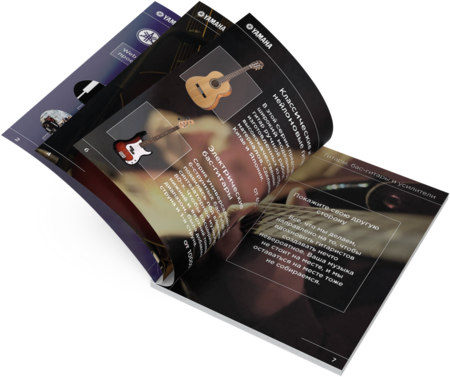
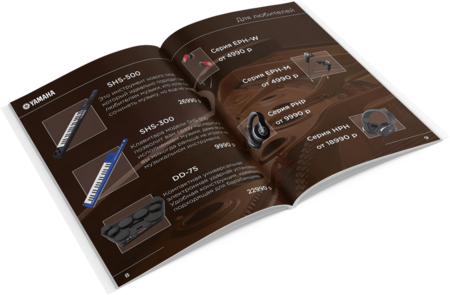
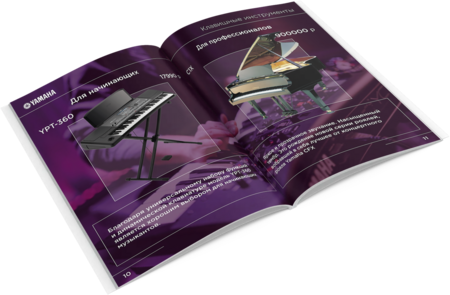
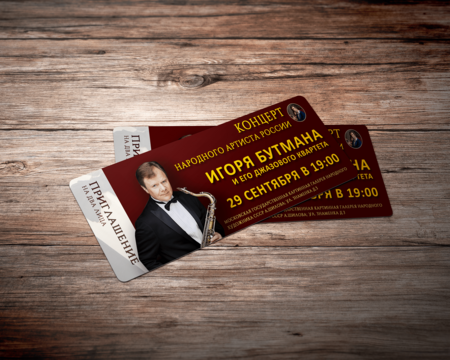
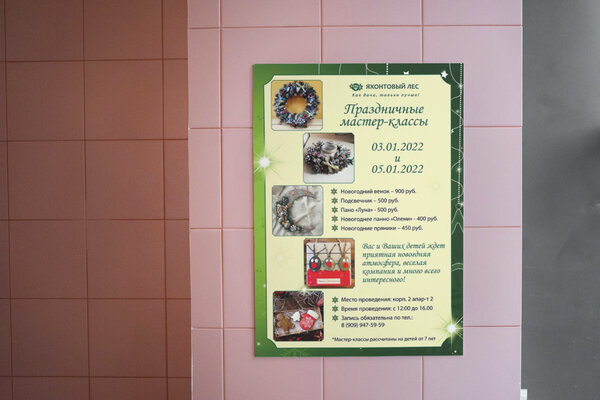
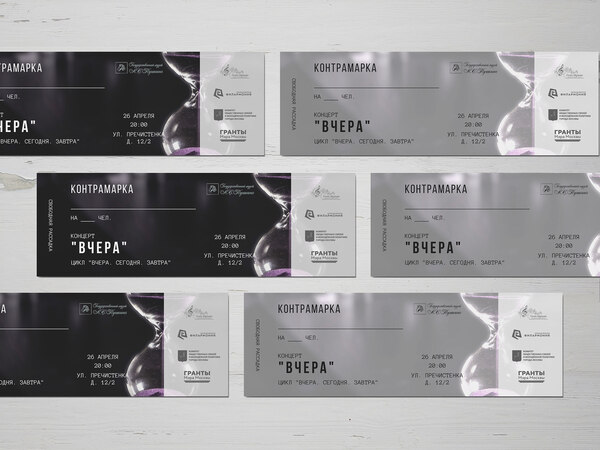
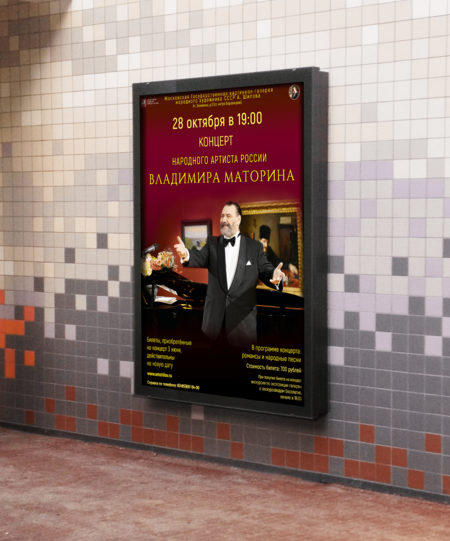
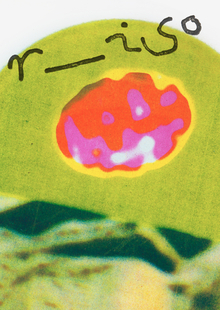
Ольга Кочева создала портфолио абитуриента, демонстрирующее разнообразие проектов в дизайне и творчестве. Проект включает брендбук, журнал продукции, буклеты и афиши, выполненные в рамках учебы и практики.
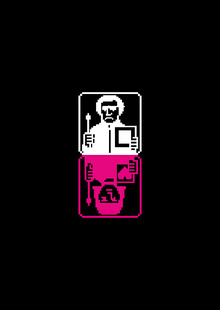
Художница Ксения Чепанова создала книгу о творчестве Казимира Малевича, интерпретируя его через призму современности и цифровизации. Книга использует пиксель как метафору возрождения супрематизма в медиакультуре и вдохновлена стилем пиксель-арта.
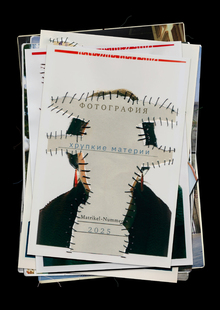
Полина Сатаева создала книгу-исследование «Фотография. Хрупкие материи». В проекте рассматриваются нетипичные техники воздействия на фотографию, такие как коллажирование и вышивка.
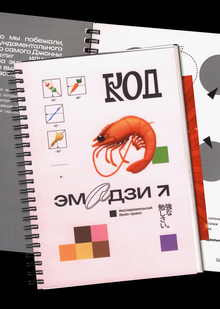
Татьяна Мальгинова создала книгу «Код Эмодзи», исследующую дизайн и маркетинг эмодзи Apple iOS. Проект включает в себя книгу А5, иллюстрационные вставки и стикерпаки, выполненные в стиле Apple с акцентом на визуальную адаптивность эмодзи.
dafes
DAFES — платформа, объединяющая лучшие проекты и продукты экосистемы по направлениям design, art, fashion, education и startup. Внутри неё действует сообщество Deziiign, которое объединяет дизайнеров, художников, иллюстраторов и фотографов — профессионалов всех творческих направлений. Это пространство для демонстрации работ, обмена идеями и неординарными подходами, а также встреч с потенциальными заказчиками, исполнителями и па... Показать больше
Мы используем файлы cookies для улучшения работы сайта и большего удобства его использования. Более подробную информац...
Показать больше
Press space bar to start a drag.
When dragging you can use the arrow keys to move the item around and escape to cancel.
Some screen readers may require you to be in focus mode or to use your pass through key
Press space bar to start a drag.
When dragging you can use the arrow keys to move the item around and escape to cancel.
Some screen readers may require you to be in focus mode or to use your pass through key
Press space bar to start a drag.
When dragging you can use the arrow keys to move the item around and escape to cancel.
Some screen readers may require you to be in focus mode or to use your pass through key
Press space bar to start a drag.
When dragging you can use the arrow keys to move the item around and escape to cancel.
Some screen readers may require you to be in focus mode or to use your pass through key
Press space bar to start a drag.
When dragging you can use the arrow keys to move the item around and escape to cancel.
Some screen readers may require you to be in focus mode or to use your pass through key
Press space bar to start a drag.
When dragging you can use the arrow keys to move the item around and escape to cancel.
Some screen readers may require you to be in focus mode or to use your pass through key
Press space bar to start a drag.
When dragging you can use the arrow keys to move the item around and escape to cancel.
Some screen readers may require you to be in focus mode or to use your pass through key
Press space bar to start a drag.
When dragging you can use the arrow keys to move the item around and escape to cancel.
Some screen readers may require you to be in focus mode or to use your pass through key
Press space bar to start a drag.
When dragging you can use the arrow keys to move the item around and escape to cancel.
Some screen readers may require you to be in focus mode or to use your pass through key
Press space bar to start a drag.
When dragging you can use the arrow keys to move the item around and escape to cancel.
Some screen readers may require you to be in focus mode or to use your pass through key
Press space bar to start a drag.
When dragging you can use the arrow keys to move the item around and escape to cancel.
Some screen readers may require you to be in focus mode or to use your pass through key
Press space bar to start a drag.
When dragging you can use the arrow keys to move the item around and escape to cancel.
Some screen readers may require you to be in focus mode or to use your pass through key