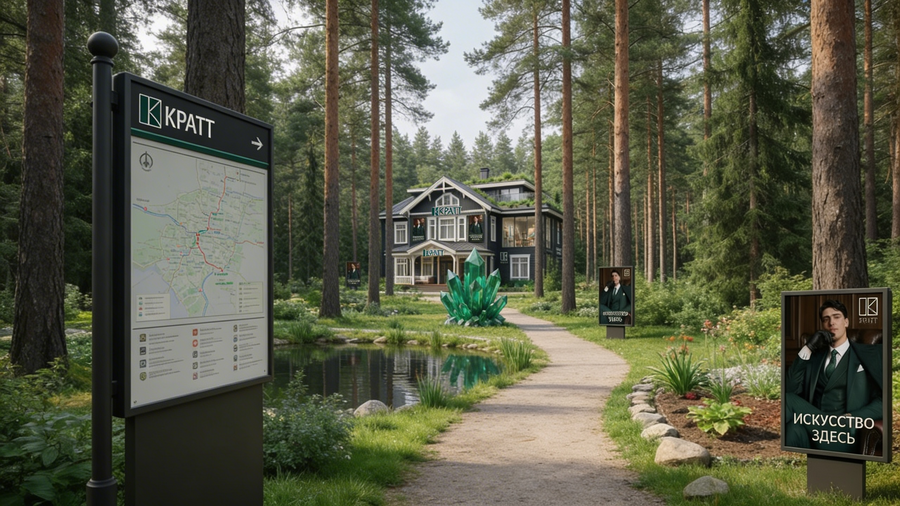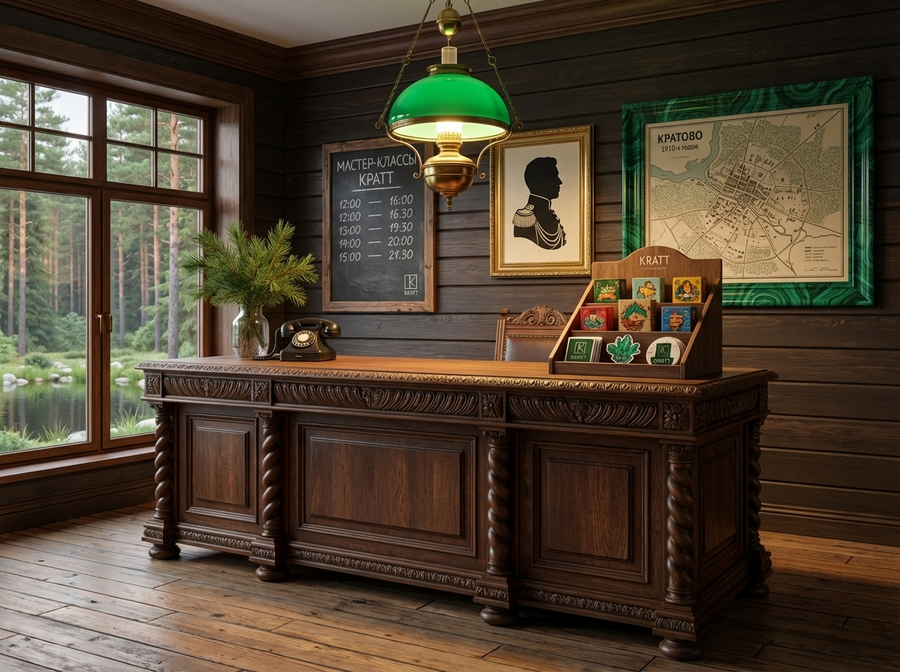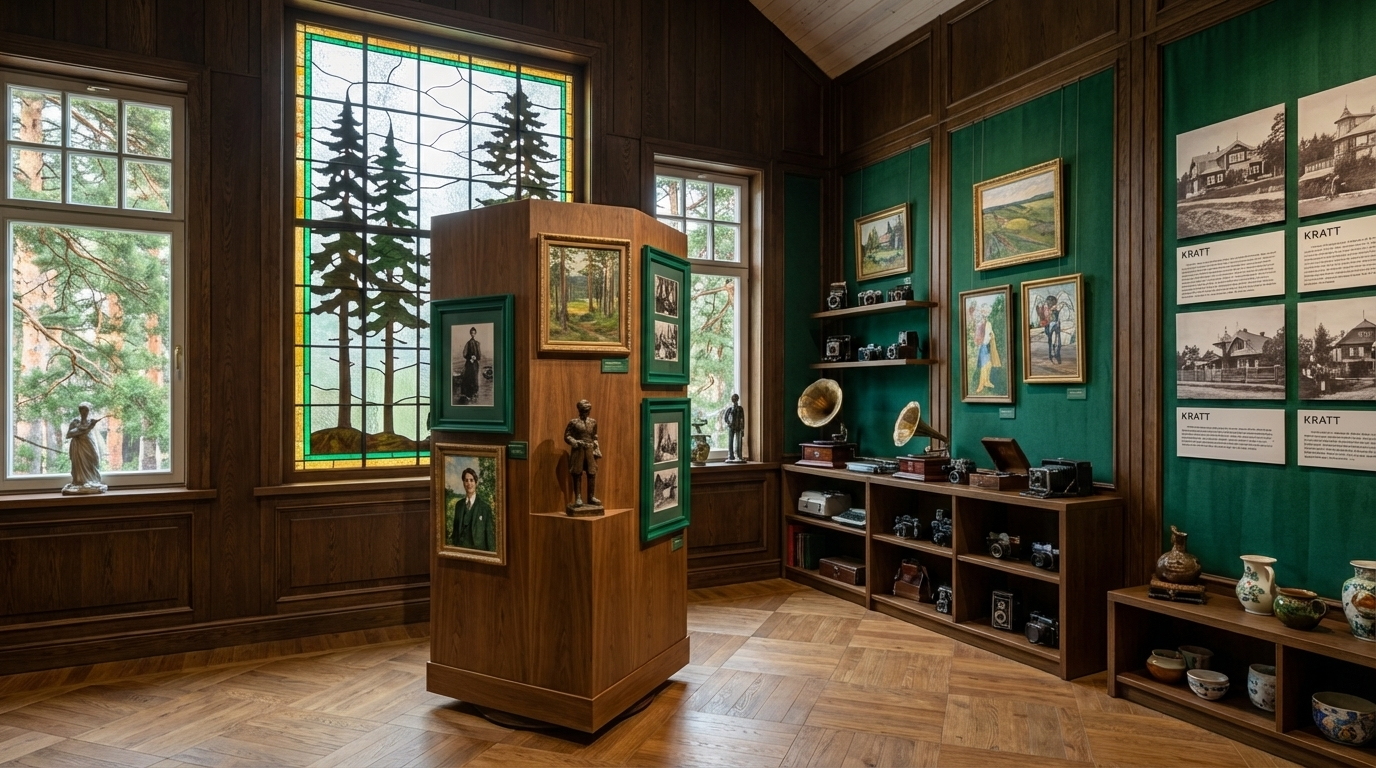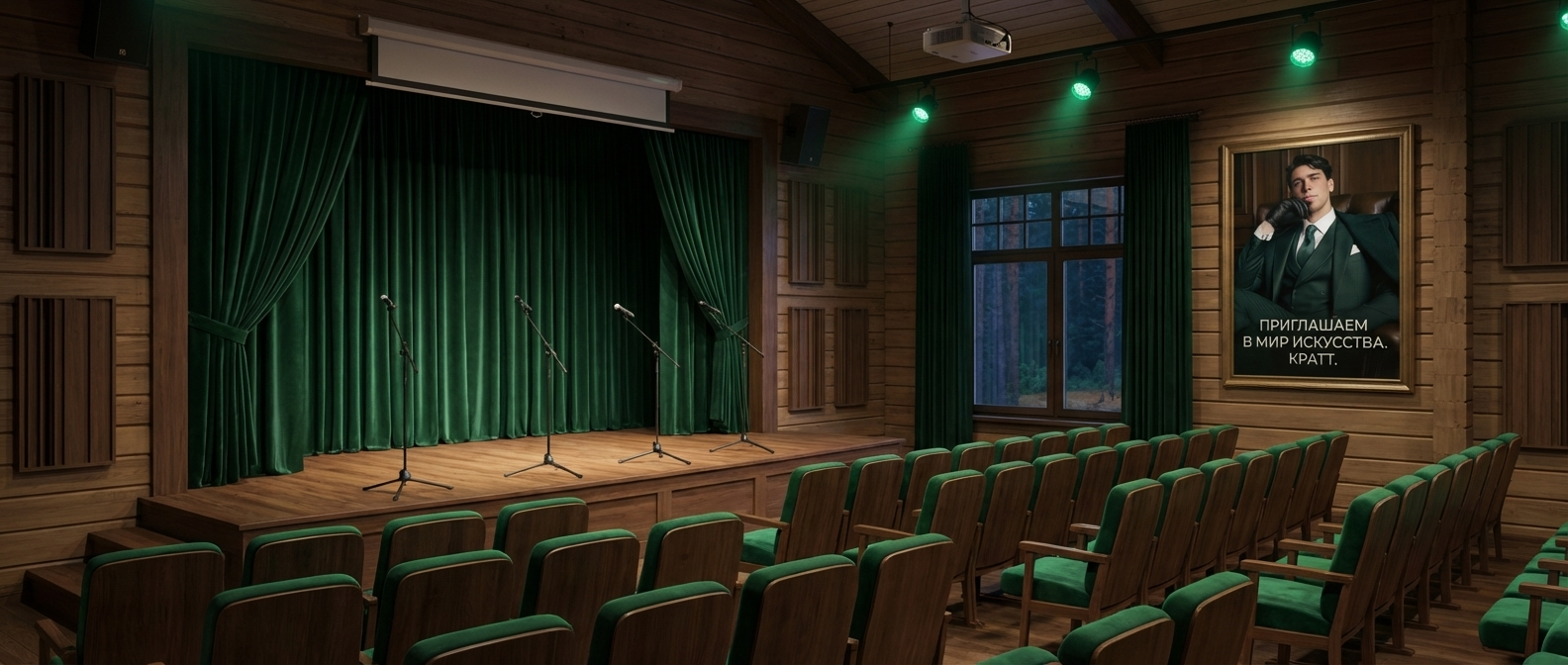
КРАТТ — это не просто выставочное место, а многофункциональное творческое пространство в Кратово, которое сохраняет и переосмысляет дачную культуру поселка через архитектуру, атмосферу и программу для гостей

Original size 872x542
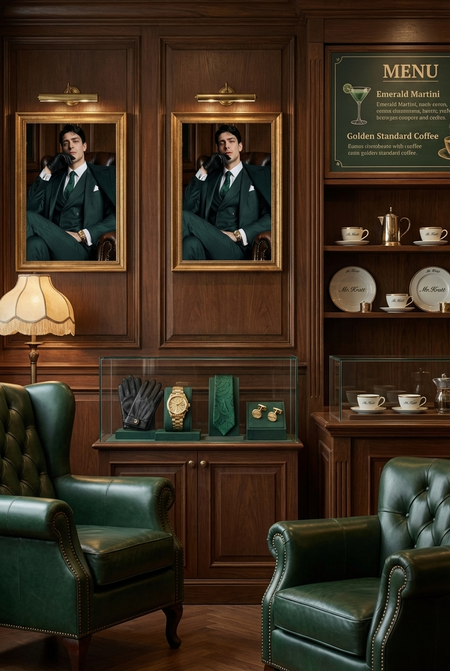
В пространстве КРАТТ, в качестве персонажа бренда существует некий Мистер Кратт. Он рассказывает каждому кто приходит в творческое пространство, чем тут можно заниматься, приветствует всех и является единым организмом с пространством.
Также с ним есть мерч и его уголок в пространстве КРАТТ.
Original size 1920x843
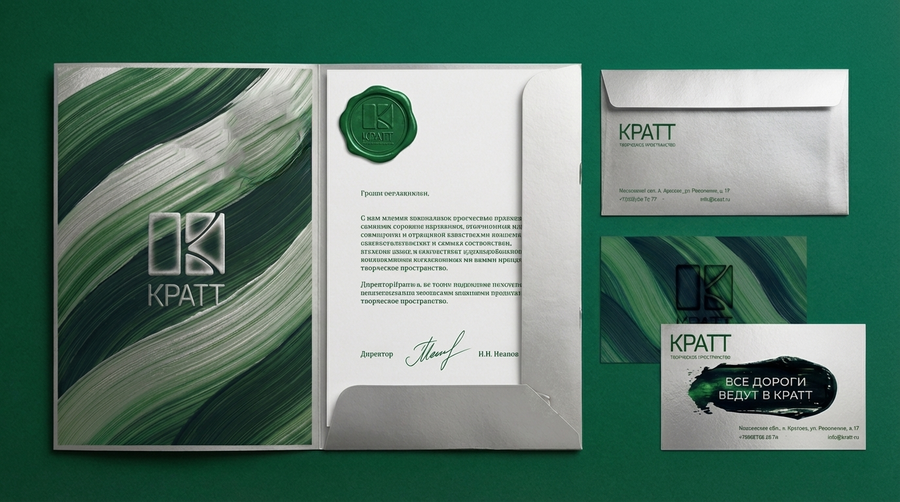
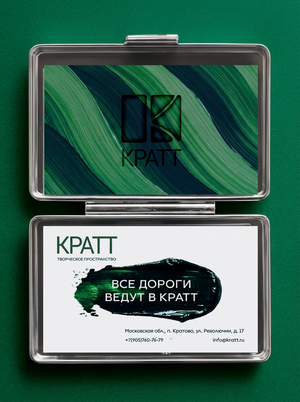
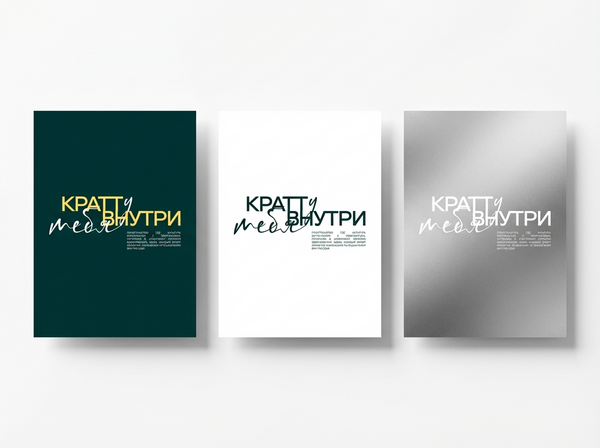
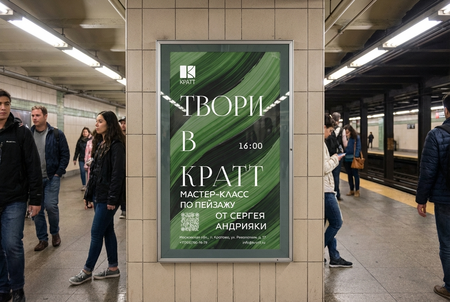
В оформлении документации и мастер-классов используются паттерны из краски.
Наружная реклама
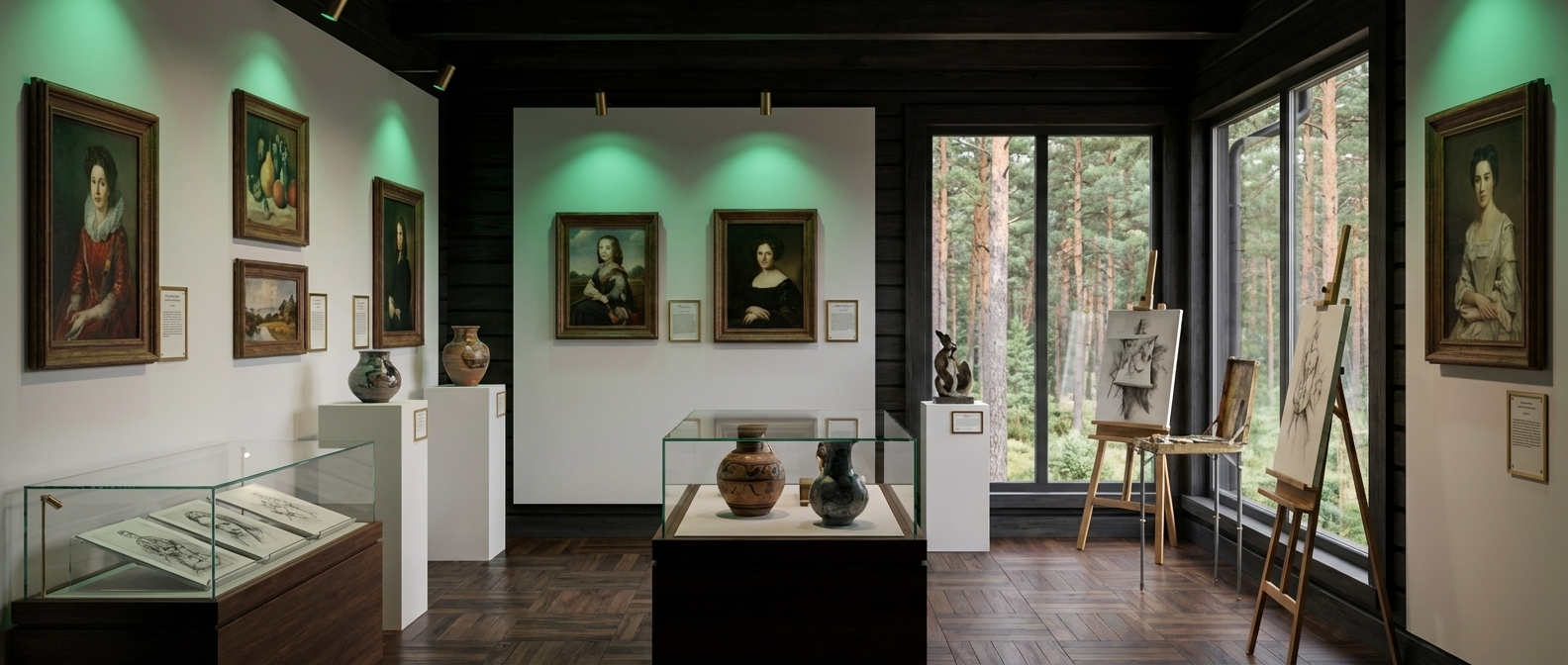
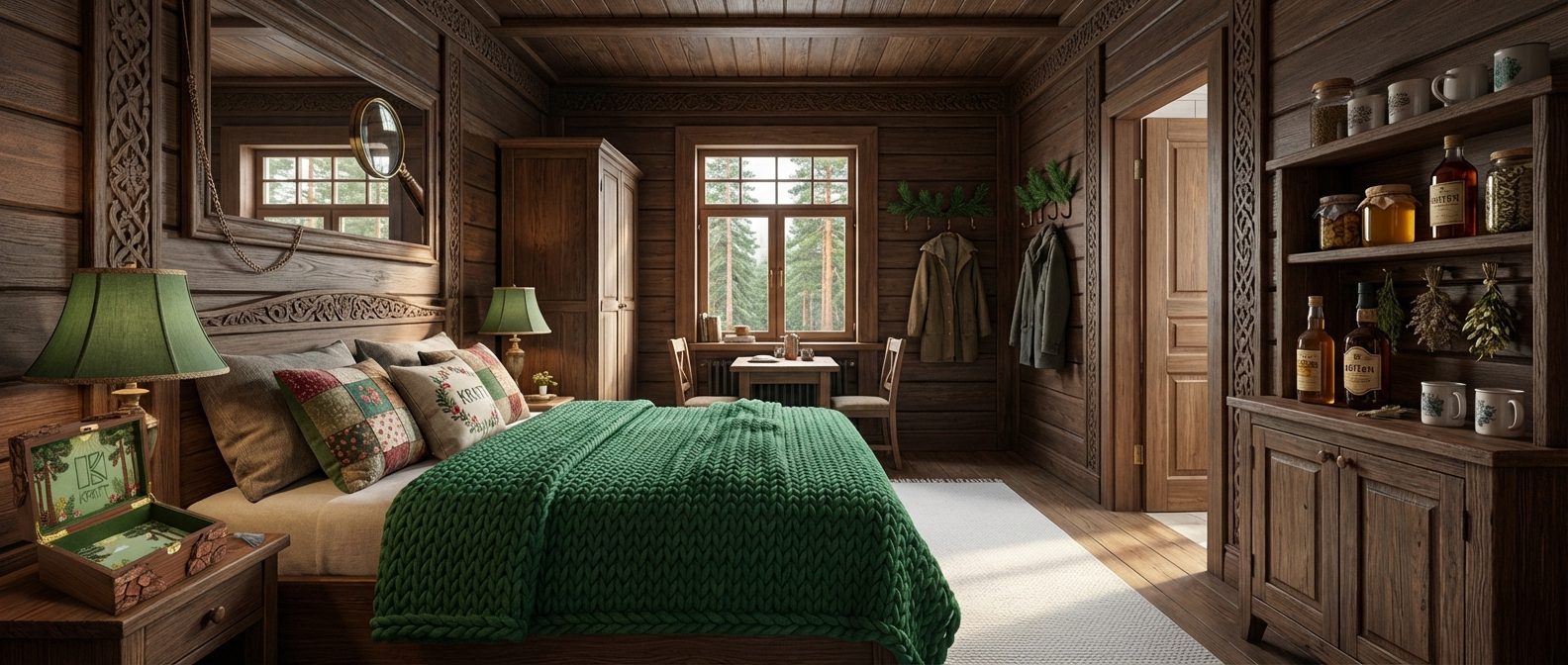
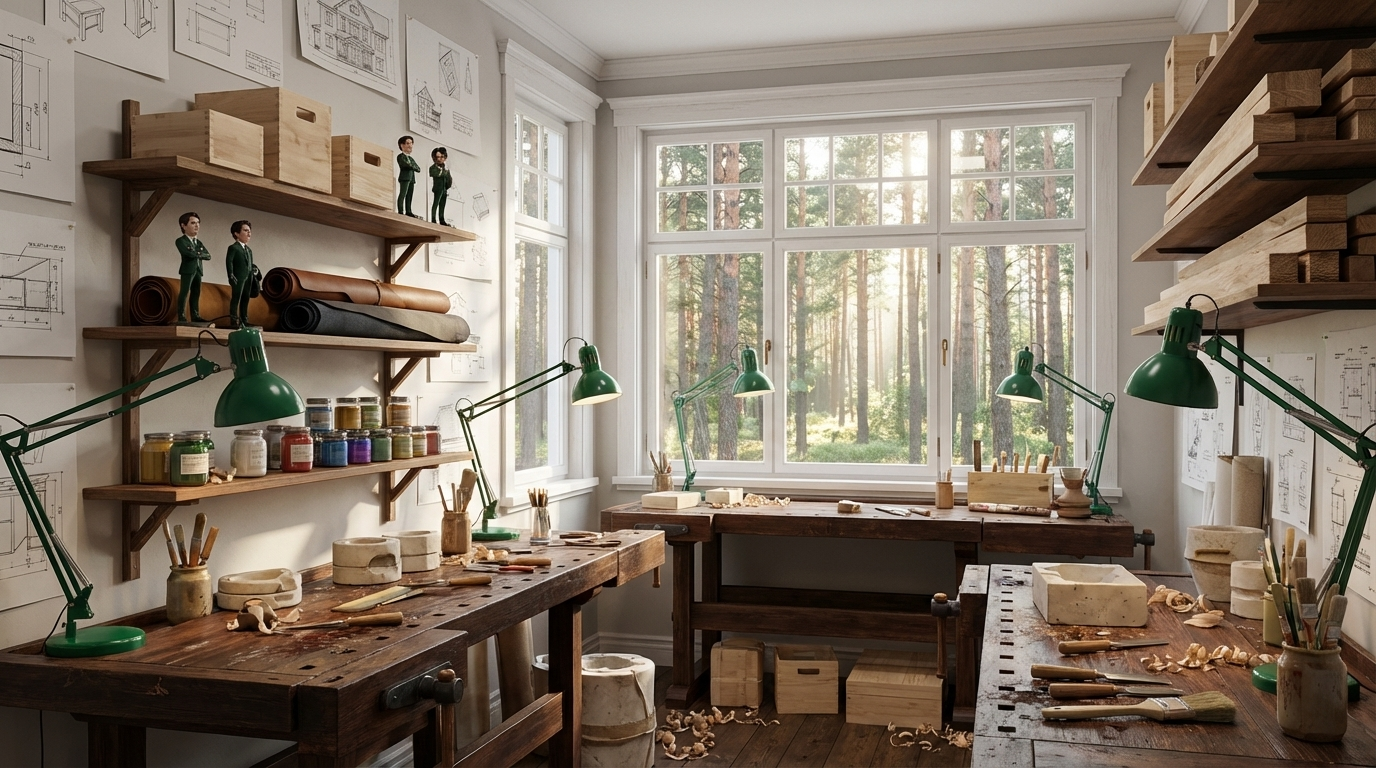
Внутреннее пространство КРАТТ
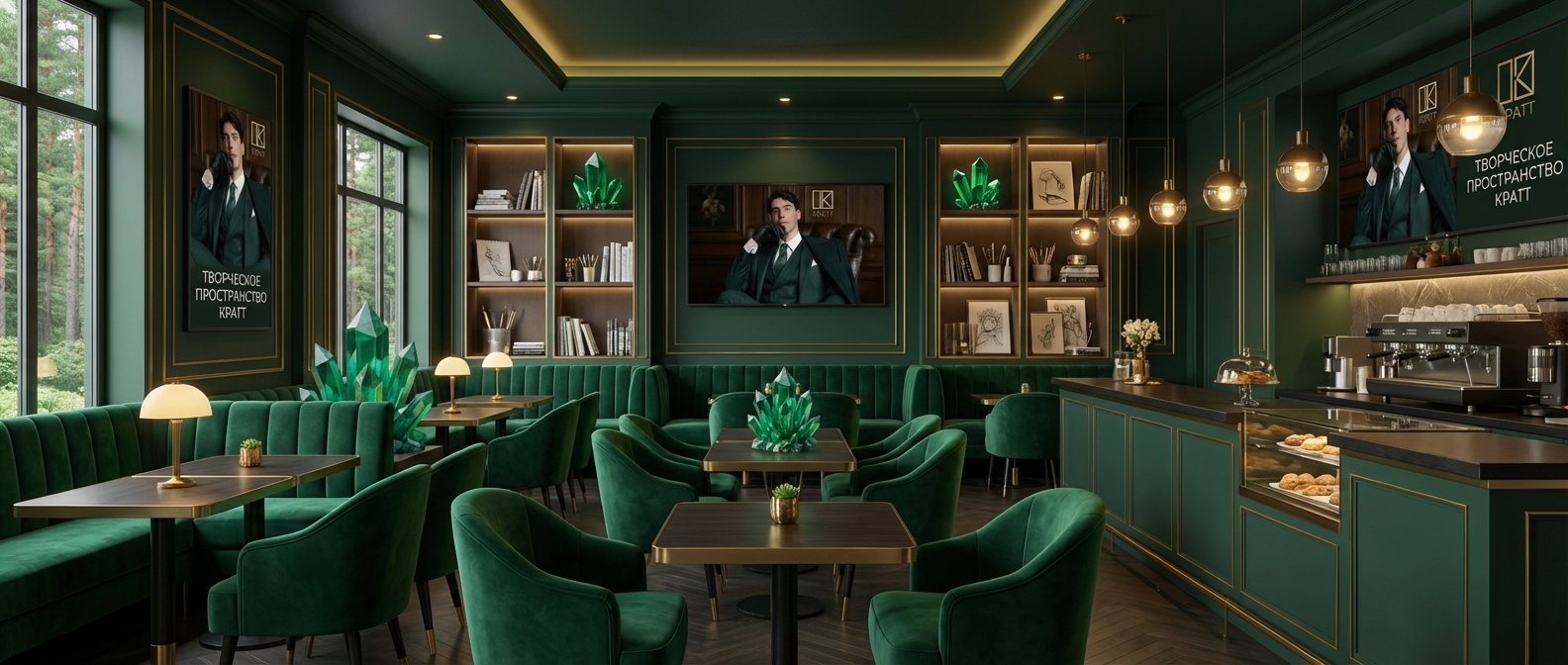
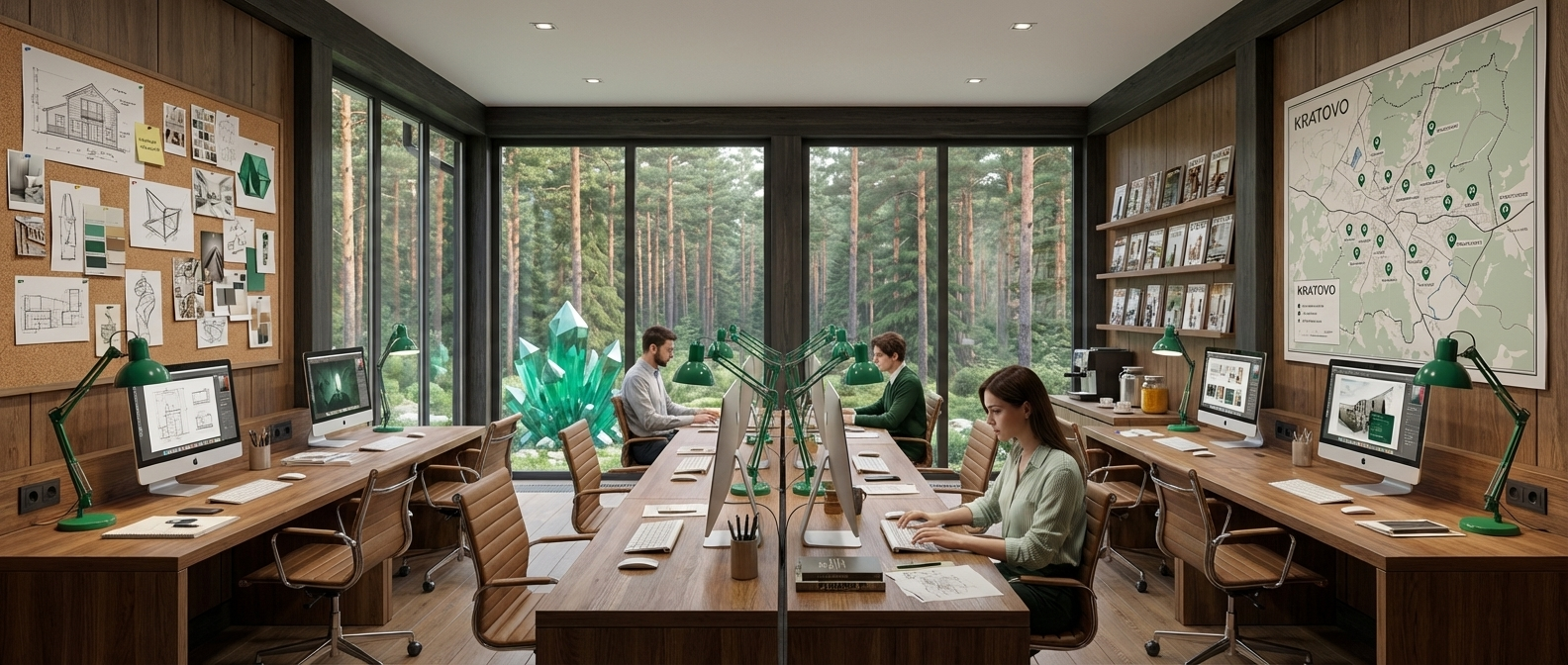
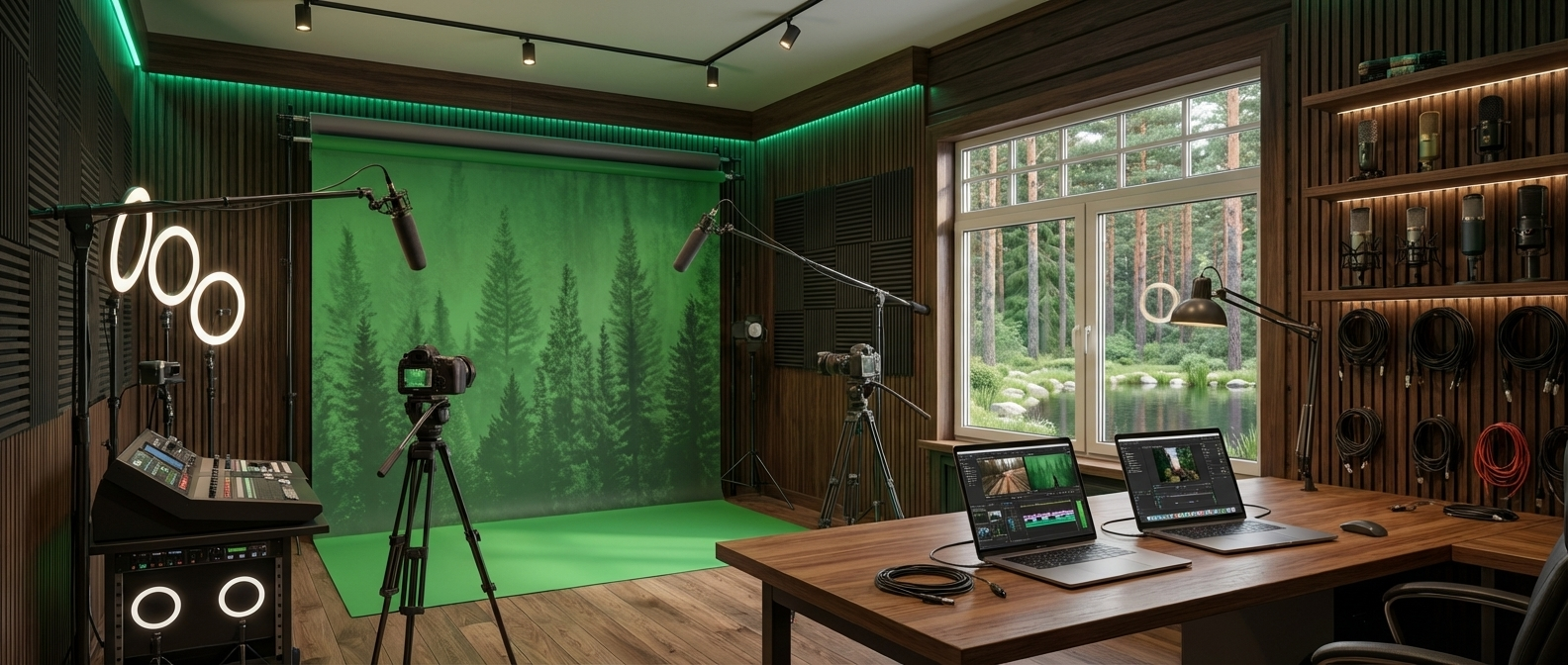
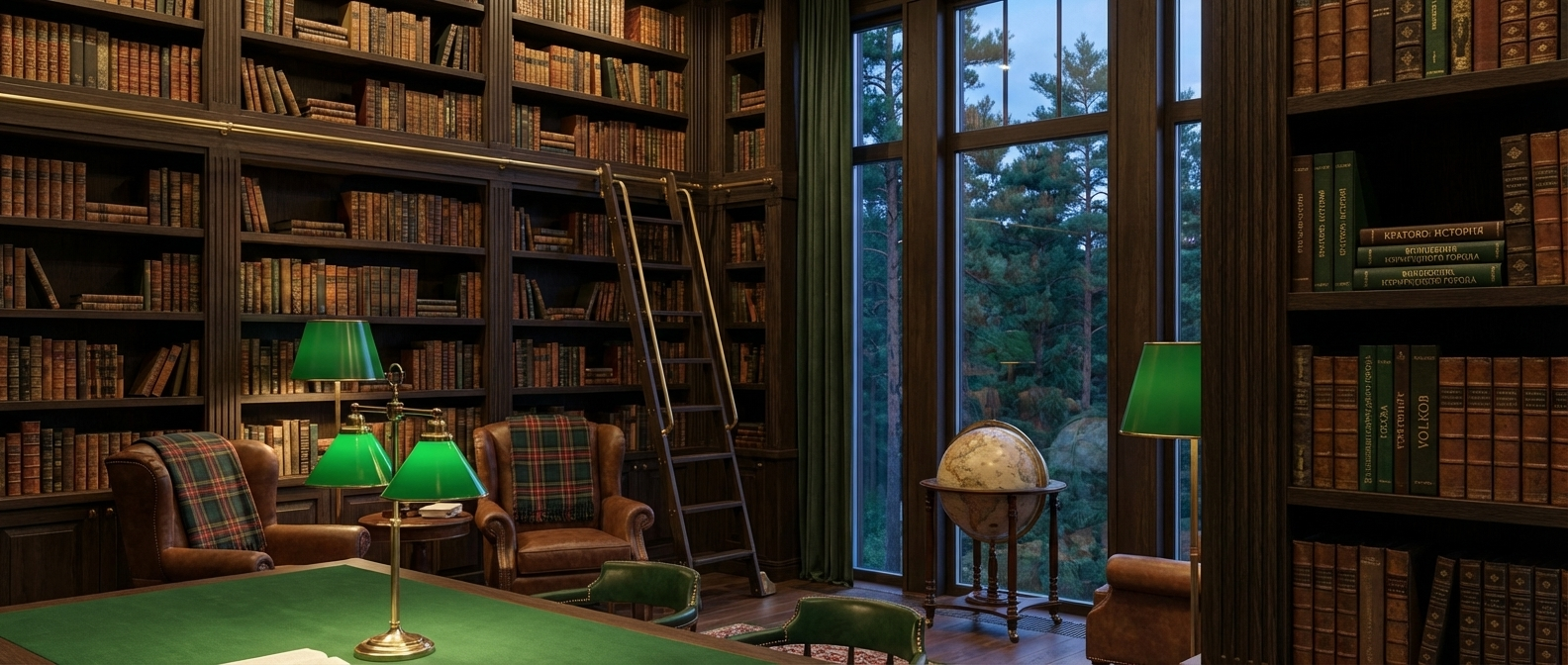
Архитектура и интерьер КРАТТ должны поддерживать ощущение дачи, леса, тишины и неспешности, но при этом выглядеть современно и функционально. Визуально пространство может опираться на мотивы изумрудного цвета, дерева, света, природных текстур и деталей, связанных с Кратово. Каждая зона работает как часть общей истории: вход встречает, выставка рассказывает, мастерские вовлекают, кафе удерживает, а гостиничные номера продлевают опыт пребывания.
0
0
0
0
0
0
0
0
0
0
0
0
0
0
0
0
0
0
0
0
0
0
0
Пространства, где используется персонаж бренда. Ниже представлены: зона кафе, зона игровая и место Мистера Кратта
Original size 1200x896
Original size 1376x768
Документация
Сувенирный магазин
Original size 1376x768
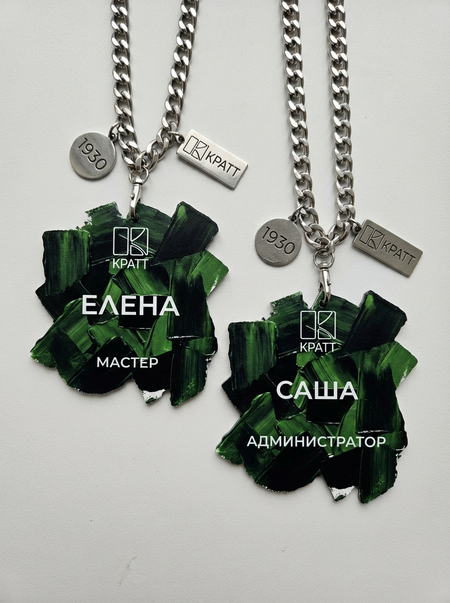
Мерч
Original size 1584x672
Original size 1376x768
Original size 896x1200
Original size 1200x896
Original size 896x1200
Мерч Мистера Кратта, это 3д-модель и мягкая игрушка, а также украшения: перстень, кулон и брошь.
We use cookies to improve the operation of the website and to enhance its usability. More detailed information on the use of cookies can be fo...
Show more
Press space bar to start a drag.
When dragging you can use the arrow keys to move the item around and escape to cancel.
Some screen readers may require you to be in focus mode or to use your pass through key
Press space bar to start a drag.
When dragging you can use the arrow keys to move the item around and escape to cancel.
Some screen readers may require you to be in focus mode or to use your pass through key
Press space bar to start a drag.
When dragging you can use the arrow keys to move the item around and escape to cancel.
Some screen readers may require you to be in focus mode or to use your pass through key
Press space bar to start a drag.
When dragging you can use the arrow keys to move the item around and escape to cancel.
Some screen readers may require you to be in focus mode or to use your pass through key
Press space bar to start a drag.
When dragging you can use the arrow keys to move the item around and escape to cancel.
Some screen readers may require you to be in focus mode or to use your pass through key
Press space bar to start a drag.
When dragging you can use the arrow keys to move the item around and escape to cancel.
Some screen readers may require you to be in focus mode or to use your pass through key
Press space bar to start a drag.
When dragging you can use the arrow keys to move the item around and escape to cancel.
Some screen readers may require you to be in focus mode or to use your pass through key
Press space bar to start a drag.
When dragging you can use the arrow keys to move the item around and escape to cancel.
Some screen readers may require you to be in focus mode or to use your pass through key
Press space bar to start a drag.
When dragging you can use the arrow keys to move the item around and escape to cancel.
Some screen readers may require you to be in focus mode or to use your pass through key
Press space bar to start a drag.
When dragging you can use the arrow keys to move the item around and escape to cancel.
Some screen readers may require you to be in focus mode or to use your pass through key
Press space bar to start a drag.
When dragging you can use the arrow keys to move the item around and escape to cancel.
Some screen readers may require you to be in focus mode or to use your pass through key
Press space bar to start a drag.
When dragging you can use the arrow keys to move the item around and escape to cancel.
Some screen readers may require you to be in focus mode or to use your pass through key
Press space bar to start a drag.
When dragging you can use the arrow keys to move the item around and escape to cancel.
Some screen readers may require you to be in focus mode or to use your pass through key