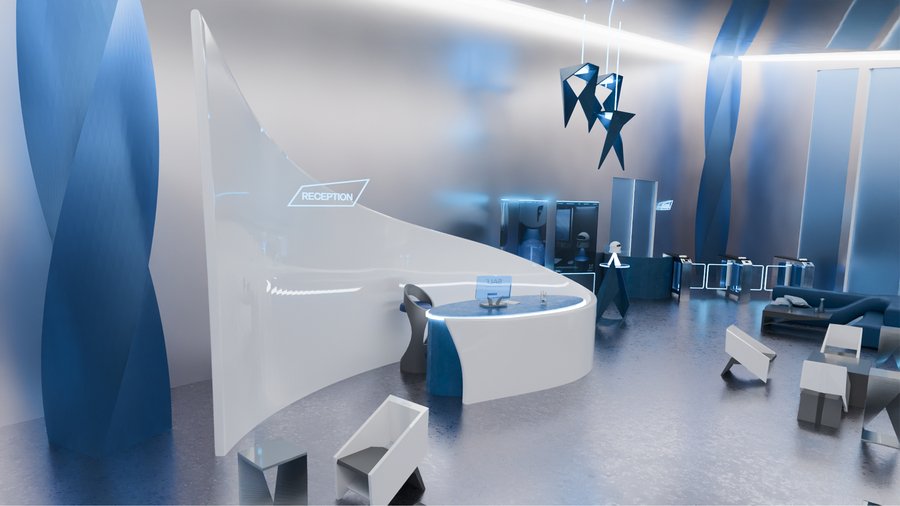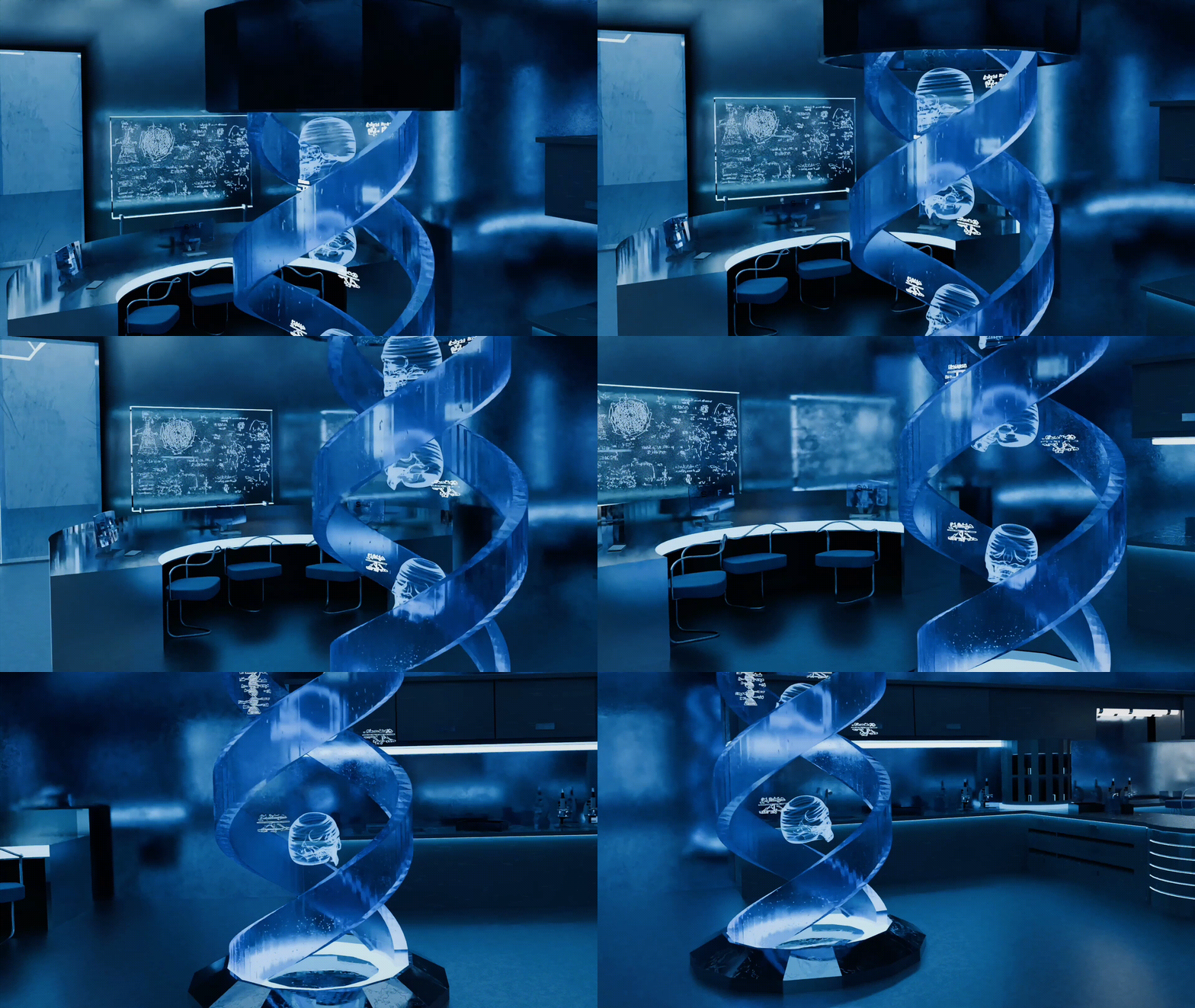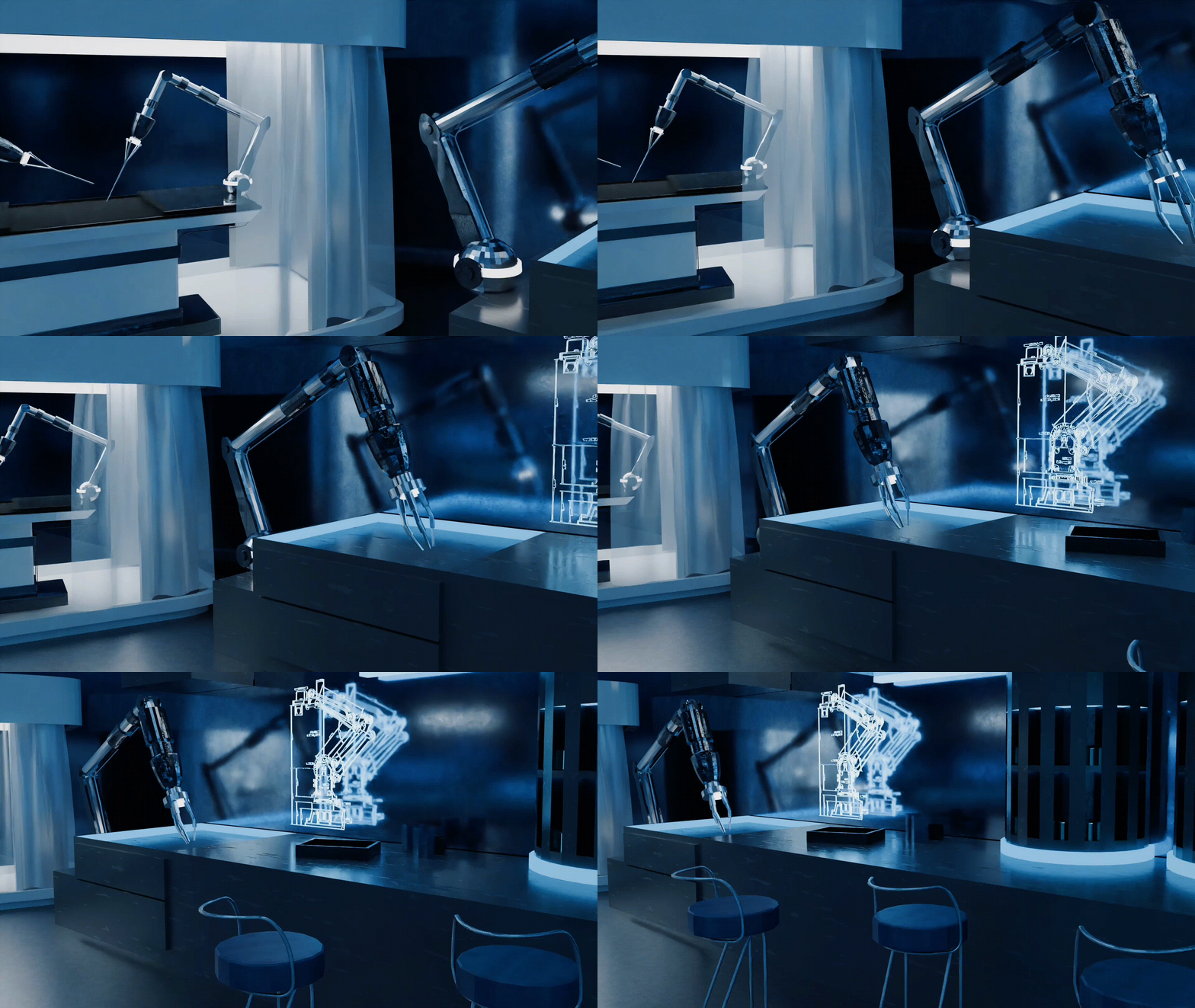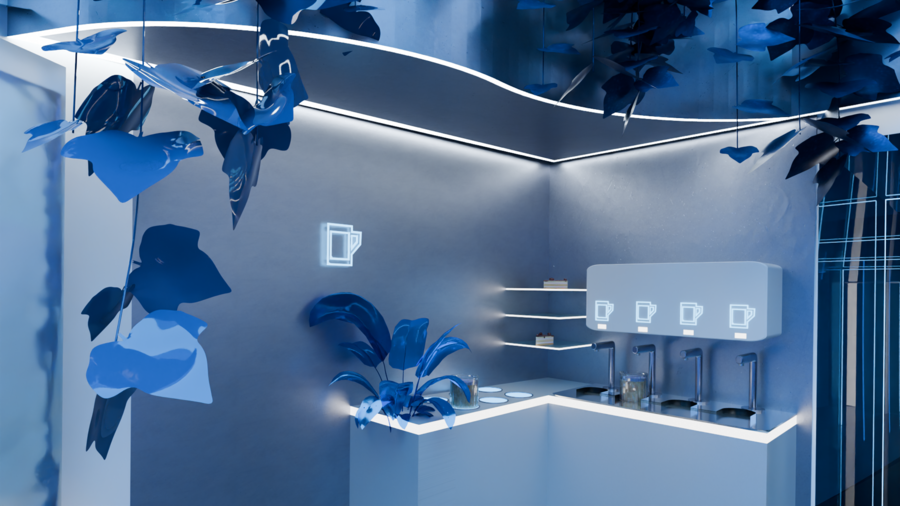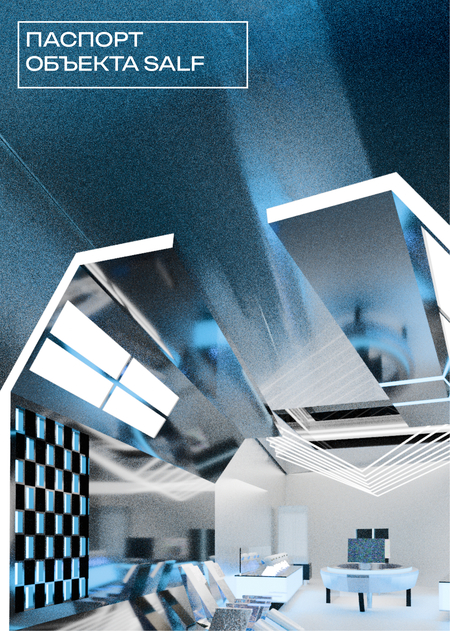
Основная цель пространства — продажа ангелов хранителей SALF. Помимо этого в пространстве можно сразу же адаптировать ангела под себя, обдумать свое решение и юридически его закрепить.

Original size 884x498
Loading...
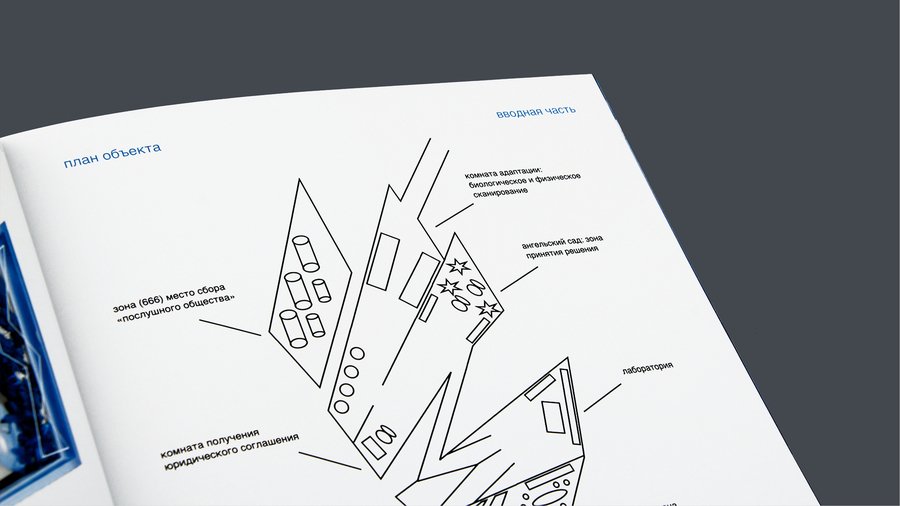
Здание представляет собой шесть прямоугольных объемов-перьев, напоминая сверху силуэт гигантского крыла. Структура создает нарративное путешествие: от простора и индивидуального выбора — через иллюзию свободы и успеха — к тесноте, юридической кабале и, наконец, к сокрытому смыслу конечной цели.
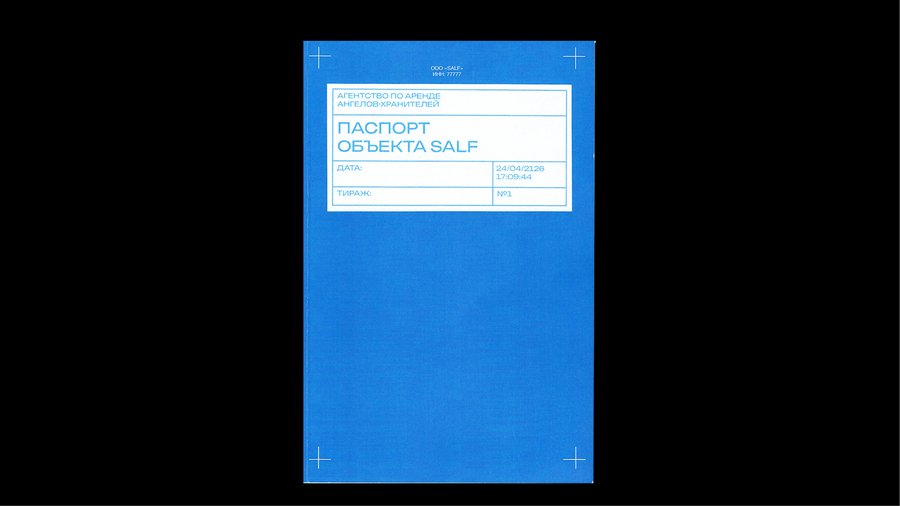
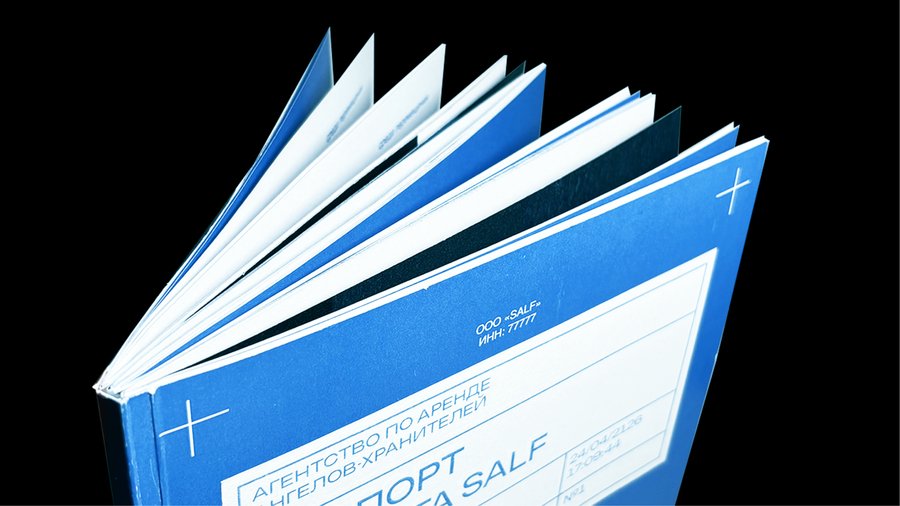
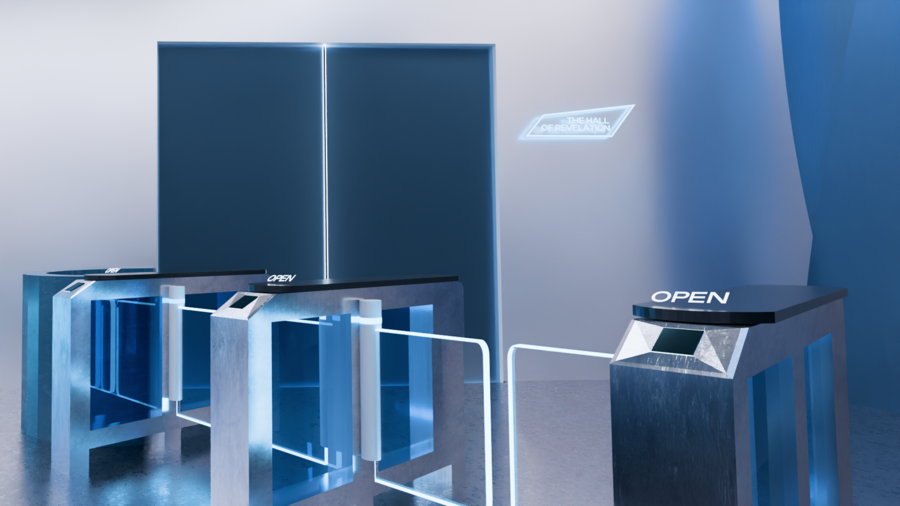
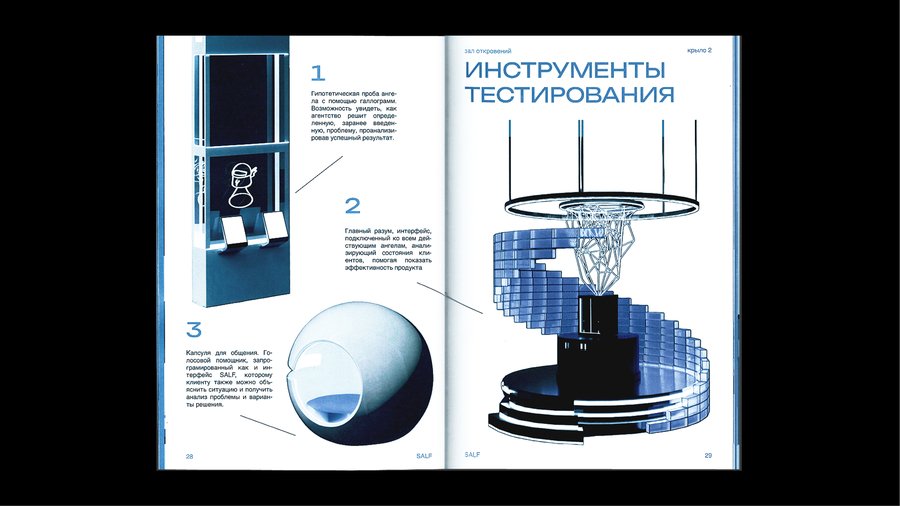
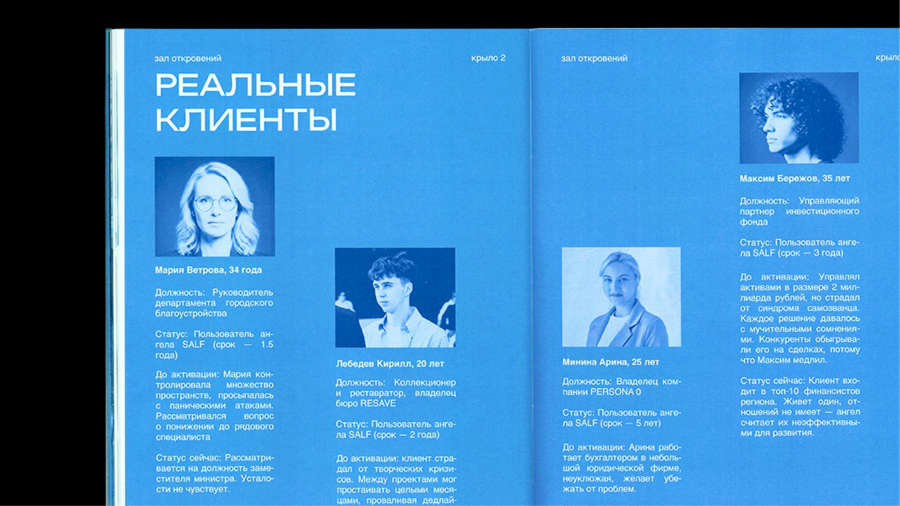
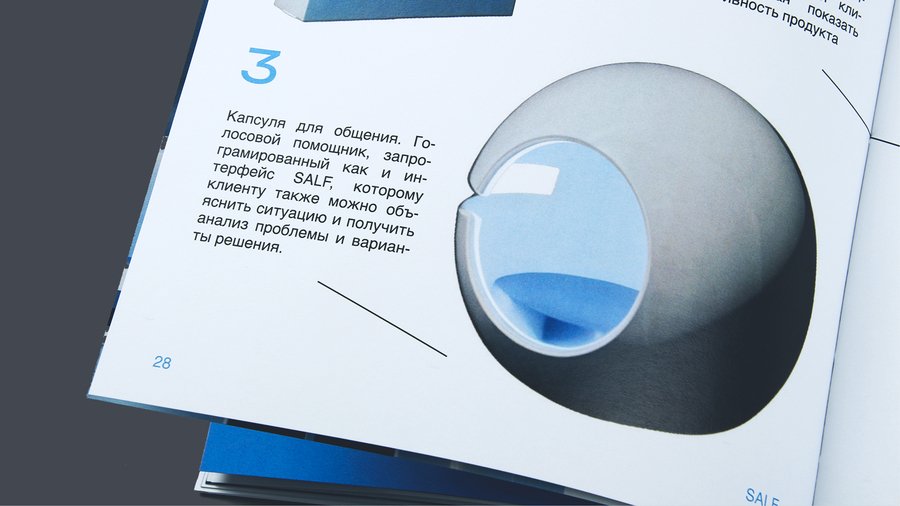
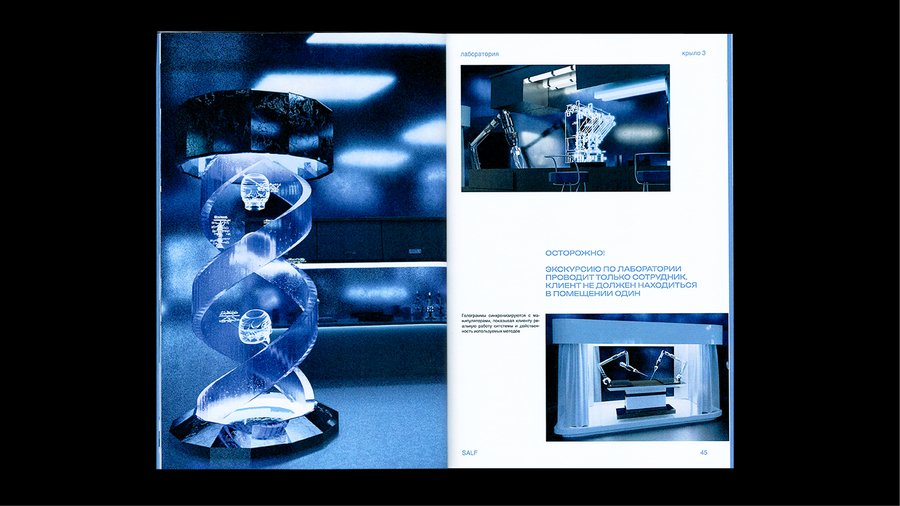
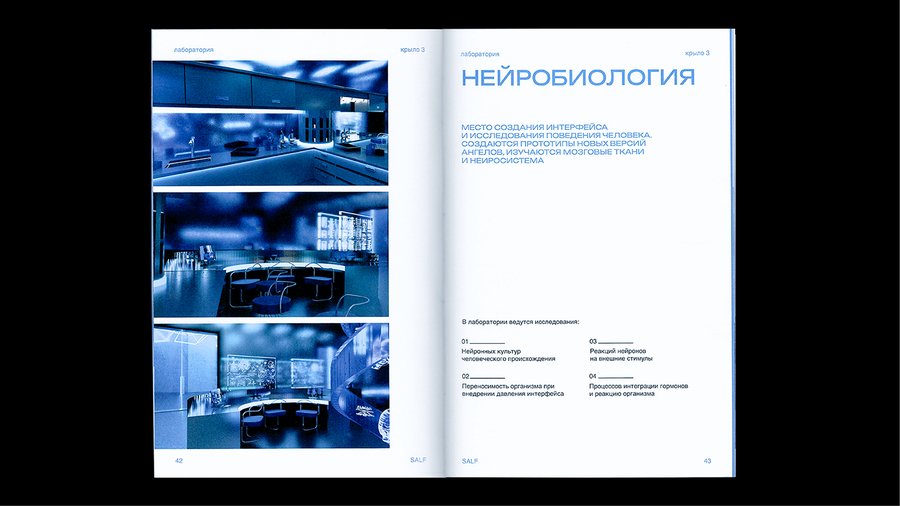
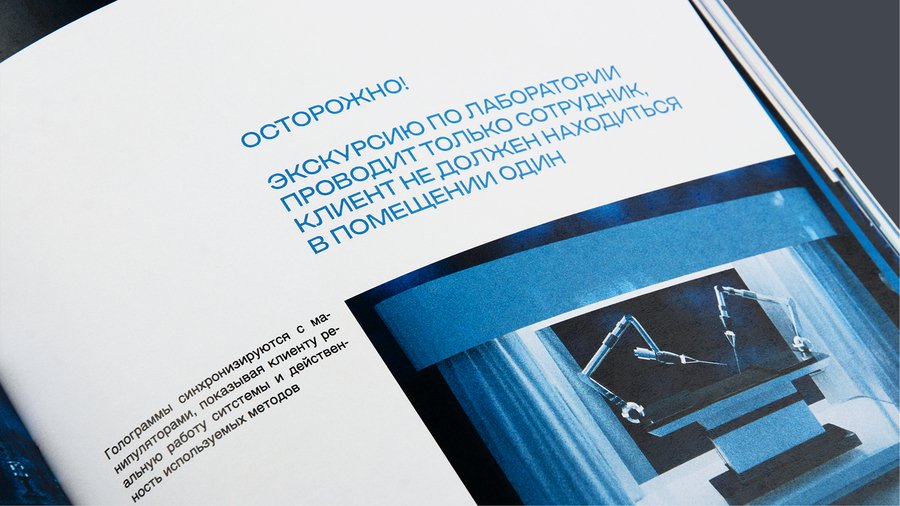
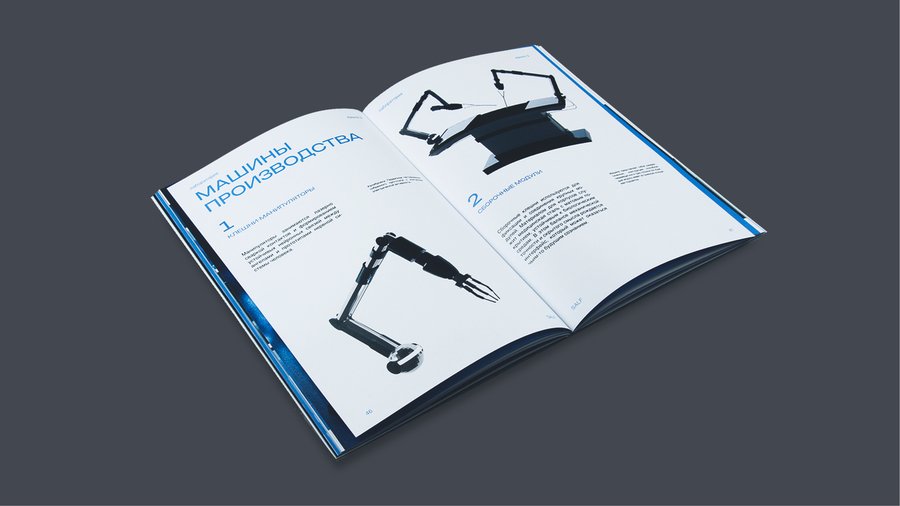
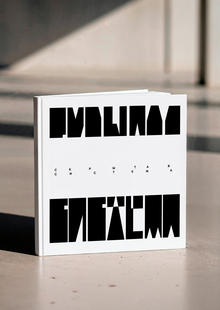
Книга фиксирует маршрут клиента от входа на ресепшен до выхода из стора, описывая пространства, через которые человек проходит на пути к получению ангела-хранителя.
Original size 814x458
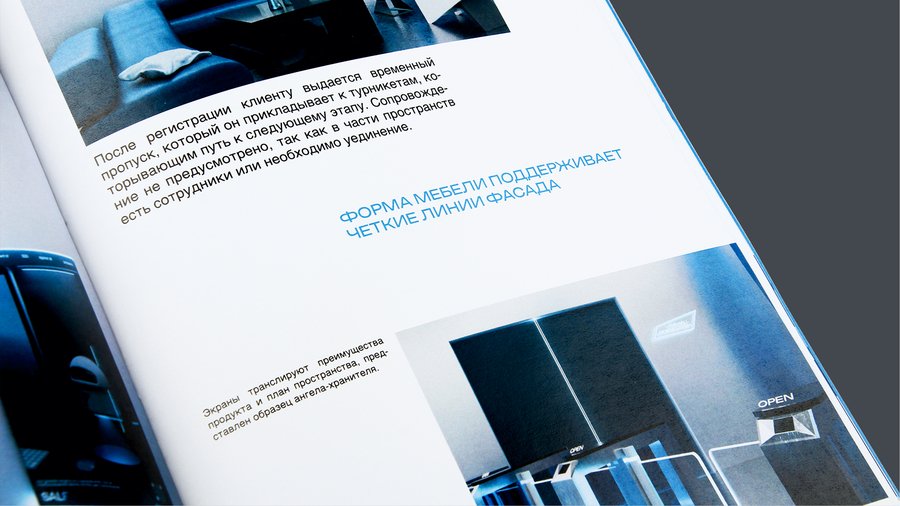
Формат издания — урезанный А4 по ширине, что отсылает к технической документации и проектным альбомам. В типографике использованы таблицы, характерные для архитектурных спецификаций.
Original size 3326x1871
Original size 1920x1080
Original size 3358x1889
Original size 1920x1080
Original size 3326x1871
Original size 3345x1881
Original size 3326x1871
Original size 1920x1080
Original size 3326x1871
Original size 3307x1861
Original size 3326x1871
Original size 1920x1080
0
0
0
0
0
Original size 3326x1871
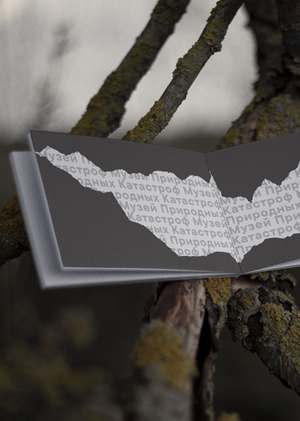
Второе издание о 6 крыле было создано спустя десятилетия после событий, когда послушное общество было собрано. Авторство приписывается одному из выживших, чье имя не фигурирует ни в одном из сохранившихся списков сотрудников или клиентов.
We use cookies to improve the operation of the website and to enhance its usability. More detailed information on the use of cookies can be fo...
Show more
Press space bar to start a drag.
When dragging you can use the arrow keys to move the item around and escape to cancel.
Some screen readers may require you to be in focus mode or to use your pass through key
Press space bar to start a drag.
When dragging you can use the arrow keys to move the item around and escape to cancel.
Some screen readers may require you to be in focus mode or to use your pass through key
Press space bar to start a drag.
When dragging you can use the arrow keys to move the item around and escape to cancel.
Some screen readers may require you to be in focus mode or to use your pass through key
Press space bar to start a drag.
When dragging you can use the arrow keys to move the item around and escape to cancel.
Some screen readers may require you to be in focus mode or to use your pass through key
Press space bar to start a drag.
When dragging you can use the arrow keys to move the item around and escape to cancel.
Some screen readers may require you to be in focus mode or to use your pass through key
Press space bar to start a drag.
When dragging you can use the arrow keys to move the item around and escape to cancel.
Some screen readers may require you to be in focus mode or to use your pass through key
Press space bar to start a drag.
When dragging you can use the arrow keys to move the item around and escape to cancel.
Some screen readers may require you to be in focus mode or to use your pass through key
Press space bar to start a drag.
When dragging you can use the arrow keys to move the item around and escape to cancel.
Some screen readers may require you to be in focus mode or to use your pass through key
Press space bar to start a drag.
When dragging you can use the arrow keys to move the item around and escape to cancel.
Some screen readers may require you to be in focus mode or to use your pass through key
Press space bar to start a drag.
When dragging you can use the arrow keys to move the item around and escape to cancel.
Some screen readers may require you to be in focus mode or to use your pass through key
Press space bar to start a drag.
When dragging you can use the arrow keys to move the item around and escape to cancel.
Some screen readers may require you to be in focus mode or to use your pass through key
Press space bar to start a drag.
When dragging you can use the arrow keys to move the item around and escape to cancel.
Some screen readers may require you to be in focus mode or to use your pass through key