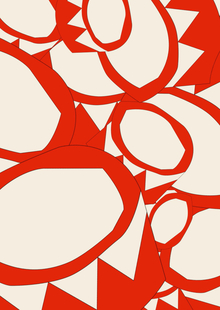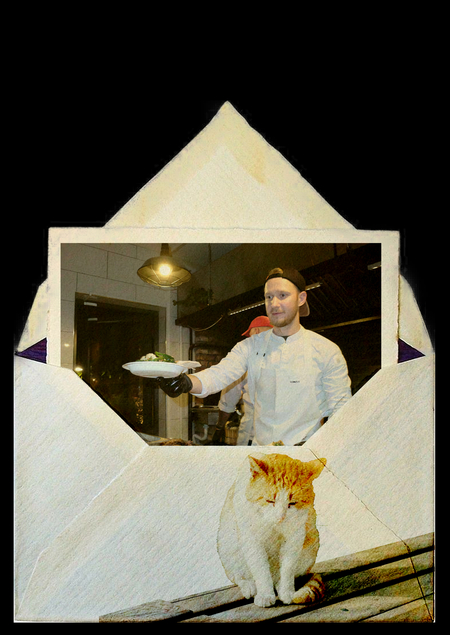
Заставки для онлайн-конференции Московской Международной Книжной Ярмарки х ВКонтакте
VK выступает официальной соцсетью для продвижения Московской международной книжной ярмарки (ММКЯ), обеспечивая прямые трансляции встреч с авторами. Для этих прямых эфиров были разработаны заставки.

Original size 1280x720
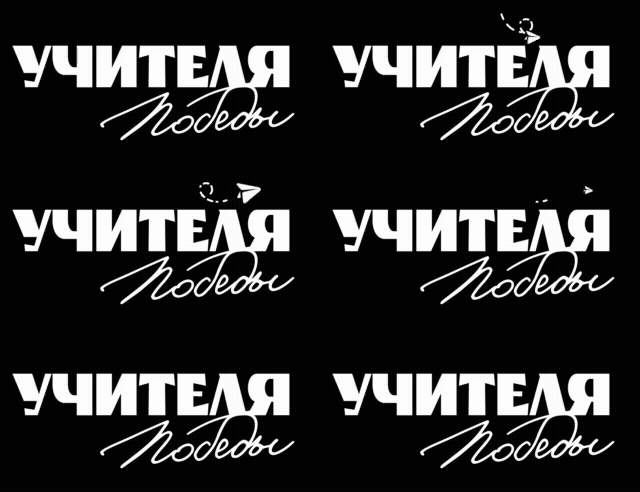
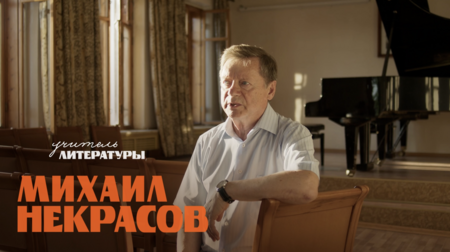
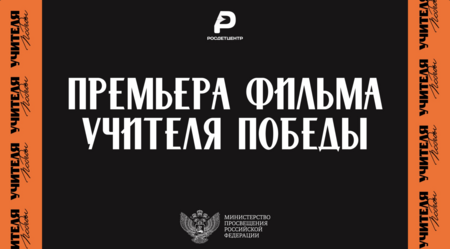
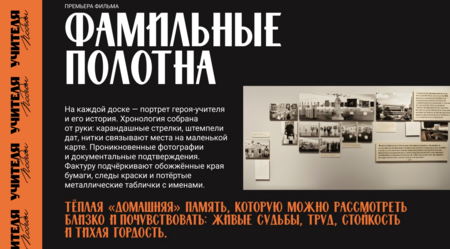
Графическое оформление документального фильма и кинопоказа «Учителя победы»
Original size 320x164
Original size 1280x858
Прессвол
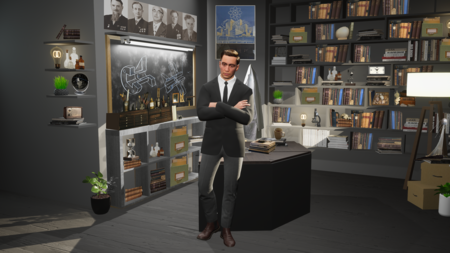
Декорации для научного шоу
Каждая серия — история о масштабных фигурах и научных прорывах, совершённых российскими учёными.
Студия проекта передаёт дух революционных открытий и изобретений. Интерьер сочетает в себе узнаваемые символы побед отечественной науки, строгий, минималистичный стиль и элементы хай-тека. Здесь выдающееся прошлое встречается с технологичным будущим.

Original size 1929x1085
Original size 1045x588
Презентации для ИРИ
Original size 1928x1088
Original size 1920x1080
Original size 1928x1088
Original size 1920x1080
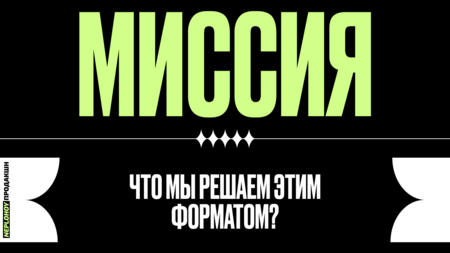
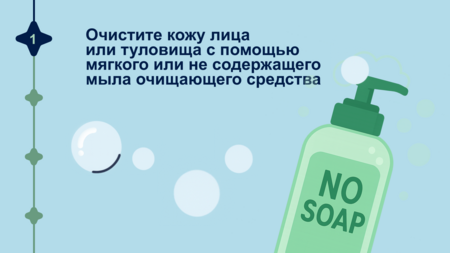
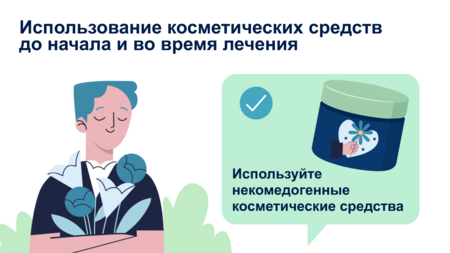
Эксплейнер для GALDERMA
Galderma — швейцарская фармацевтическая компания, мировой лидер в области дерматологии. Данное видео было сделано для конференции по заказу российского подразделения.

Loading...
Original size 1920x1080
Коллажи для сериала «Диаспоры»
«Диаспоры» — уникальный документальный сериал с элементами тревела о диаспорах России, который соединяет в себе современную жизнь, культуру и историю.
We use cookies to improve the operation of the website and to enhance its usability. More detailed information on the use of cookies can be fo...
Show more
Press space bar to start a drag.
When dragging you can use the arrow keys to move the item around and escape to cancel.
Some screen readers may require you to be in focus mode or to use your pass through key
Press space bar to start a drag.
When dragging you can use the arrow keys to move the item around and escape to cancel.
Some screen readers may require you to be in focus mode or to use your pass through key
Press space bar to start a drag.
When dragging you can use the arrow keys to move the item around and escape to cancel.
Some screen readers may require you to be in focus mode or to use your pass through key
Press space bar to start a drag.
When dragging you can use the arrow keys to move the item around and escape to cancel.
Some screen readers may require you to be in focus mode or to use your pass through key
Press space bar to start a drag.
When dragging you can use the arrow keys to move the item around and escape to cancel.
Some screen readers may require you to be in focus mode or to use your pass through key
Press space bar to start a drag.
When dragging you can use the arrow keys to move the item around and escape to cancel.
Some screen readers may require you to be in focus mode or to use your pass through key
Press space bar to start a drag.
When dragging you can use the arrow keys to move the item around and escape to cancel.
Some screen readers may require you to be in focus mode or to use your pass through key
Press space bar to start a drag.
When dragging you can use the arrow keys to move the item around and escape to cancel.
Some screen readers may require you to be in focus mode or to use your pass through key
Press space bar to start a drag.
When dragging you can use the arrow keys to move the item around and escape to cancel.
Some screen readers may require you to be in focus mode or to use your pass through key
Press space bar to start a drag.
When dragging you can use the arrow keys to move the item around and escape to cancel.
Some screen readers may require you to be in focus mode or to use your pass through key
Press space bar to start a drag.
When dragging you can use the arrow keys to move the item around and escape to cancel.
Some screen readers may require you to be in focus mode or to use your pass through key
Press space bar to start a drag.
When dragging you can use the arrow keys to move the item around and escape to cancel.
Some screen readers may require you to be in focus mode or to use your pass through key
Press space bar to start a drag.
When dragging you can use the arrow keys to move the item around and escape to cancel.
Some screen readers may require you to be in focus mode or to use your pass through key