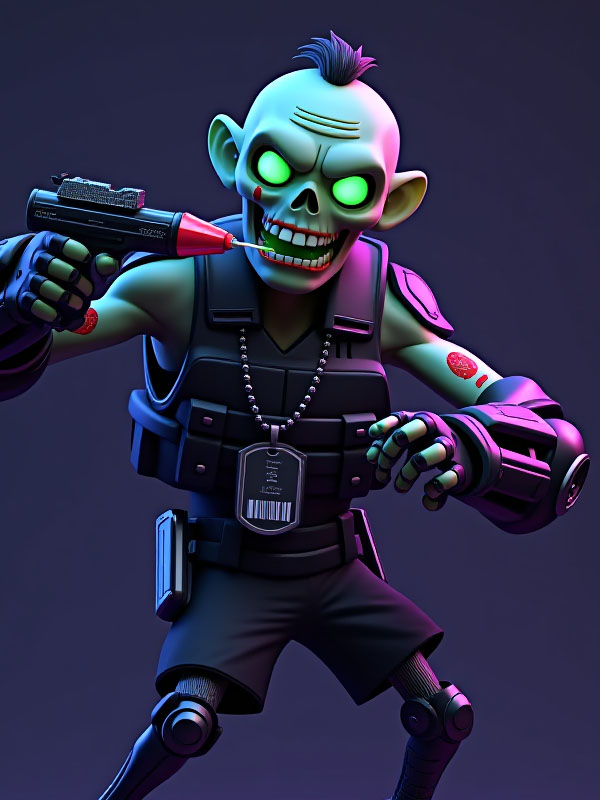
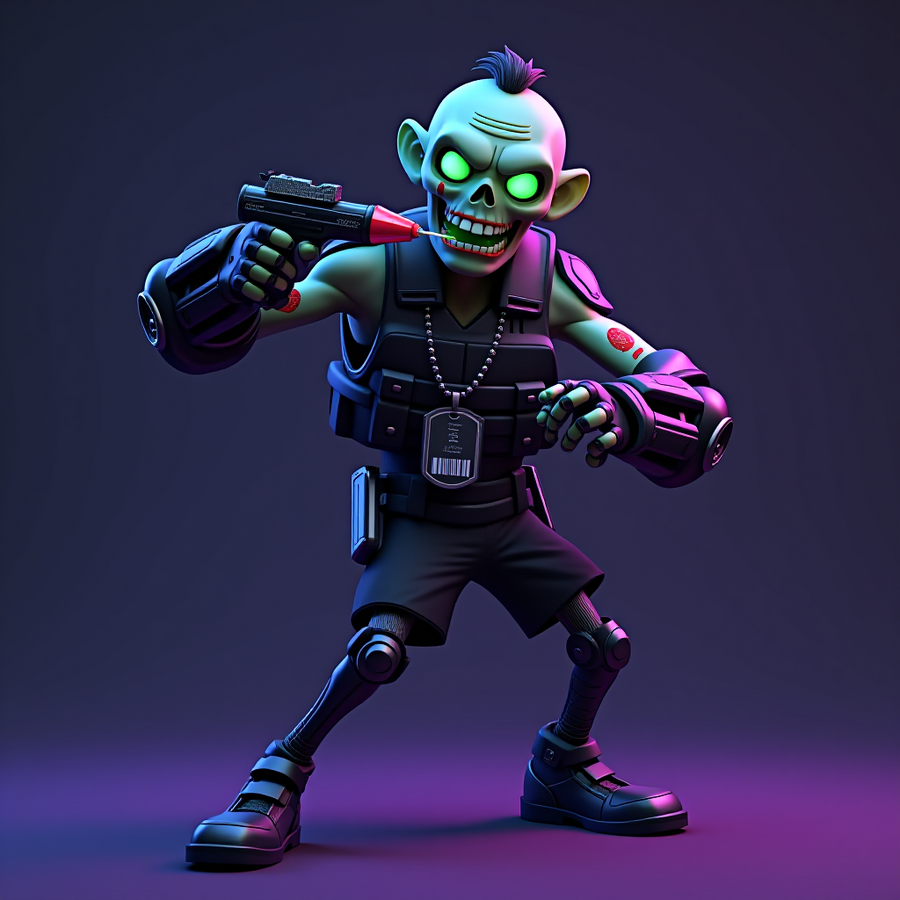
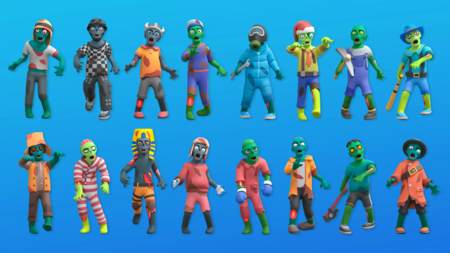
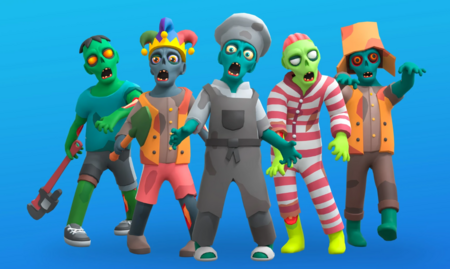
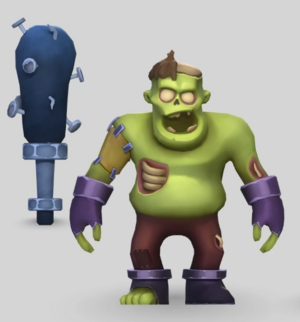
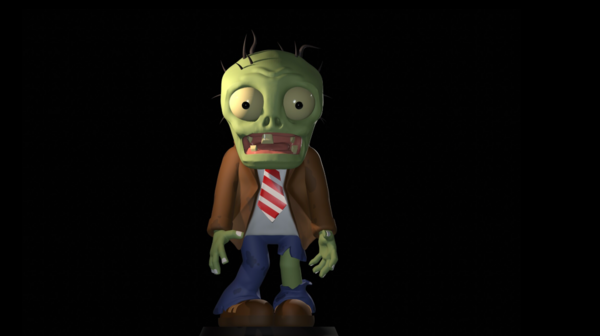
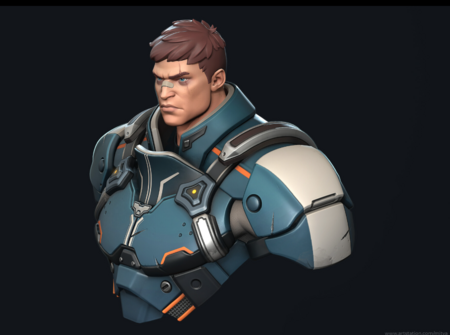
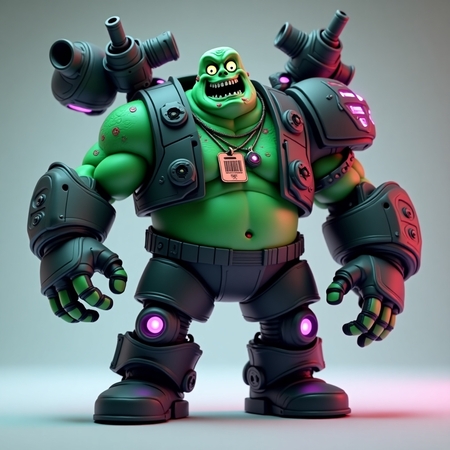
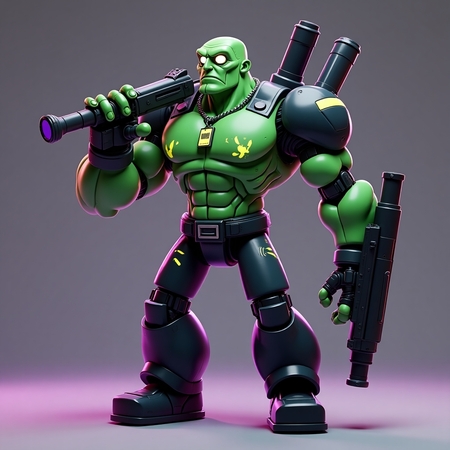
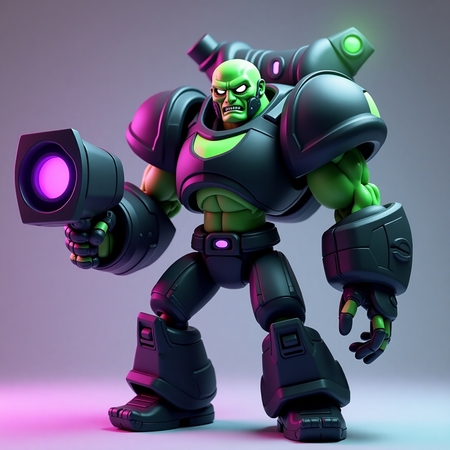
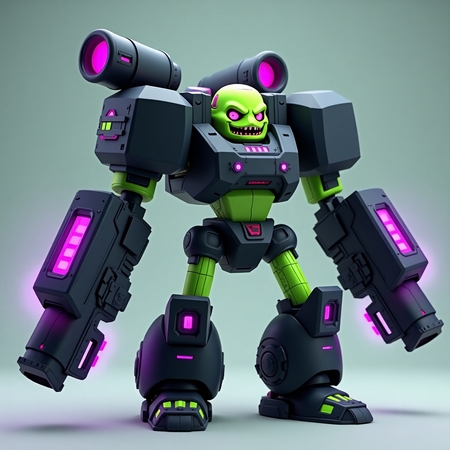
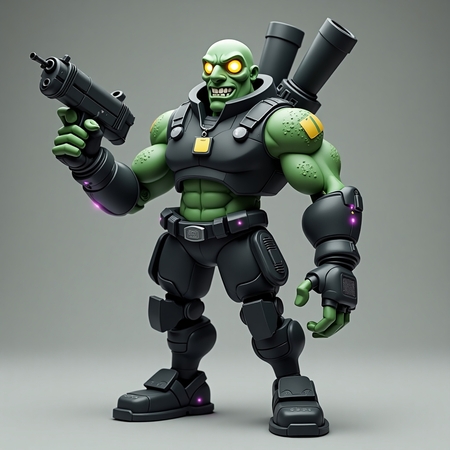
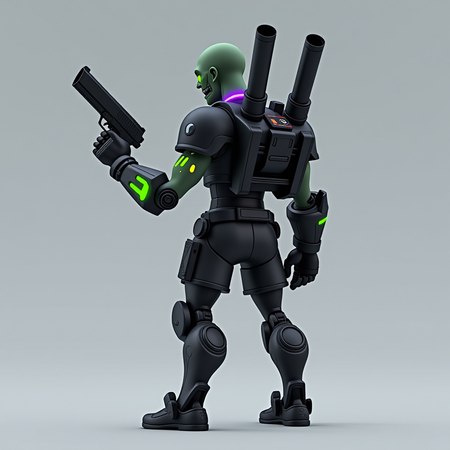
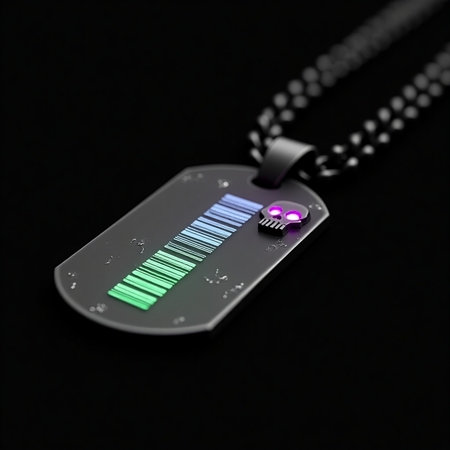
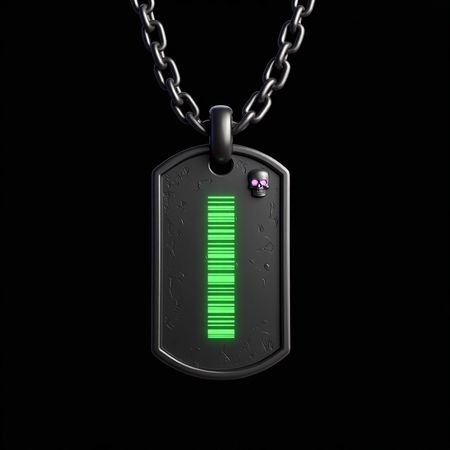
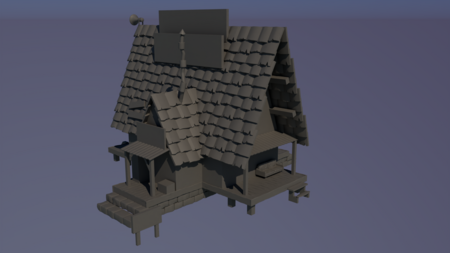
Место действия: альтернативная Земля будущего, где войны не утихают и выходят на всё более высокотехнологичный уровень. Лишившиеся конечностей солдаты не покидают поле боя. Они аугментируются, совершенствуя свои тела железом.
Референсы:
Генерации:
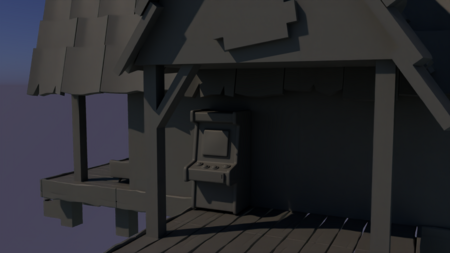
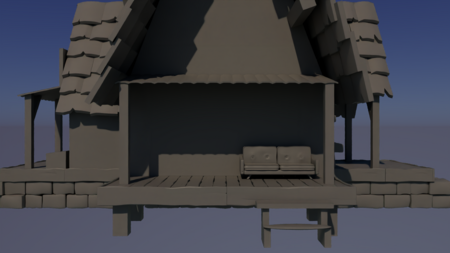
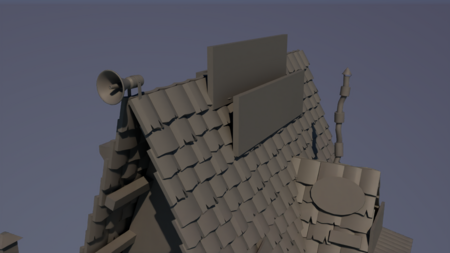
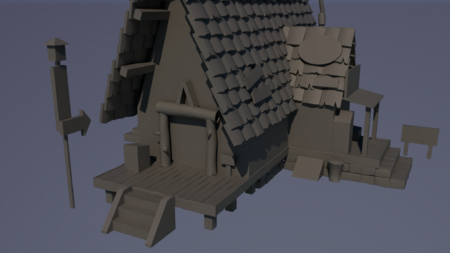
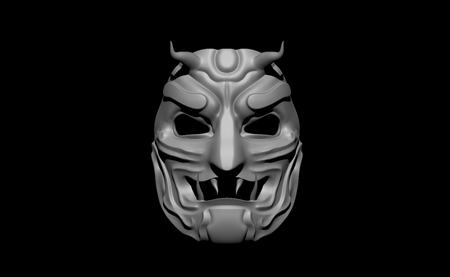
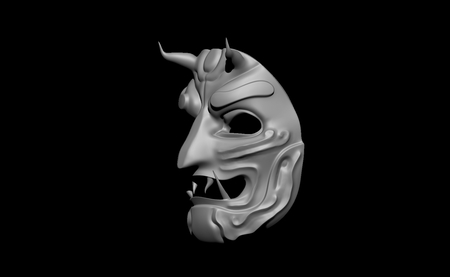
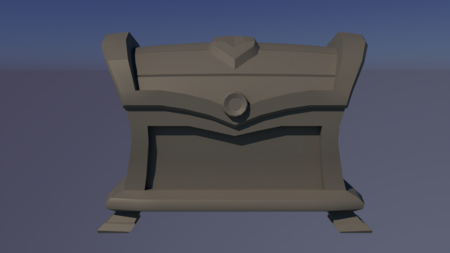
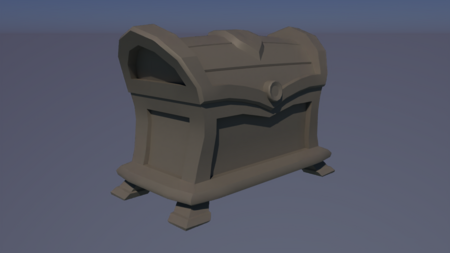
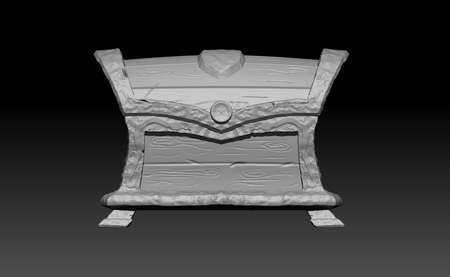
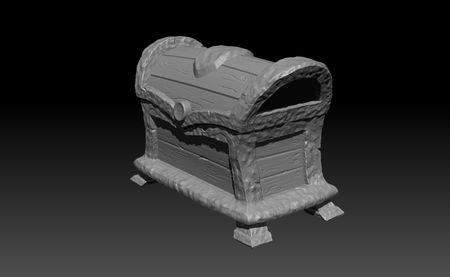
Пропсы:
Главный герой во время боевых действий попал в окружение. Но в кольцо его взял не противник, а его биологическое оружие — зомби. Персонажа кусают, и он начинает превращаться в зомби. Но он сумел сохранить человеческий рассудок, так как использовал медицинский пистолет с лекарством, которое тормозит действие вируса.
Павел Дорофеев создал модульный проект с описанием персонажа CyberZombie 2099 и сюжетной линией в альтернативном будущем. Проект включает детали о мире, где солдаты аугментируются железом, чтобы продолжать воевать без конечностей.
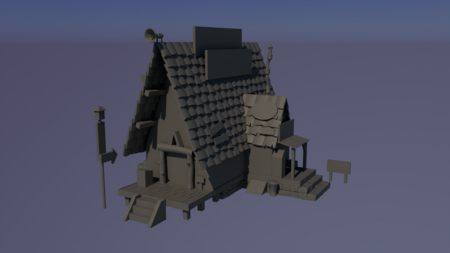
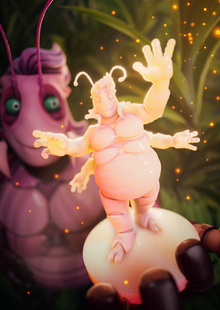
Александра Фаталиева создала историю о жуке Биттле, который использует рукоделие для выживания в джунглях. Проект включает в себя тексты и 3D-модель, которая теперь доступна в осязаемом виде для физического размещения на столе.
DAFES — платформа, объединяющая лучшие проекты и продукты экосистемы по направлениям design, art, fashion, education и startup. Внутри неё действует сообщество Deziiign, которое объединяет дизайнеров, художников, иллюстраторов и фотографов — профессионалов всех творческих направлений. Это пространство для демонстрации работ, обмена идеями и неординарными подходами, а также встреч с потенциальными заказчиками, исполнителями и па... Показать больше
Мы используем файлы cookies для улучшения работы сайта и большего удобства его использования. Более подробную информац...
Показать больше
Press space bar to start a drag.
When dragging you can use the arrow keys to move the item around and escape to cancel.
Some screen readers may require you to be in focus mode or to use your pass through key
Press space bar to start a drag.
When dragging you can use the arrow keys to move the item around and escape to cancel.
Some screen readers may require you to be in focus mode or to use your pass through key
Press space bar to start a drag.
When dragging you can use the arrow keys to move the item around and escape to cancel.
Some screen readers may require you to be in focus mode or to use your pass through key
Press space bar to start a drag.
When dragging you can use the arrow keys to move the item around and escape to cancel.
Some screen readers may require you to be in focus mode or to use your pass through key
Press space bar to start a drag.
When dragging you can use the arrow keys to move the item around and escape to cancel.
Some screen readers may require you to be in focus mode or to use your pass through key
Press space bar to start a drag.
When dragging you can use the arrow keys to move the item around and escape to cancel.
Some screen readers may require you to be in focus mode or to use your pass through key
Press space bar to start a drag.
When dragging you can use the arrow keys to move the item around and escape to cancel.
Some screen readers may require you to be in focus mode or to use your pass through key
Press space bar to start a drag.
When dragging you can use the arrow keys to move the item around and escape to cancel.
Some screen readers may require you to be in focus mode or to use your pass through key
Press space bar to start a drag.
When dragging you can use the arrow keys to move the item around and escape to cancel.
Some screen readers may require you to be in focus mode or to use your pass through key
Press space bar to start a drag.
When dragging you can use the arrow keys to move the item around and escape to cancel.
Some screen readers may require you to be in focus mode or to use your pass through key
Press space bar to start a drag.
When dragging you can use the arrow keys to move the item around and escape to cancel.
Some screen readers may require you to be in focus mode or to use your pass through key
Press space bar to start a drag.
When dragging you can use the arrow keys to move the item around and escape to cancel.
Some screen readers may require you to be in focus mode or to use your pass through key
Press space bar to start a drag.
When dragging you can use the arrow keys to move the item around and escape to cancel.
Some screen readers may require you to be in focus mode or to use your pass through key