«Энтропия есть диалектическое продолжение Структуризации. Цивилизация образовалась, развилась, поднялась, достигла пика, стала слабеть, затем она должна разрушиться и умереть» (М.Веллер, признан иноагентом)
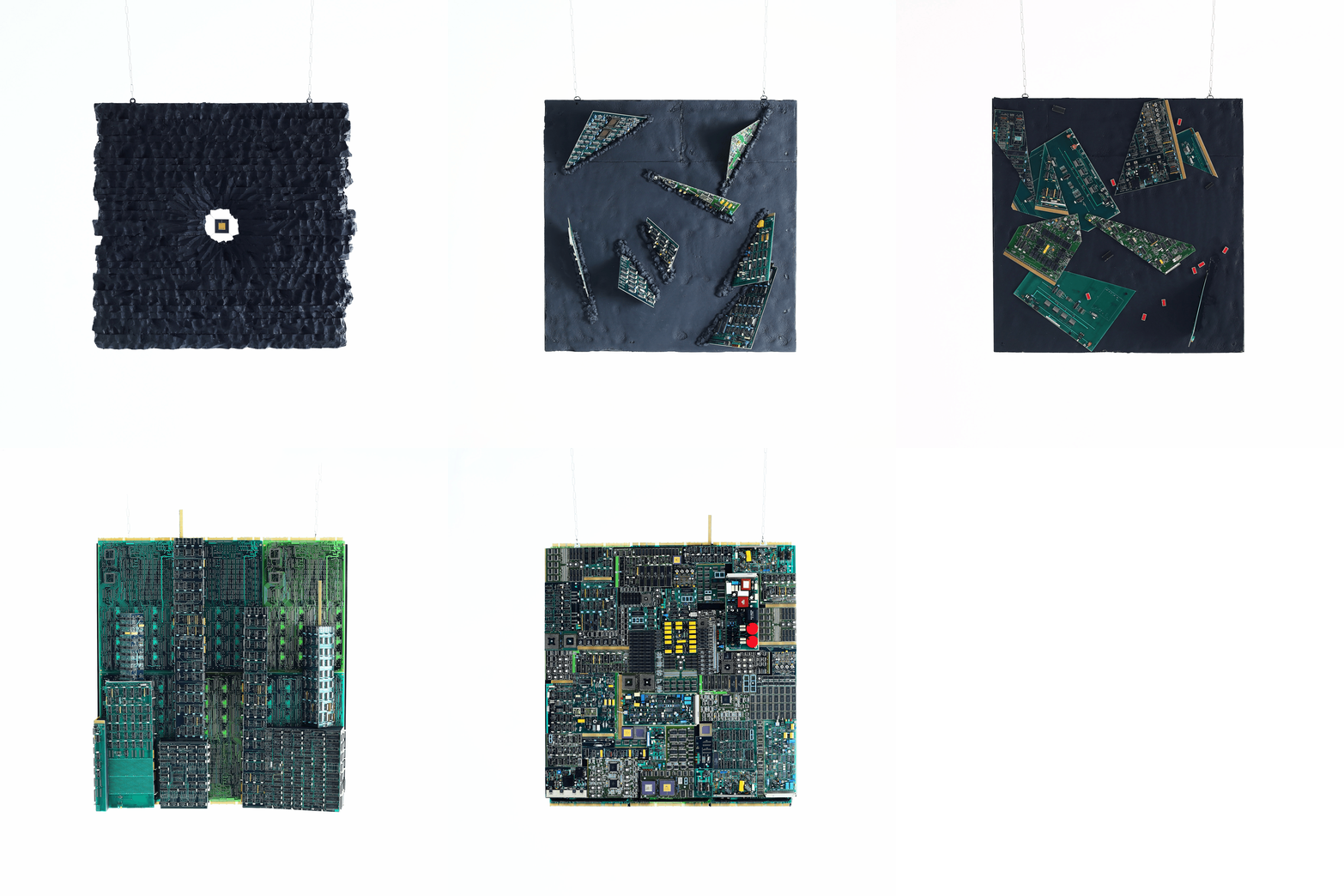
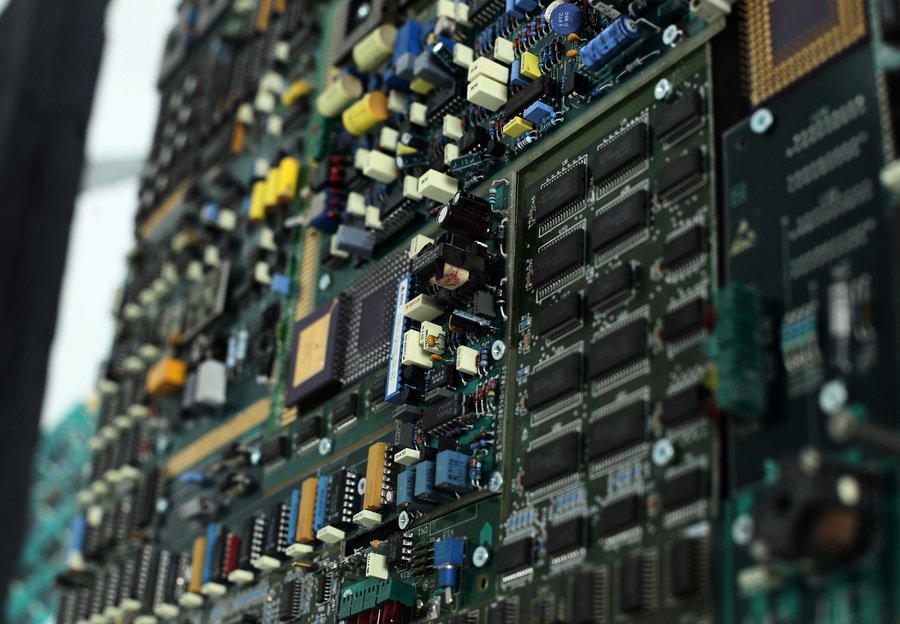
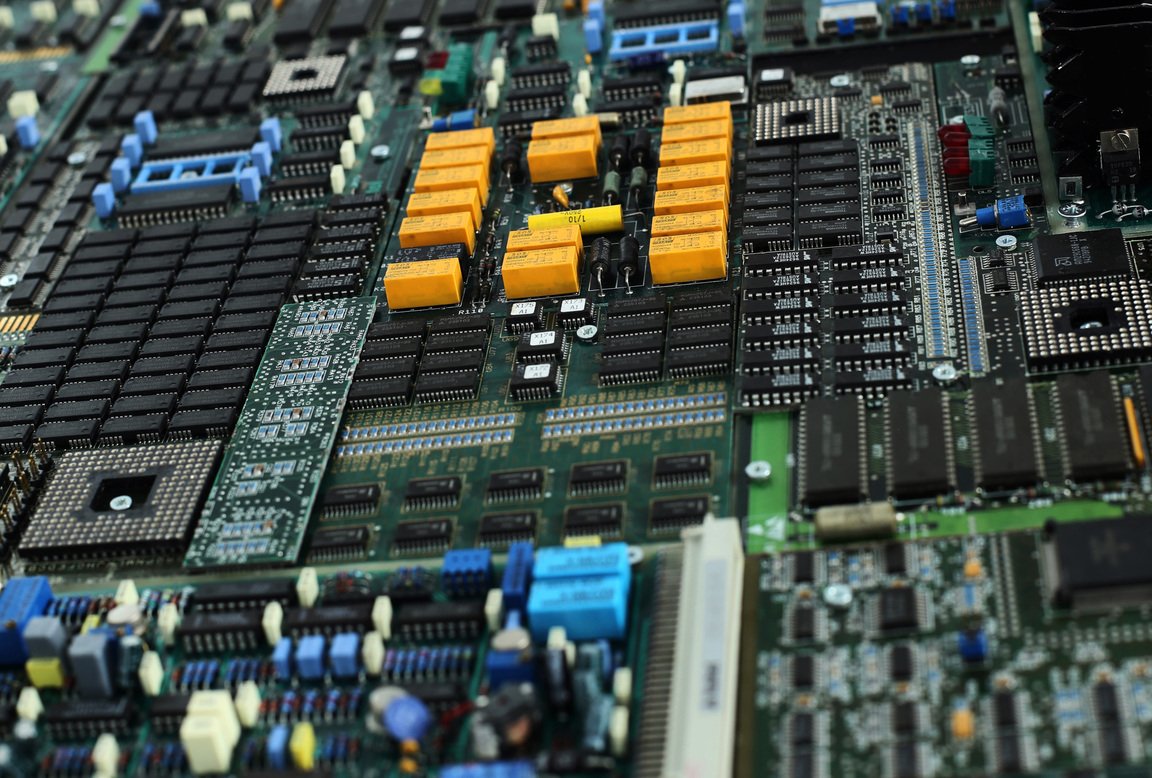
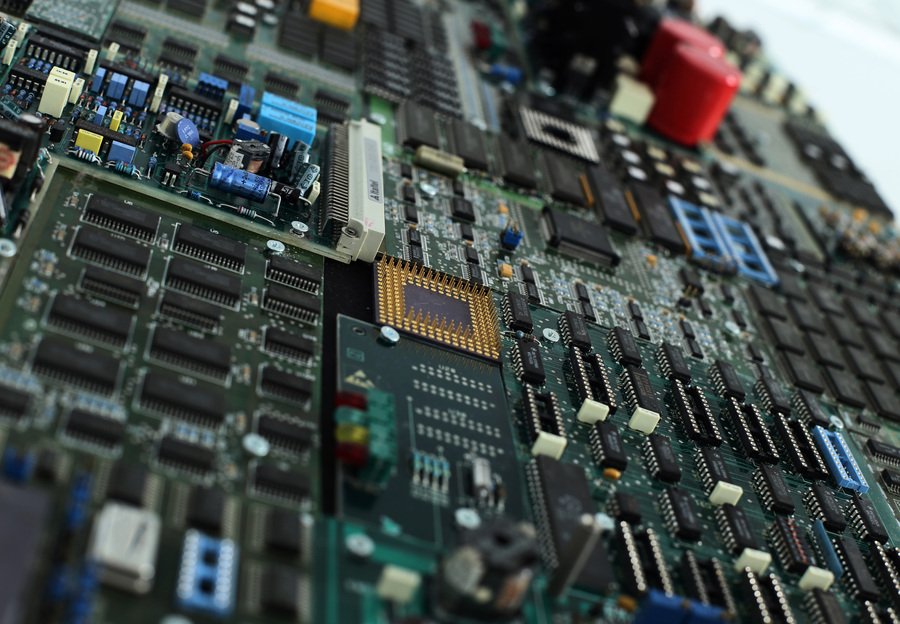
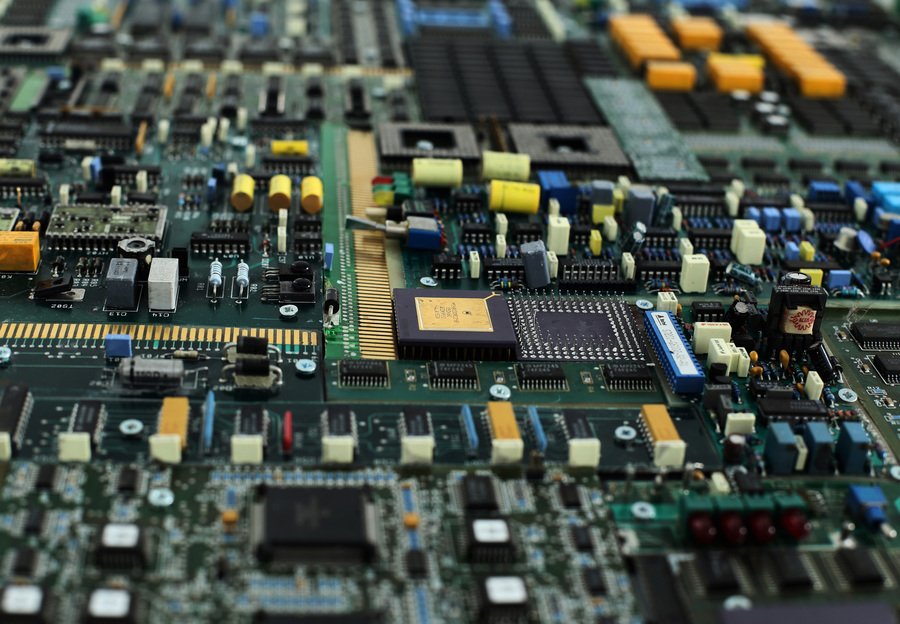
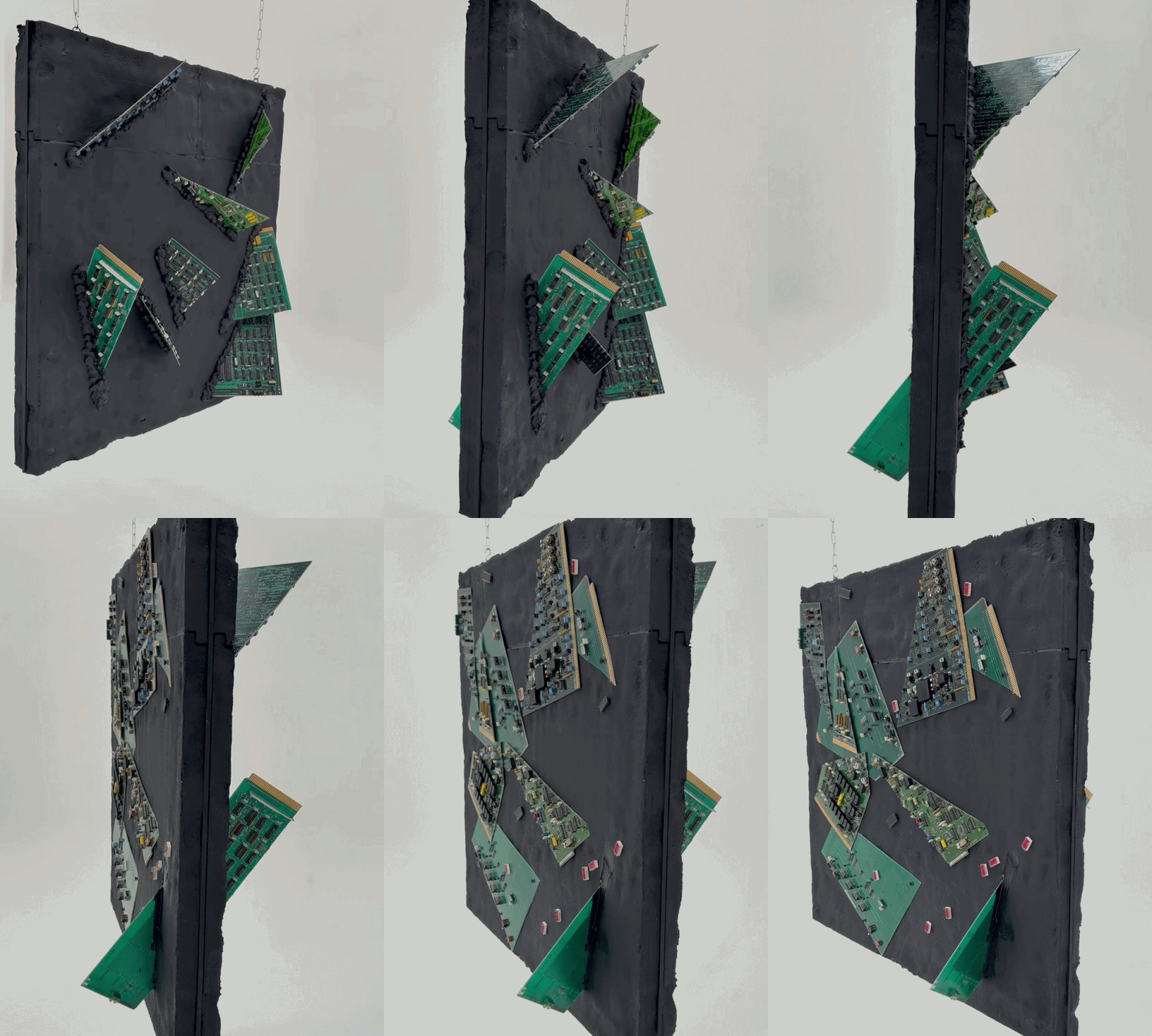
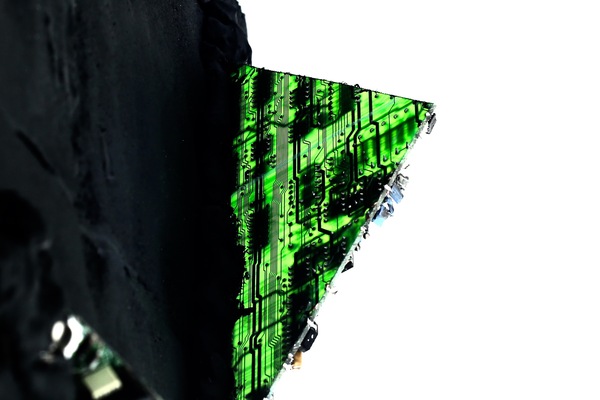
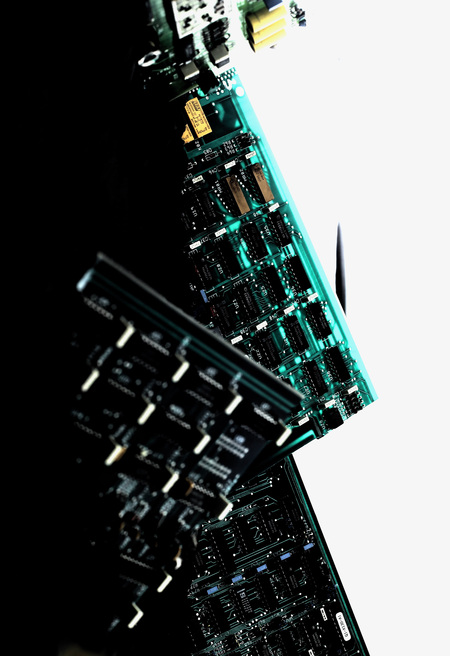
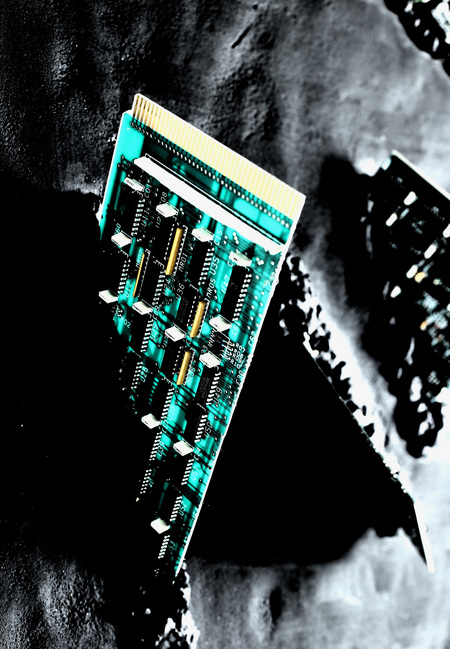
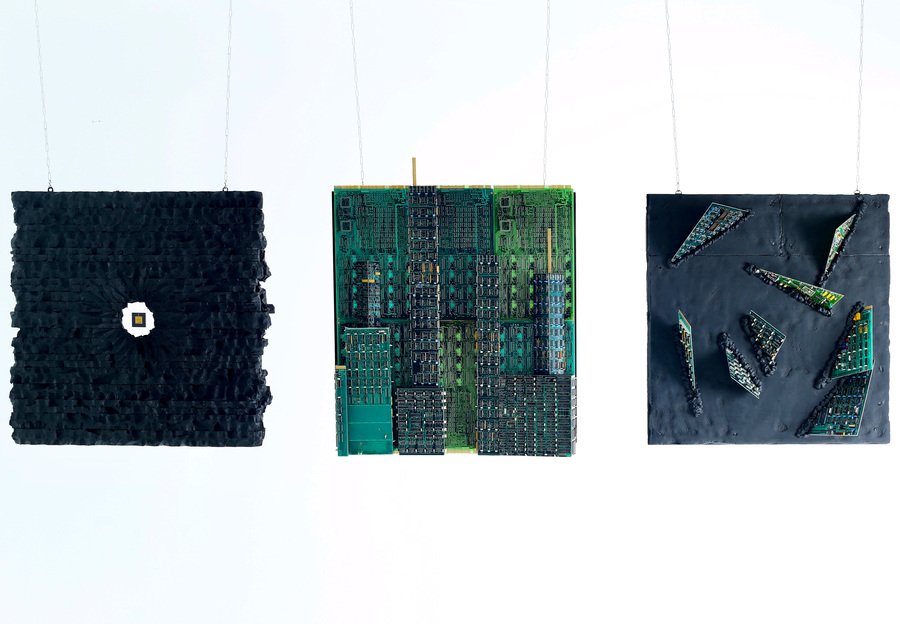
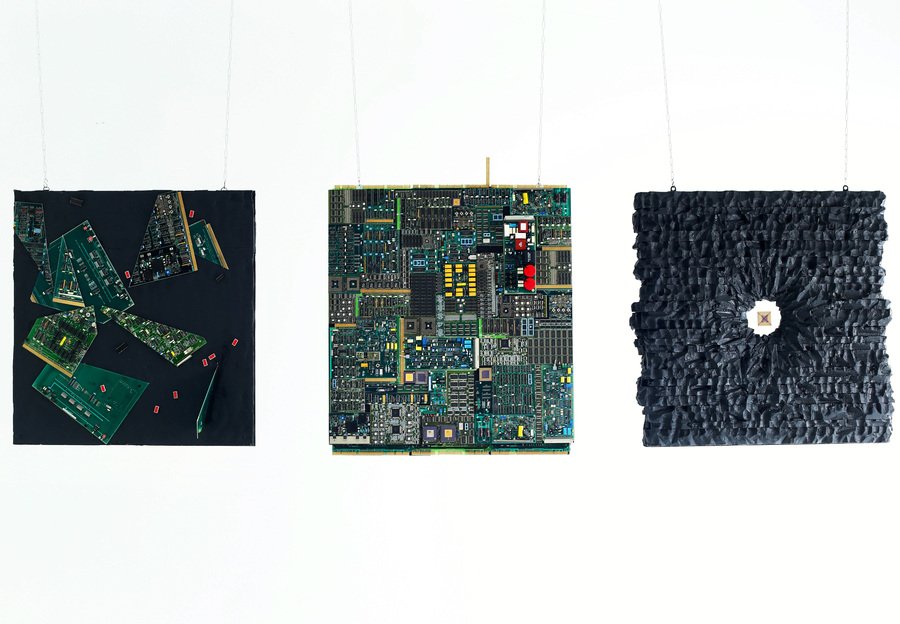
Эта серия из трех двусторонних панно — размышление на тему разрушения. Она изображает цикл зарождения, становления и конца цивилизации. Энтропия замкнутой системы возрастает, так гласит второй закон термодинамики. Человек, казалось бы, стремится к упорядочиванию и систематизации среды, в которой существует, однако, в конечном счете, его деятельность приводит к возрастанию энтропии вокруг.
Original size 5262x3648
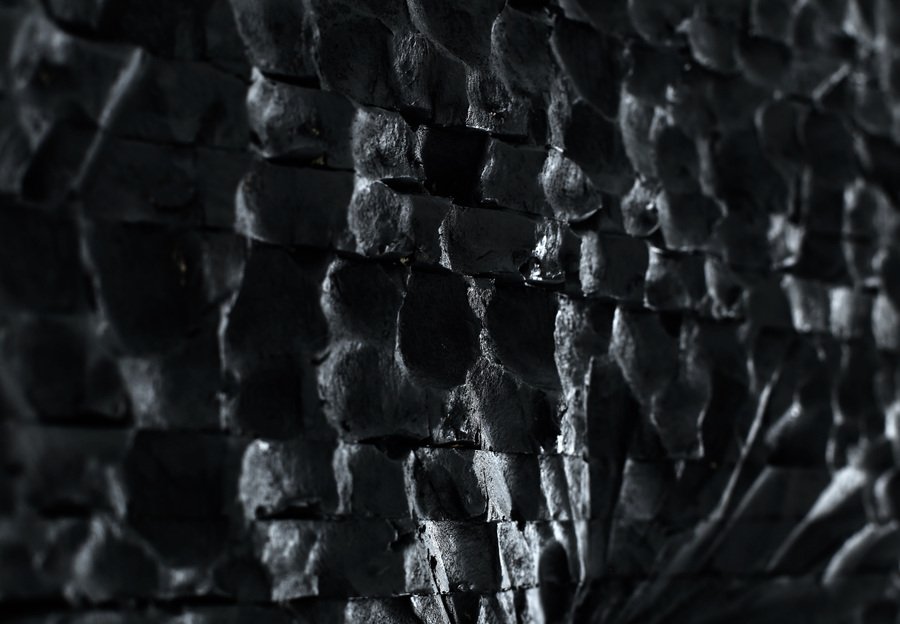
«Второе начало термодинамики». Лицевая сторона
Original size 5262x3648
«Второе начало термодинамики». Оборотная сторона
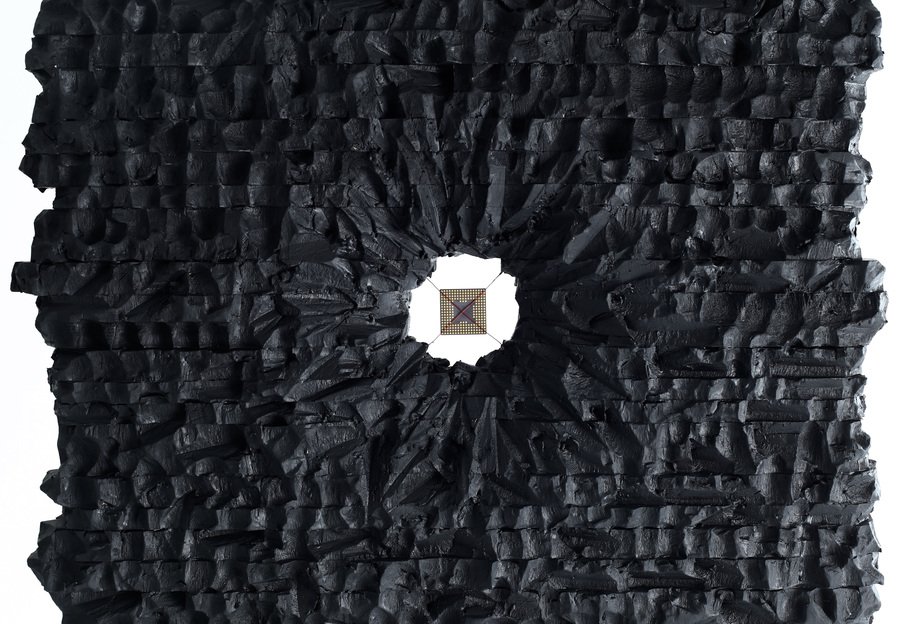
Панно 1. «Зарождение»
Original size 5262x3648
76×86×20 см
Original size 5262x3648
В центре панно — позолоченная микросхема, символизирующая начало системы. На микросхеме гравировка «Hello, World!» — вывод компьютерного кода.
Original size 5262x2700
0
0
0
0
0
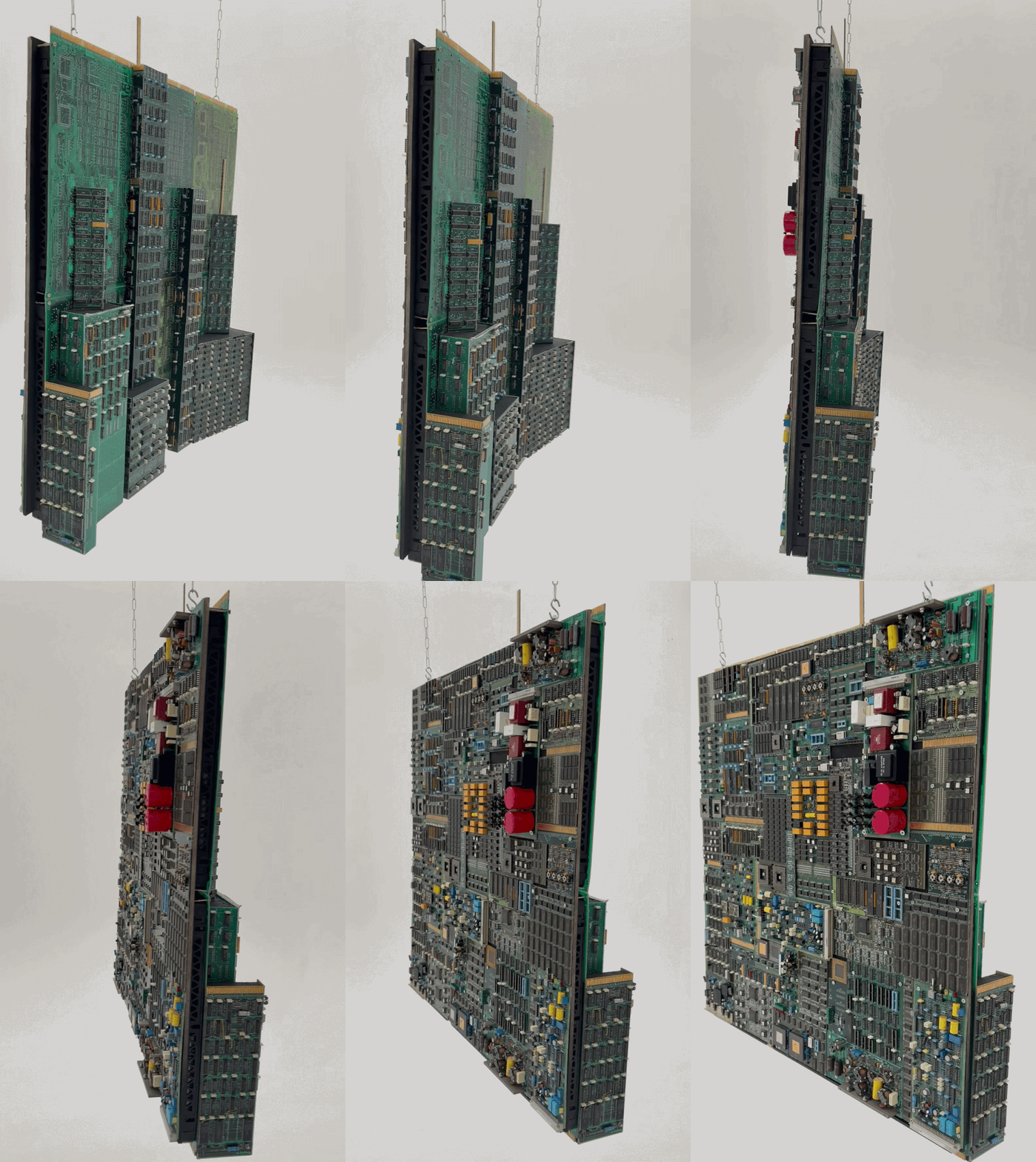
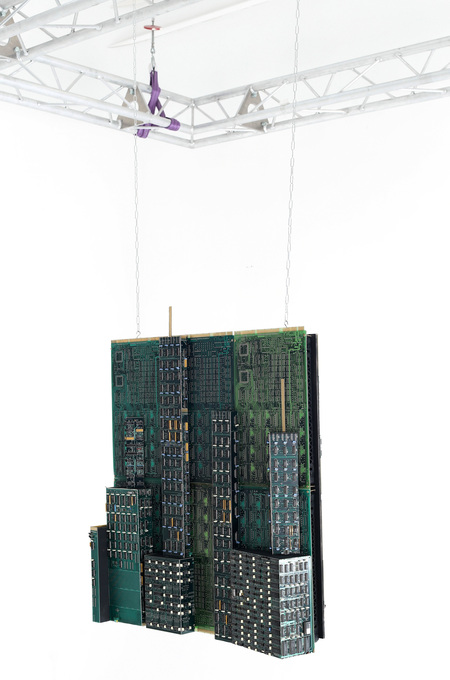
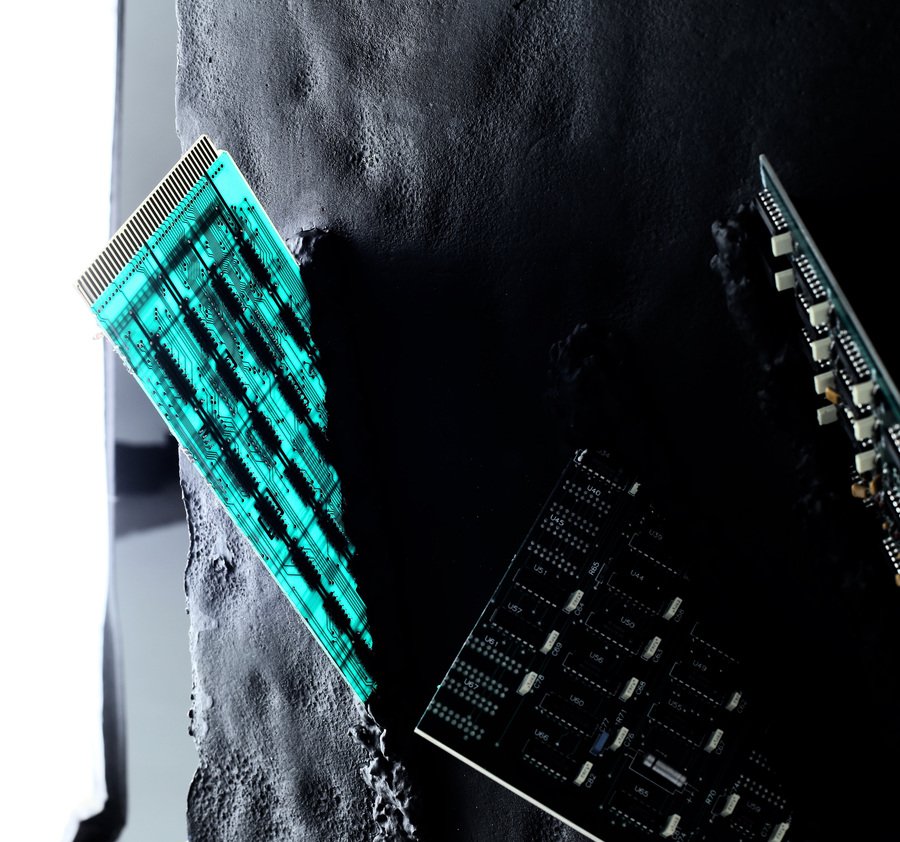
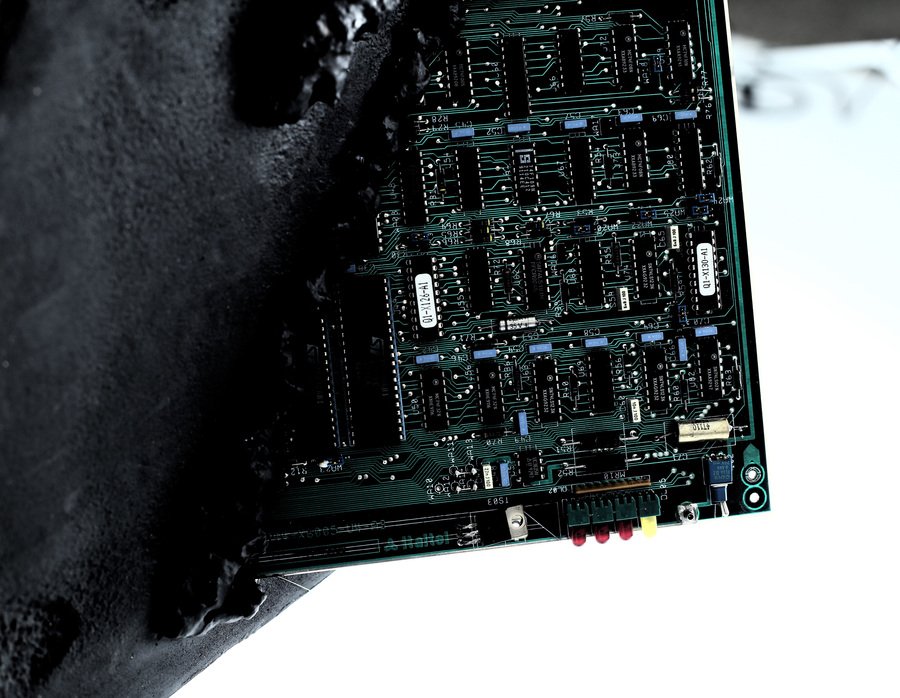
Панно 2. «Цивилизация»
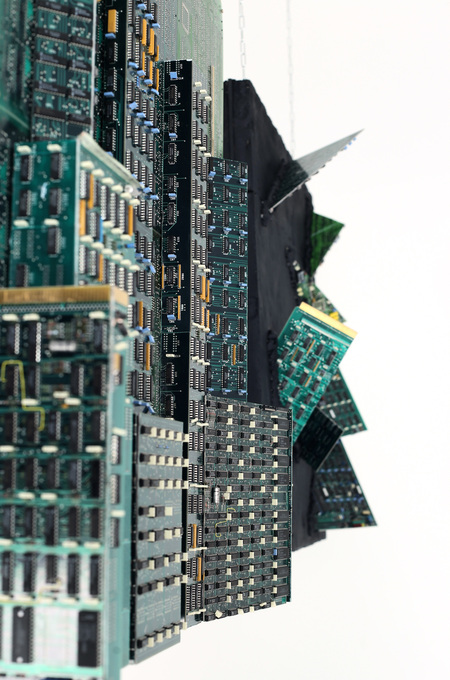
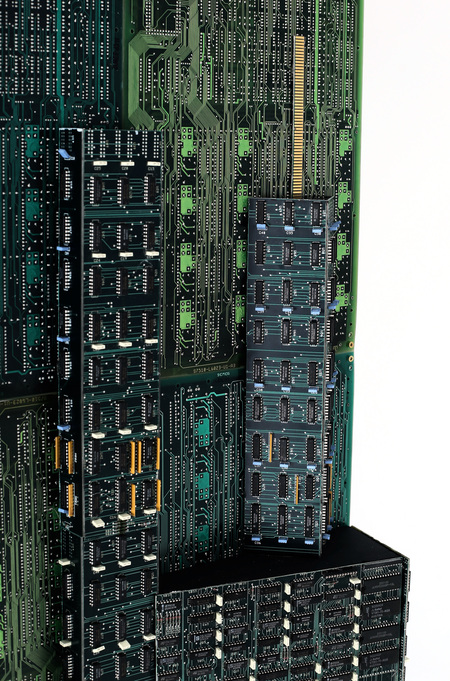
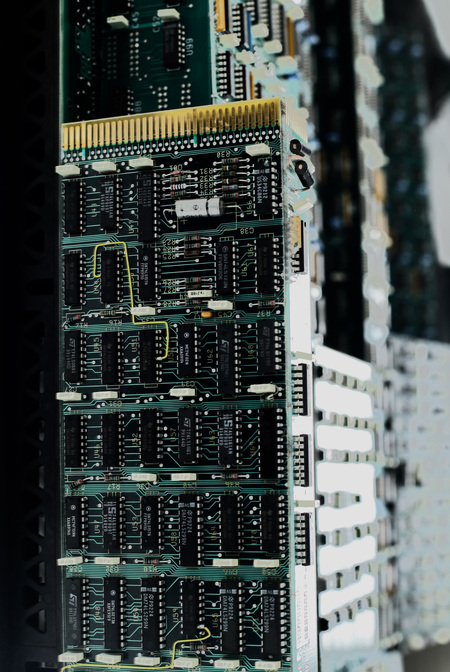
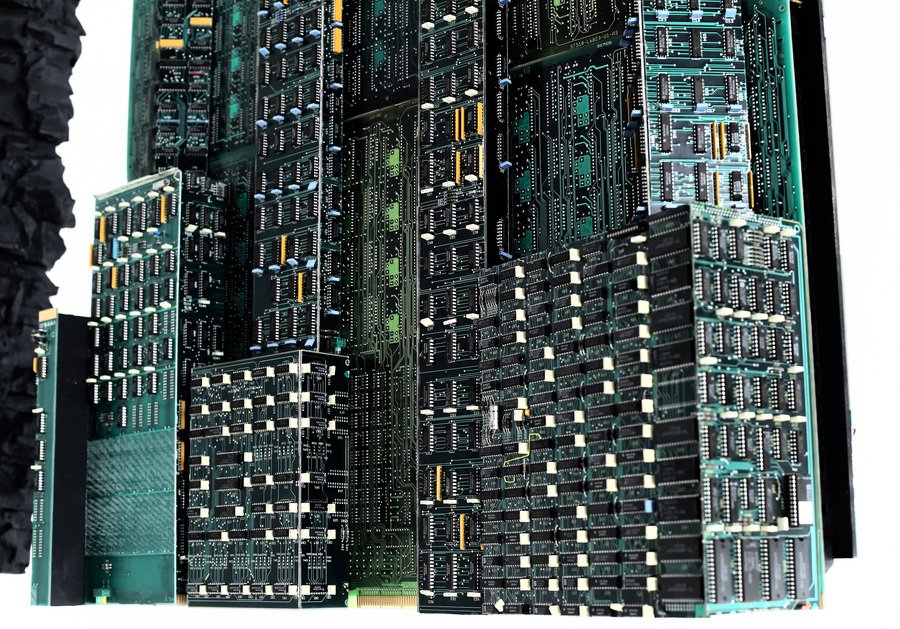
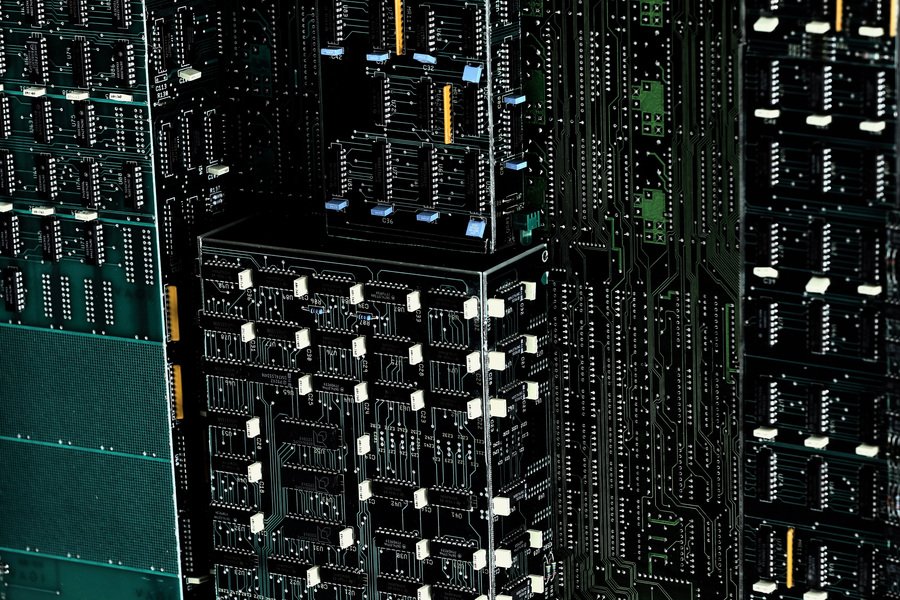
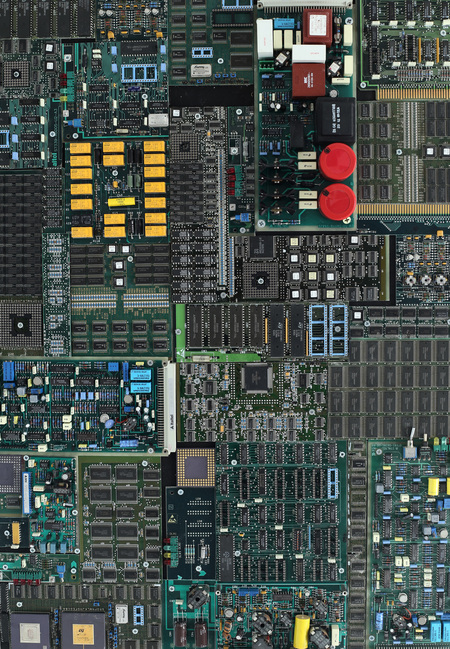
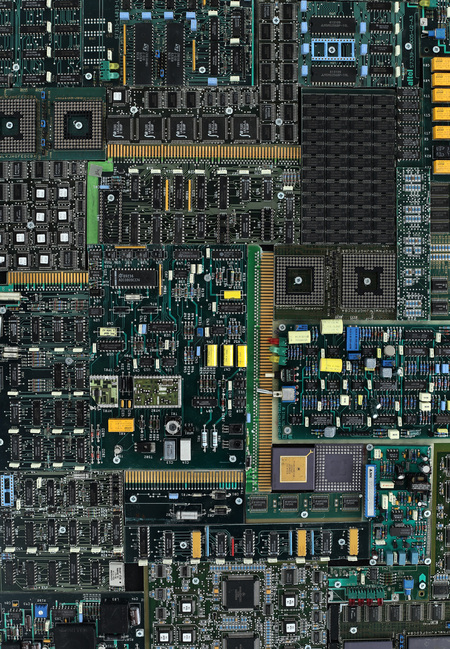
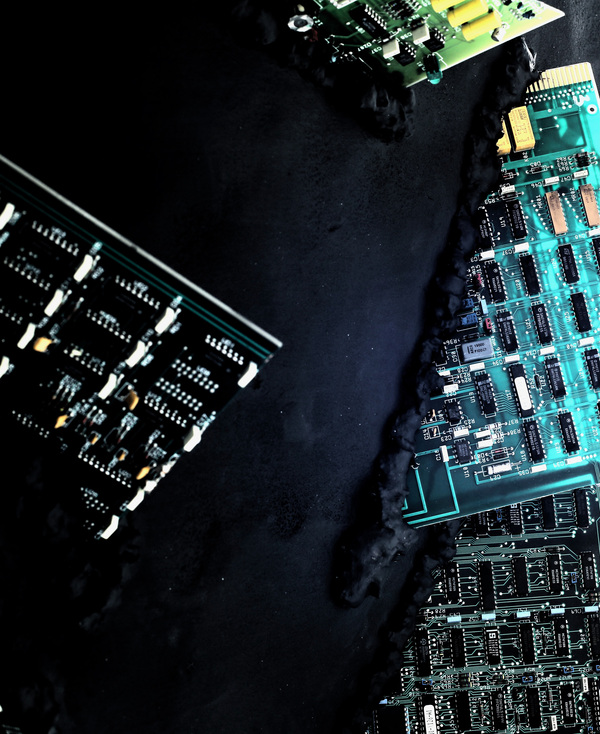
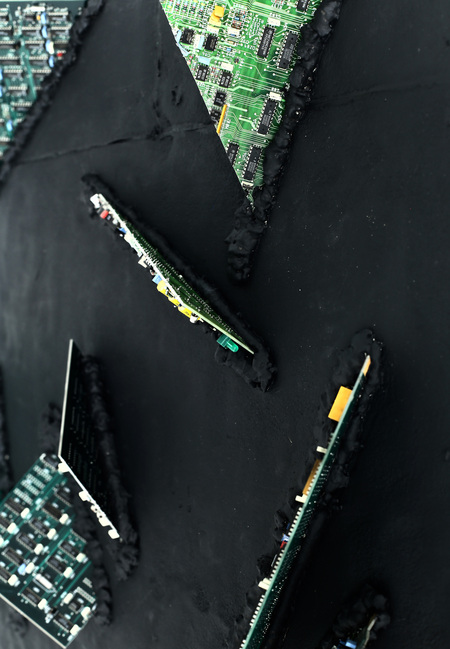
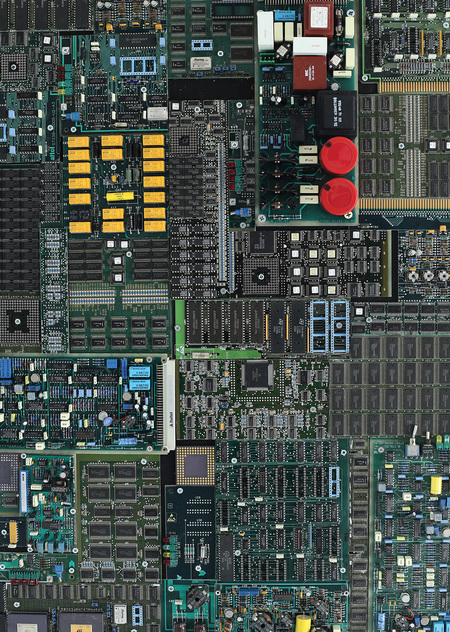
Лицевая сторона панно — «фасад» цивилизации, а регулярная мозаика на оборотной стороне, состоящая из фрагментов печатных плат и микросхем — внутренний мир этой цивилизации.
Панно 2. «Цивилизация» (76×76×20 см). Лицевая сторона
We use cookies to improve the operation of the website and to enhance its usability. More detailed information on the use of cookies can be fo...
Show more
Press space bar to start a drag.
When dragging you can use the arrow keys to move the item around and escape to cancel.
Some screen readers may require you to be in focus mode or to use your pass through key
Press space bar to start a drag.
When dragging you can use the arrow keys to move the item around and escape to cancel.
Some screen readers may require you to be in focus mode or to use your pass through key
Press space bar to start a drag.
When dragging you can use the arrow keys to move the item around and escape to cancel.
Some screen readers may require you to be in focus mode or to use your pass through key
Press space bar to start a drag.
When dragging you can use the arrow keys to move the item around and escape to cancel.
Some screen readers may require you to be in focus mode or to use your pass through key
Press space bar to start a drag.
When dragging you can use the arrow keys to move the item around and escape to cancel.
Some screen readers may require you to be in focus mode or to use your pass through key
Press space bar to start a drag.
When dragging you can use the arrow keys to move the item around and escape to cancel.
Some screen readers may require you to be in focus mode or to use your pass through key
Press space bar to start a drag.
When dragging you can use the arrow keys to move the item around and escape to cancel.
Some screen readers may require you to be in focus mode or to use your pass through key
Press space bar to start a drag.
When dragging you can use the arrow keys to move the item around and escape to cancel.
Some screen readers may require you to be in focus mode or to use your pass through key
Press space bar to start a drag.
When dragging you can use the arrow keys to move the item around and escape to cancel.
Some screen readers may require you to be in focus mode or to use your pass through key
Press space bar to start a drag.
When dragging you can use the arrow keys to move the item around and escape to cancel.
Some screen readers may require you to be in focus mode or to use your pass through key
Press space bar to start a drag.
When dragging you can use the arrow keys to move the item around and escape to cancel.
Some screen readers may require you to be in focus mode or to use your pass through key